
Construction schedules are living documents, and treating them like PDFs is where projects begin to fall apart. Real-Time Planning Tools have revolutionized the possible, offering teams live visibility into task dependencies, resource conflicts, and project status without the usual back-and-forth. After looking at dozens of platforms built for the construction space, it becomes very clear what the gap is between tools that just show you information and tools that actually help teams act on it. This guide covers the top three options that are worth serious consideration.
Behind the ranking
All tools on this list were assessed using publicly available information – official product pages, user reviews, published case studies, directory listings. The focus remained on platforms that have a track record in project management and construction scheduling, where the challenges of real-time coordination are a real concern.
- Planera - Best for construction project scheduling and planning
- com - Best for cross-industry project management and workflow automation
- Autodesk Construction Cloud - Best for construction project management and coordination
The Real Impact of Real-Time Planning Tools
Choosing the wrong planning tool doesn’t just slow teams down. It has a ripple effect through every phase of the project.
And when scope changes mid-build (and it always does), a tool that can’t reflect those shifts in real time leaves field and office teams working from different versions of the truth. That gap leads to resource conflicts, missed deadlines and schedule variance that compounds rapidly.
The right tool helps teams stay informed without being flooded with updates. It delivers the right information to the right people at the right time.
From experience, the teams that consistently hit their schedule performance index targets are usually the ones with live dependency mapping and shared visibility built into their daily workflow. Better resource use, tighter on-time task completion percentages, and fewer project overruns tend to follow when the planning tool actually fits the way construction teams operate.
3 Top Picks at a Glance
Note: All data in this table is sourced from review platforms and the official websites of the listed companies.
|
Company Name |
Years Operating |
Headquartered In |
|
Planera |
Est. 2021 |
San Ramon, CA / San Jose, U.S. |
|
monday.com |
Est. 2012 |
Tel Aviv, Israel |
|
Autodesk Construction Cloud |
Est. 2019 |
San Francisco, California |
1. Planera - Best for Construction Project Scheduling and Planning
How Does Planera Operate in Its Market?
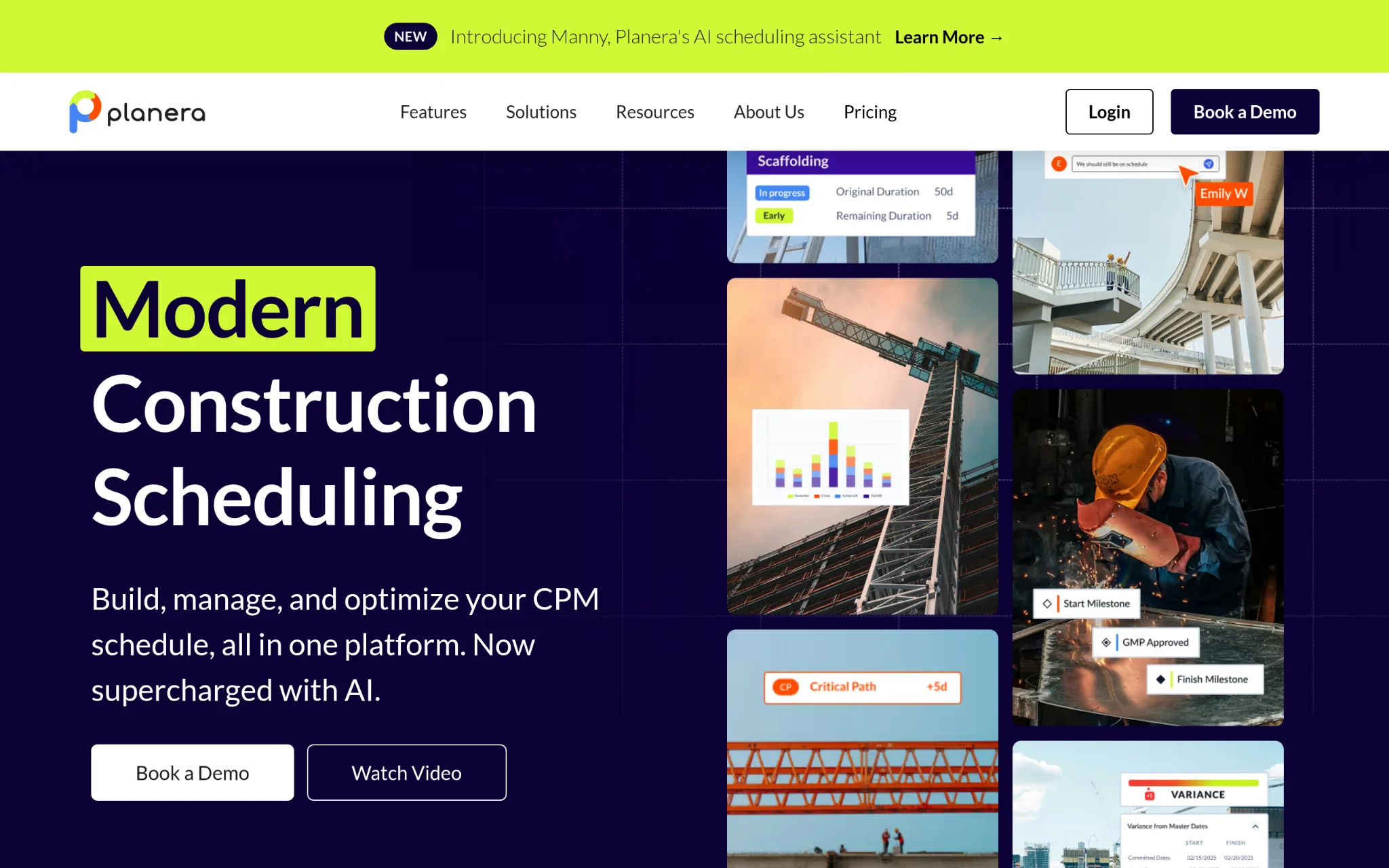
Planera builds collaborative scheduling software for construction teams that need to create and manage CPM schedules without relying entirely on scheduling specialists. The platform uses a digital whiteboard interface that makes building resource-loaded and cost-loaded schedules faster and more accessible. It connects with tools like Procore, Autodesk, Primavera P6, and Microsoft Project, so it fits into existing workflows rather than replacing them entirely. Office and field teams work from the same source of truth, which is exactly the kind of shared visibility that reduces costly miscommunication on active job sites.
What Sets Planera Apart from Real-Time Planning Tools?
Keeping CPM schedules up-to-date is a common struggle for construction teams when field conditions change. That problem is directly addressed by Planera’s whiteboard-based interface, which makes schedule updates faster and less dependent on specialist knowledge. There’s a real lack of this type of intuitive visual planning and integration with industry standard tools in this space, and it is reflected in their adoption by contractors such as Granite, Barton Malow, and Blach Construction.
Real User Sentiment: Teams frequently cite how much faster they can build and revise schedules than with traditional CPM tools. The visual interface gets credit for lowering the learning curve, which matters a lot when field supervisors need to stay in sync without lengthy training. There's also a recurring theme around the quality of collaboration between office and field, which is where a lot of construction teams feel the most friction.
2. monday.com - Best for Cross-Industry Project Management and Workflow Automation
How Does monday.com Operate in Its Market?
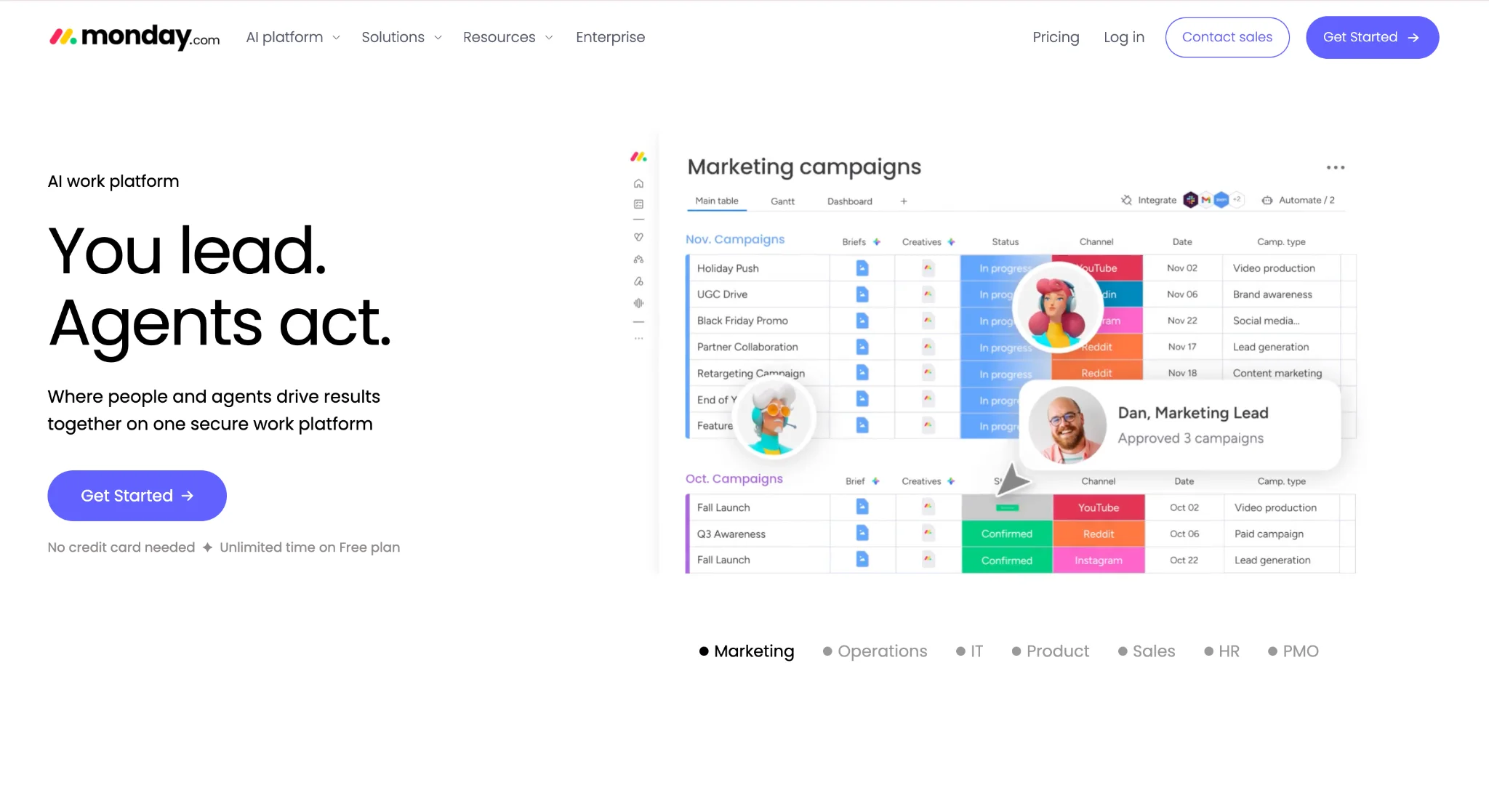
monday.com is a work platform that gives teams modular building blocks to manage projects, workflows, and portfolios. They offer WorkCanvas, which includes work management, CRM, software development, service desk operations, and digital whiteboards. The platform’s flexibility is well known with more than 152,000 customers in more than 200 industries. It's not purpose-built for construction, but its open API and customizable architecture mean teams can configure it to fit complex project structures. The Gartner Magic Quadrant Leader recognition for adaptive project management, earned four consecutive years, adds real credibility (think enterprise-level validation) for organizations evaluating it seriously.
What Sets monday.com Apart from Real-Time Planning Tools?
Where many platforms lock teams into fixed workflows, monday.com lets organizations build exactly the project management structure they need through modular components and an open API. That kind of configurability is hard to match, and it's why teams across very different industries report strong daily active usage once the platform is set up properly.
Real User Review: The visual clarity is loved by users, and they love how quickly they can spin up new workflows without tech help. There are a few mentions that the platform feels wide instead of deep for very specific construction scheduling needs, which is something to know beforehand. The overall sentiment is positive, particularly from teams that are running multiple projects at the same time across business functions.
3. Autodesk Construction Cloud – What is Autodesk Construction Cloud's market position?
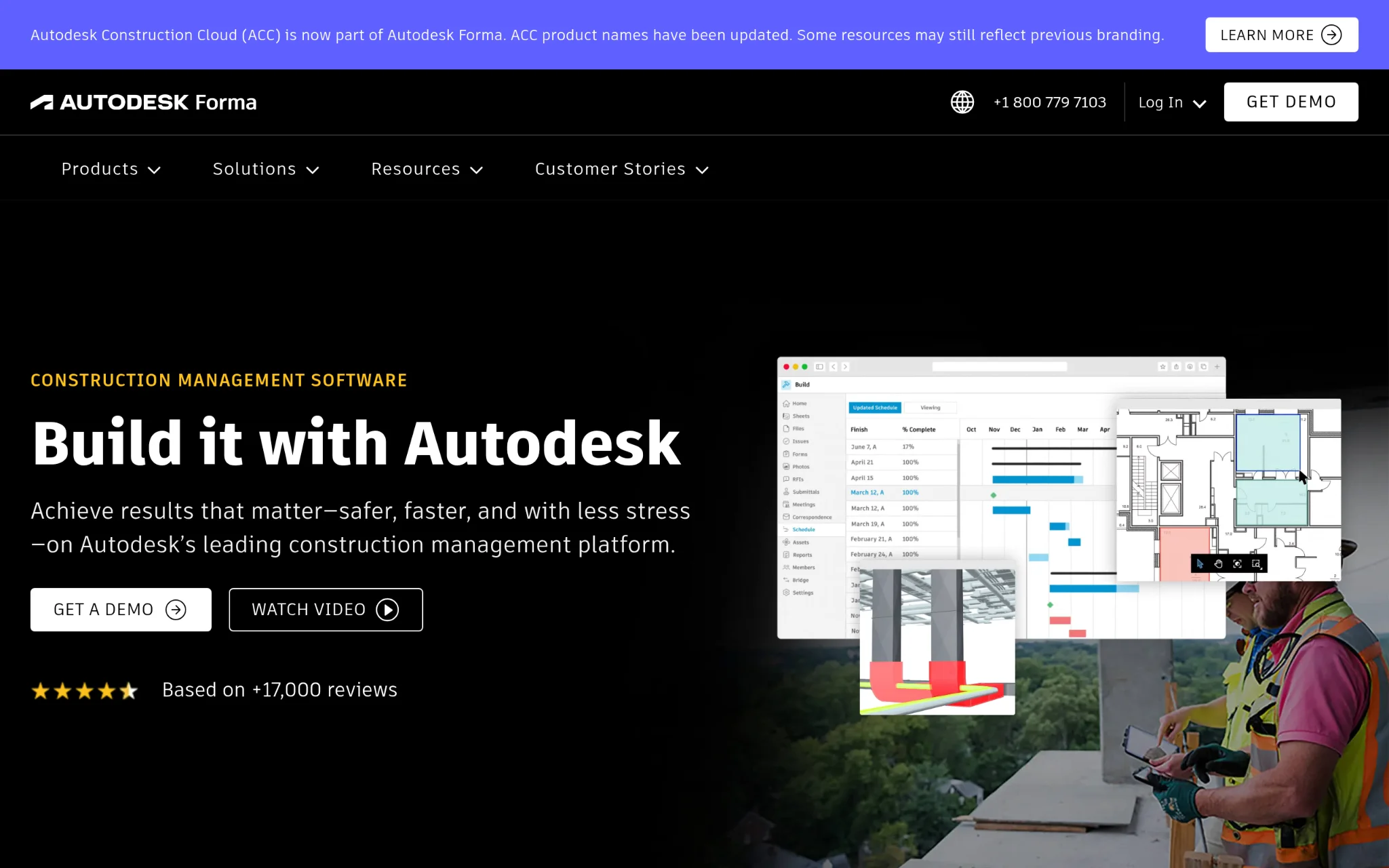
Autodesk Construction Cloud covers the full construction lifecycle from design through planning, building, and operations. The platform handles project management, cost management, safety management, and BIM under one roof. What makes it particularly useful is the BuildingConnected network, which connects nearly one million subcontractors into a single ecosystem for bidding and coordination. Over two million construction jobs worldwide have run on the platform, and results like CCPI's 97.8% on-time and on-budget delivery rate give that scale some real meaning. It's part of the broader Autodesk Forma family now, which pushes the platform deeper into risk management territory.

What Sets Autodesk Construction Cloud Apart from Real-Time Planning Tools?
The sheer size of the BuildingConnected subcontractor network creates a coordination advantage that purpose-built scheduling tools simply can't replicate at that scale. Teams using Autodesk Build, like Brinkman Construction, complete project tasks twice as fast and see measurable gains in task completion velocity when the platform is fully adopted across the project team.
User sentiment: Users often point to the depth of functionality as a double-edged sword. It's not cheap, and setup time is real. Teams that fully adopt it across project phases report strong gains in document control and field-to-office collaboration. The platform's breadth means there's a steeper learning curve, but for larger general contractors running complex, multi-phase projects, the payoff tends to be worth the investment.
How These Were Chosen and Verified
Data Assembly and Preparation
The research process began by compiling a broad list of planning tools relevant to construction scheduling. The goal at this stage was coverage, so no platform was ruled out early. Tools were noted for their stated capabilities, customer base, product focus, and any publicly shared results from the companies themselves or their clients.
Pass Shortlisting
Once the longlist was assembled, platforms with no proven track record in project management were eliminated. Instead of looking for one-off positive mentions, this pass looked for review patterns across multiple platforms to find tools with consistent feedback. Options that showed only sparse or unverifiable user activity didn't make the cut. The shortlist kept only those platforms where a pattern of real-world usage in project management contexts was clearly documented.
Verification Pass
Each shortlisted tool was then checked for consistency between what the company claimed on its website and what users reported in reviews and case studies. Any tool where the claims and the evidence pointed in different directions was flagged and reconsidered.
Industry Recognition and Authority
The next pass looked at external signals. Here it’s all about awards, mentions in construction or project management publications, analyst recognition and funding history. Recognition from sources like the Gartner Magic Quadrant or industry-specific award programmes was meaningful, as those signals represent evaluation by parties outside the company. Planera's $26.9M in funding and monday.com's repeated Gartner Leader placement are examples of the kind of authority signals that surfaced during this pass.
Evidence Specific to Real-Time Planning Tools
The final check focused on real-time planning capability evidence. Case studies that connected the tool's use to measurable scheduling outcomes, like reduced project overrun frequency or faster mean time to update, carried the most weight in confirming that a platform belonged on this list.
What to Look For When Choosing Real-Time Planning Tools: Final Take
Choosing a planning tool for construction comes down to fit, not features. The right platform needs to match how your team actually works, not just how it sounds in a demo.
- Industry and Domain Experience: Seek out tools that are focused on construction workflows, or at the very least platforms that have a proven track record of success with construction teams. Generic project management tools can work, but they can take a lot of customization to support CPM scheduling or dependency mapping.
- Features and Capabilities The features and capabilities are what really count: Real-time collaboration, live schedule updates, resource tracking and compatibility with tools like Procore or Primavera P6. Make sure the platform supports cost loaded schedules and not just task lists.
- Pricing Structure: Platforms here vary from affordable SaaS pricing to enterprise contracts. Know what you get at each level, especially around user seats and access to integrations before you sign up.
- Results Measurement: A good tool should make schedule variance and use of resources visible without additional manual reporting. If you can’t easily track SPI or on-time completion of important deliverables, the tool is working against you.
Disclaimer: This post was provided by a guest contributor. Coherent Market Insights does not endorse any products or services mentioned unless explicitly stated.
