Image quality is critical today more than it has ever been. This is applicable to professional projects, social media posts, or even personal use. The sharper and clearer the images, the more impressive they are. Achieving such levels of clarity can be difficult, especially when dealing with low-quality photos, and older images. Upscale.pro provides a solution to this problem by enhancing photos with the help of AI technology.
In this article, we will show you how to use Upscale.pro to sharpen images without losing their quality. It doesn’t matter whether you are a photographer, hobbyist, or just a casual user. Everyone can benefit from Upscale.pro and its helpful features.
What is Upscale.pro?
If you want image quality to be sharpened and enhanced, with noise removed, and the resolution lifted, then look no further than Upscale.pro. The web-based AI tool makes this possible while allowing users to improve images up to 600%. It can also be used for high quality images which need to be printed on a large high-resolution display. It supports JPG and PNG uploading and is available online.
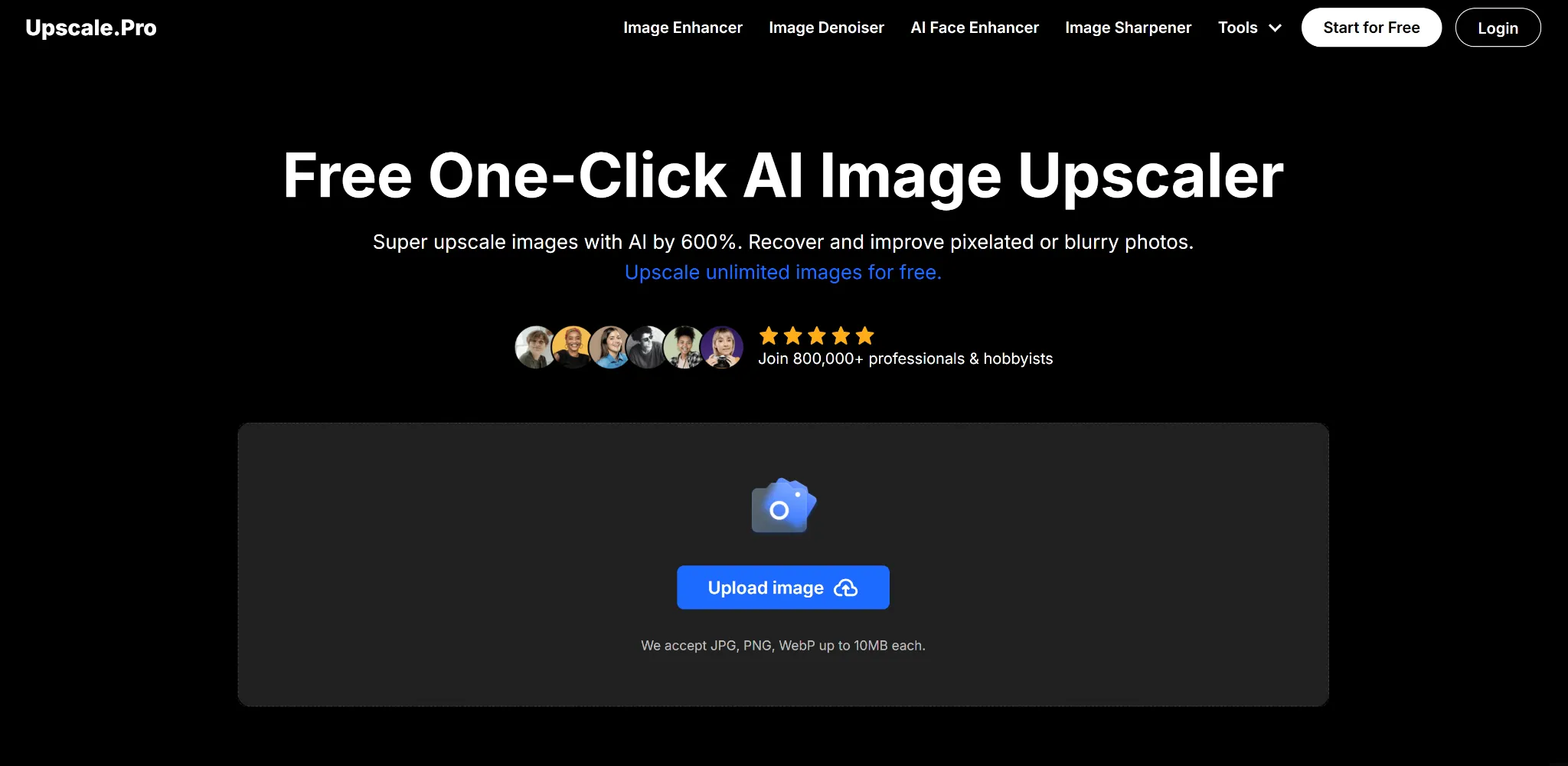
It can also aid in face posture improvement for professionals and enthusiasts with denoise, AI sharpening, and other features. While upgrading old photos or improving images for a design project, the tool guarantees clear images making it suitable for basic or expert use.
Why Sharpening Images Matters
The process of sharpening an image helps in making a photograph clearer and more visually appealing by enhancing the details and edges. Sharpening an image comes in handy in a variety of ways. Some of these would be:
- Restoring Old Photos: Help in bringing back a photograph’s previously faded or blurry state by increasing the detail.
- Enhancing Product Images: Build more visually appealing e-commerce listings by sharpening the products’ images.
- Preparing for Large Prints: Make certain improvements in images that they become clearly visible & readable when printed in larger formats.
- Social Media: Help in creating posts that grab attention and stand out from others that flood the feeds.
By utilizing tools such as Upscale.pro, people can achieve sharpened images or photographs without any prior experience in photo editing.
Step-by-Step Guide to Using Upscale.pro
Step 1: Access the Platform
In order to sharpen your image, the first step is to go onto the website of Upscale.pro. As is the case with many other platforms, the website is web based which means that nothing has to be downloaded or installed on your device. These features allow for greater access as any device connected to the internet can use the website.
Step 2: Upload Your Image
Click on the “Upload” then select the image that you want to sharpen. For ease of use, the formats supported by Upscale.pro are JPG, PNG, and WebP. Keep in mind that the file size of the image should not exceed 10MB. As a pro tip, select an image with a decent preliminary quality.
Step 3: Select the Sharpening Feature
Once your image is uploaded, navigate to the image sharpener within the interface of Upscale.pro. This feature uses AI algorithms to analyze your photo and enhance its details. The tool works by:
- Identifying edges and patterns in the image.
- Enhancing these areas while preserving natural textures.
- Reducing blur without introducing artifacts.
Step 4: Modify Options
For those who prefer more control over the sharpening process, Upscale.pro has many settings and offers customization features. Here, you can change:
- Sharpness Intensity: How much detail do you want to add.
- Noise Reduction: Clear grainy pixels out of dark pictures or images taken with low quality cameras.
- Resolution Scaling: Decide how much you want to upscale the image (up to 600%).
These parameters give users flexibility and control to achieve their desired outcomes.
Step 5: Check Changes
Make sure you check the preview version to see the original image and the one you enhanced. This feature allows users to confirm that the adjustments fit their expectations perfectly.
Step 6: Download Your Image
Click “Download” to save your edited picture if you’re satisfied with the changes. The image will retain its original aspect ratio and format unless specified.
Advanced Features of Upscale.pro
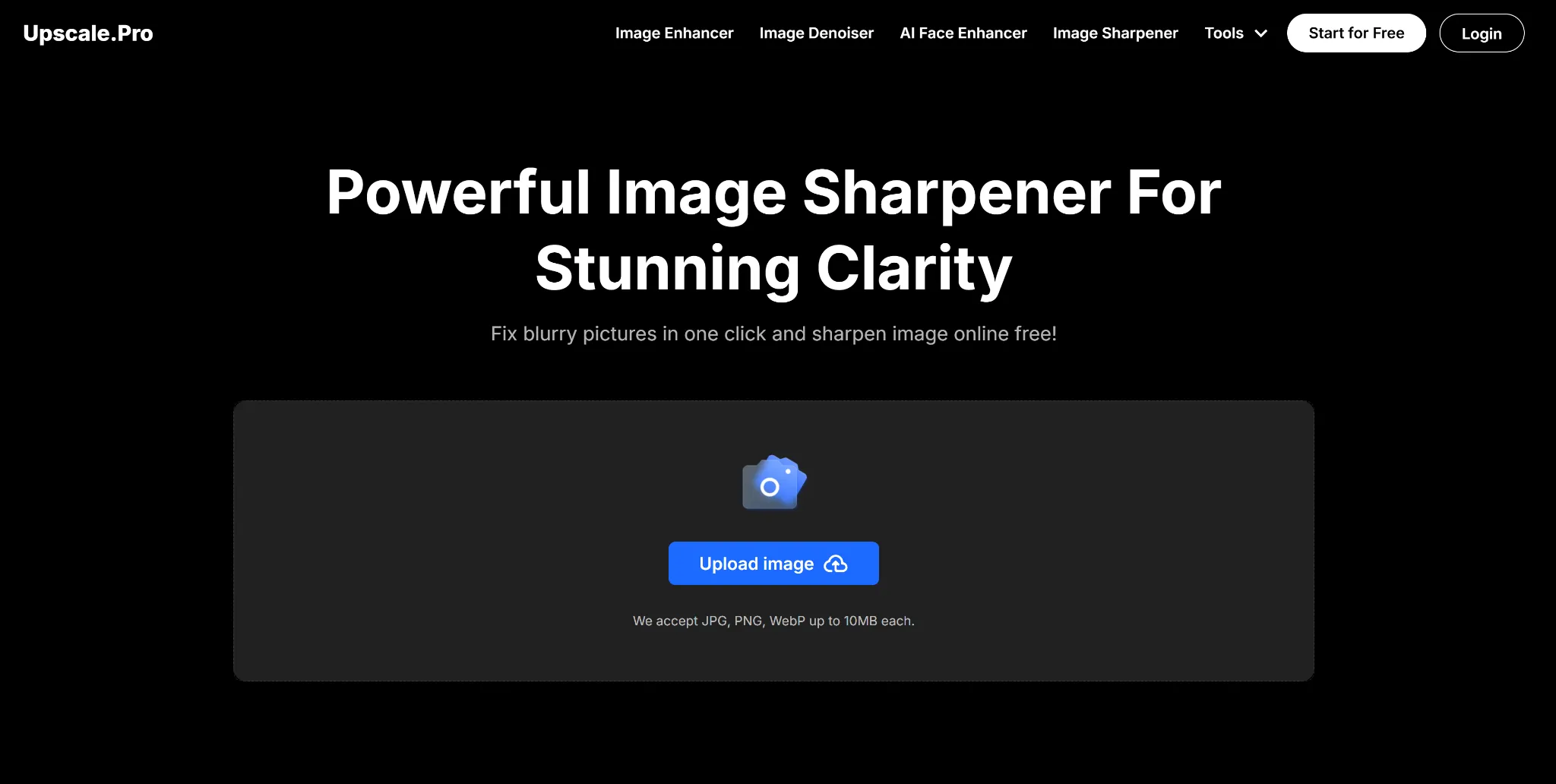
AI Face Enhancer
When it comes to portrait photography, Face enhancement allows users to improve the facial features of a person’s face without changing the face expressions. This is very useful when one has to restore old family pictures or professional headshots that need to be made.
Batch processing
If the client has a number of pictures that need sharpening, Upscale.pro has batch processing which allows users to enhance the images simultaneously. These features save time while ensuring consistency in quality across all outputs.
Denoising
Most photos taken in low lighting conditions are variably famous for the noise and grainy. The denoising tool corrects these imperfections, while still keeping some crucial parts which makes the images clearer.
Anime image upscaler
For the fans of anime or digital art, this feature sharpens cartoon-style images without losing their unique aesthetic qualities.
Tips for best results
- Start with high quality originals: Upscale.pro is able to adjust images with low resolution but starting with a better-quality replicas improves the outcome.
- Avoid over sharpening: OverSharp images are always highly vexing and a form of distraction. Everything in moderation goes a long way so always be conscious when manipulating the settings.
- Combine features: Sharpening as well as other features such as anti denoise or resolution scale is best done while combined for comprehensive enhancements.
- Test different settings: Adjustments with different configurations are necessary when trying to discover what is best for the particular image.
- Use Batch Processing for Efficiency: While dealing with many files, batch processing guarantees accurate results and increased productivity.
Go there to give Upscale.pro a try—it will never disappoint you.
Who Should Use Upscale.pro?
Photographers
Pro photographers may use Upscale.pro to improve their portfolio images, as it increases image resolution and clarity without losing quality.
Graphic Designers
Designers often have to work with low-resolution assets that are meant to be used in bigger projects. Through Upscale.pro, these low-resolution assets can be transformed into sharp, high-resolution designs.
E-Commerce Business Owners
Business owners who sell products online know the importance of high-quality product photos. Upscale.pro enhances those product photos which help in attracting customers. For even more professional results, combining image sharpening with a background remover can create clean, distraction-free product images that convert better on e-commerce platforms.
Social Media Managers
High-quality visuals are very important for social media post engagement. With tools like Upscale.pro, managers can enhance their posts' engagement easily.
Conclusion
Sharpening pictures is easy now with tools like Upscale.pro. Users can enhance photo clarity with just a click by using Upscale’s AI technology.
With features like face enhancement, denoising, batch processing, and upscaling up to 600%, Upscale.pro provides a comprehensive solution for anyone looking to improve their image quality. By following this guide and experimenting with its features, users can achieve stunning clarity in their photos effortlessly.

