Nudge Review: Free Browser Extension for Scam Website Detection and Safe Online Browsing
Most of us have landed on a website and thought
"Is this legit?"
Maybe it was an online store with unbelievable discounts. Maybe it was a website shared in a Facebook group. Maybe it appeared in Google search results and looked professional enough to trust.
The problem is that scam websites no longer look like scam websites.
They have professional designs with proper SSL certificates. And some even have good customer reviews.
After looking at them, no one can say that's a scammy website. They are created so professionally.
That's why we need the help of tools like Nudge.
In this product review, we'll know more about Nudge, a free browser extension. It is created to help users identify potentially risky websites before they share personal information or make purchases on them.
That need is showing up clearly in how much is being invested in the underlying technology. The global fraud detection market is estimated to be valued at USD 52.06 billion in 2026 and is expected to reach USD 146.25 billion by 2033, growing at a compound annual growth rate of 15.9%, as rising digital payments and e-commerce volumes push businesses and, increasingly, everyday consumers toward tools that can flag a fraudulent site before money changes hands.
Why Website Scams Are Harder to Spot Than Ever
A few years ago, spotting a scam website was relatively easy.
Poor design.
Broken English.
Suspicious URLs.
Today, things are different.
Scammers became so much smarter and techy that they built almost similar websites as popular brands. I mean they are so good that a normal internet user cannot tell the difference between a legit site and a fraud one.
Some even create polished shopping experiences that feel completely legitimate.
Because of that, many of us end up wondering:
"Can I quickly find out whether this website is safe to trust?"
That's exactly why website trust-checking tools are getting so much attention. The technology behind these trust checks is also becoming a larger part of the fraud detection market.
The technology behind that trust check has a real trajectory of its own. Solutions, meaning the actual detection software rather than consulting or managed services, are expected to hold a 63.4% share of the fraud detection market in 2026, and within that, fraud analytics specifically, the machine learning and statistical modeling that spots suspicious patterns, is projected to account for 60.2% of the market. That's essentially the same core capability Nudge is putting directly into a browser, just packaged for an individual shopper rather than sold as enterprise software.
What Is Nudge?
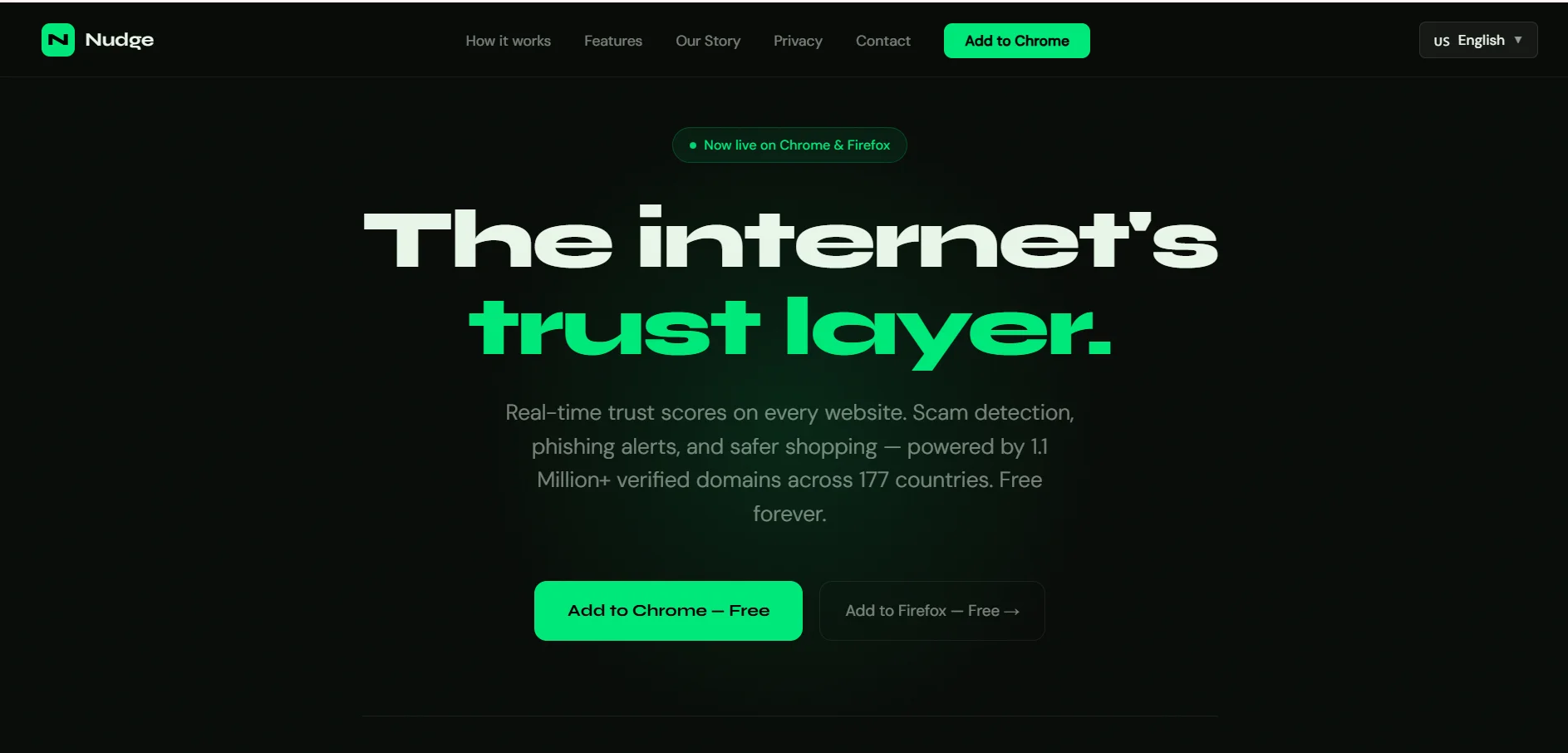
Nudge is a free Chrome extension built to help you spot websites that may not be as trustworthy as they appear.
Rather than spending time digging through reviews, searching for information about the company, or checking domain records yourself, the extension gives you a trust score while you're browsing. That means you can get a quick overview of a website without leaving the page you're on.
The goal isn't to replace common sense.
The goal is to give users an additional layer of information before they make decisions online.
I can see Nudge being useful in a lot of everyday situations. For example, if I want to buy a product from a website which I have never used before. I can use Nudge to identify whether it's a legit site or not. If Nudge gives me red signals then I will avoid purchasing from that site.
This is How Installing Nudge Looks Like
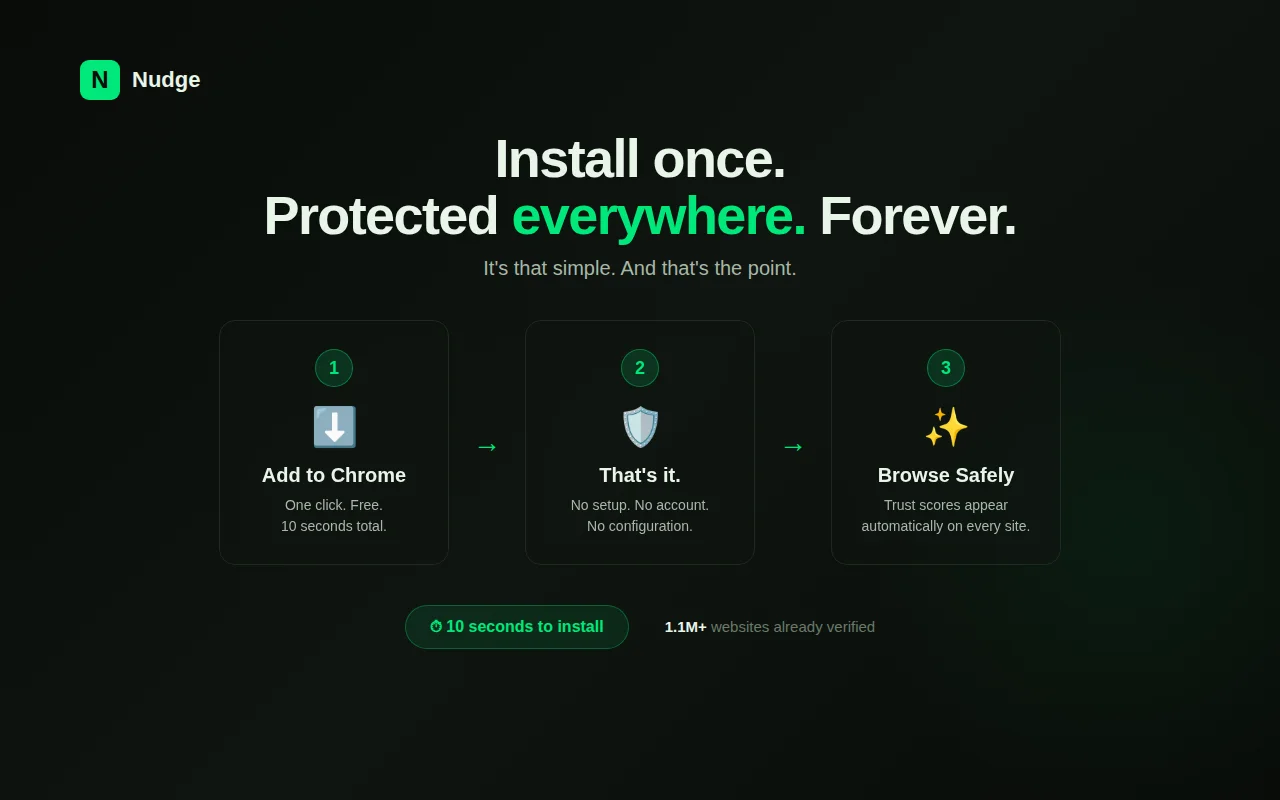
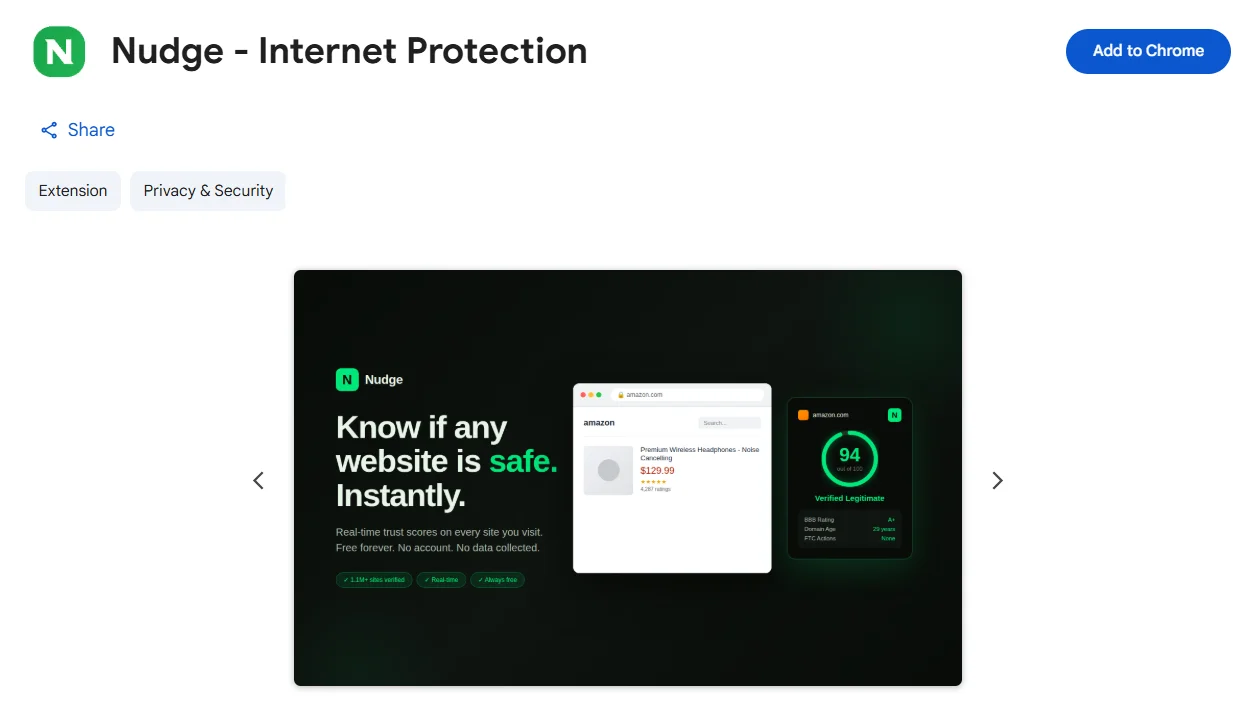 One thing I loved the most was the simplicity.
There are no complicated setup steps.
No account creation.
No subscription plans.
No credit card requests.
You simply install the extension and start browsing.
That's important because security tools often become so complex that everyday users avoid them altogether.
Nudge takes the opposite approach.
It makes the scam detection on websites so easy and accessible that even an 80-year-old can do it.
How Nudge Helps Detect Scam and Phishing Websites
Now let's talk about what most people actually care about.
How does Nudge help?
When evaluating websites, many users focus only on appearance.
Unfortunately, appearance can be misleading.
A scam website can look professional.
A phishing website can look nearly identical to a legitimate company.
What I like is that Nudge gives you extra information right when you need it. Most of us don't have the time or the habit of researching every website we visit. We usually make a quick judgment and move on.
By showing the website's trust signals, Nudge's extension helps us a lot. If it gives a red flag then you should avoid placing your order on that site.
I have experienced that most of these online mistakes happen when we are in too much hurry or act too fast. Having a little more context available at the right time can make it easier to decide whether a website is worth trusting.
What Makes Nudge Different From Other Online Safety Tools?
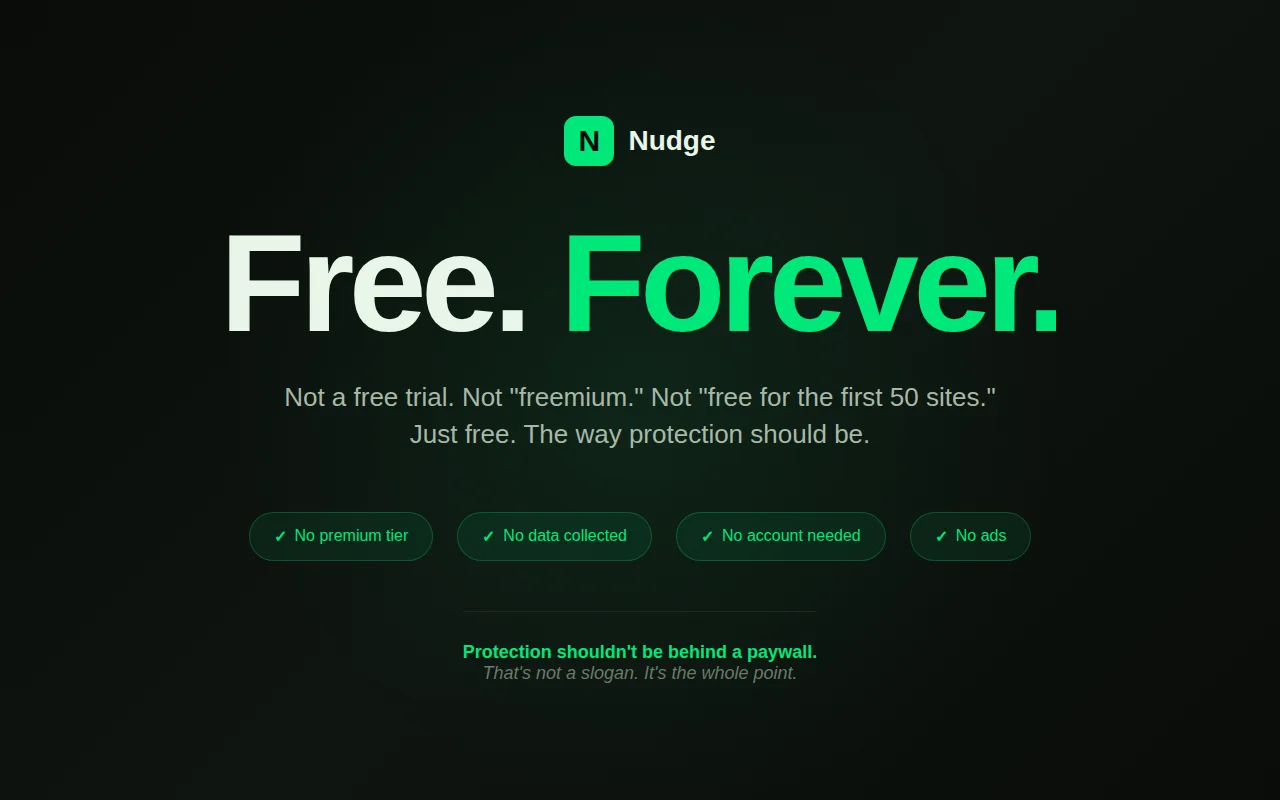
Most online protection tools follow a familiar model.
Free trial.
Then Premium plan.
But Nudge's extension is different. After installing it, I don't need to create account or add my credit card. I was using it just after installing it.
Who Should Use Nudge?
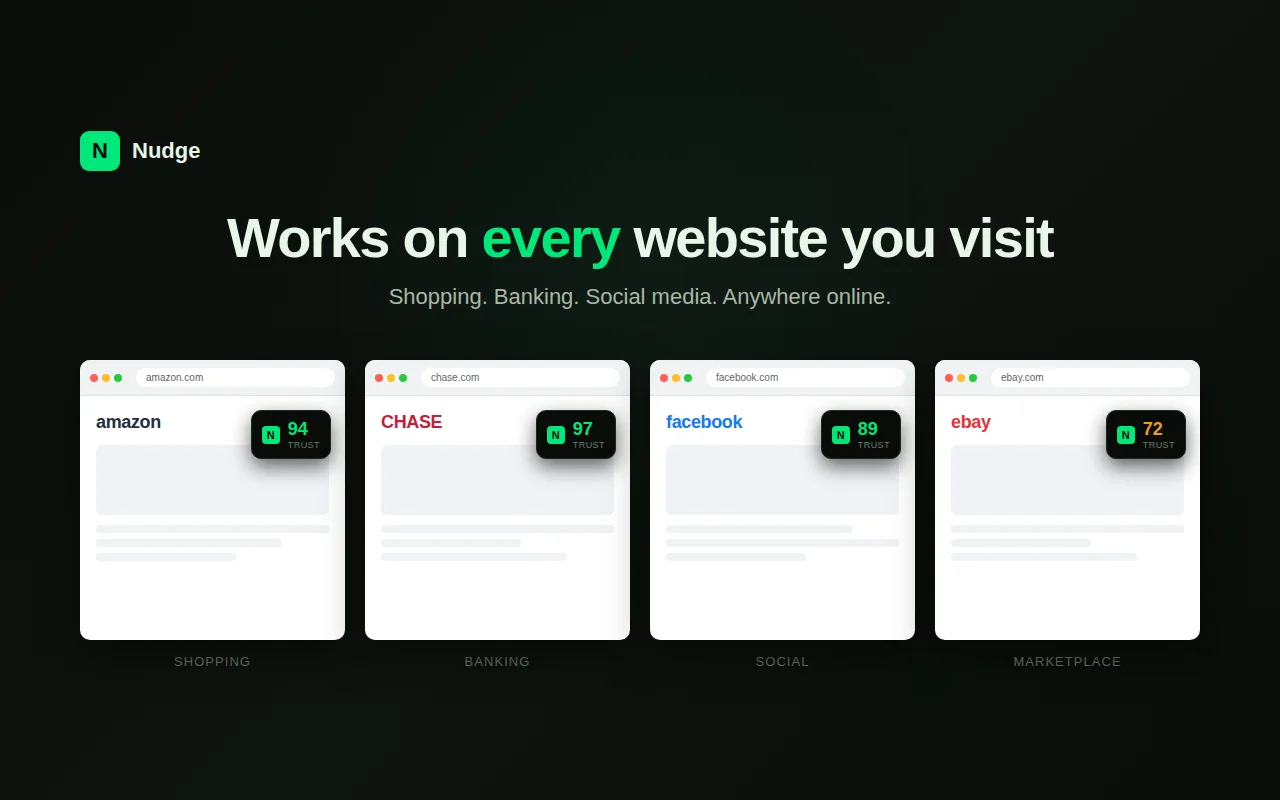
Realistically, anyone who spends a fair amount of time online could get value from a tool like this.
That said, I can think of a few groups that may find it especially useful.
If you regularly buy products from websites you've never used before, having a quick way to check a site's trust signals can be reassuring. Before entering payment details, I think most people would appreciate having a little more information about the website they're dealing with.
Students often end up visiting dozens of unfamiliar websites while researching assignments, downloading resources, or looking for information online. This extension can be super valuable for them.
-
Freelancers and Remote Workers
Who frequently receive links from clients and third-party services.
It is a must for them. Jason, the founder of Nudge shared that his grandma was also caught in this kind of scam. That inspired him to start Nudge.
Because even experienced users occasionally encounter websites they're unsure about. The potential audience for tools like Nudge also reflects the wider geographic growth of fraud detection technology.
North America accounts for the largest share of the fraud detection market at 37.3% in 2026, helped by a highly developed technology ecosystem and heavy investment from both public and private sectors, while Asia Pacific is the fastest-growing region at 21.7%, as rising digital transformation and internet penetration across countries like India and China widen the pool of people who could benefit from exactly this kind of consumer-facing tool. IBM, FICO, NICE, SAS Institute, ACI Worldwide, Experian, Feedzai, Fiserv, Oracle, Microsoft, Featurespace, Forter, BioCatch, Kount, and RSA Security are the major players building the underlying fraud analytics technology that browser tools like Nudge are, in effect, bringing down to an individual, everyday level.
While these companies represent the broader fraud detection ecosystem, Nudge brings a simpler version of this protection directly to everyday browsing.
What I Loved About Nudge
After spending some time with the extension, a few things stood out to me.
-
It is very easy to install
You don't need to be a technical expert to use this tool.
You can use it without paying anything. It is 100% free to use.
-
Easy to use for Beginners as well
It doesn't matter whether you are a beginner or a pro, Nudge will be easy to use for you.
Conclusion: Should You Install Nudge?
After using the extension for a month now, my answer will be YES.
Obviously, it is not the replacement of common sense. You should be conscious when you surf online or when you buy/pay online. However, having this extension adds an extra layer of security.
I faced this many times when I had landed on a site and was confused whether it's a trustworthy site or not. In those situations, Nudge's free chrome extension can help me a lot now.
What makes Nudge easy to recommend is that there's very little effort involved. Installation takes only a minute, there's no complicated setup process, and you can start using it right away.
For anyone who shops online, signs up for new services, or regularly visits websites they've never seen before, Nudge is a practical tool to have in the background.
With the fraud detection market on track to nearly triple by 2033, tools like Nudge that put a piece of that technology directly into an everyday browser, for free, are likely to become a lot more common, not less, which makes getting comfortable with one now a reasonable habit to build.

