Greenhouse works well for structured internal hiring, but recruitment agencies usually find themselves needing a lot more from their software. Client management, sales pipelines, and business development are all critical parts of how agencies operate, and Greenhouse simply was not designed with those needs in mind.
If you have been searching for a platform that actually fits the way your agency works, you are in the right place. The ideal solution should bring candidate tracking, client relationships, and multi-channel outreach under one roof, so your team is not constantly switching between tools just to get through a normal workday.
We went through the options available today and put together a list of the top 10 Greenhouse alternatives that help recruiting agencies handle both hiring and business operations without the usual hassle.
Ready? Let's go.
What Should You Consider Before Choosing a Greenhouse Alternative?
Before you jump into a new platform, it helps to sit down and figure out what your agency actually needs. Not what looks good in a demo, but what your team deals with every single day.
For most recruiting agencies, having everything in one place is a big deal. Nobody wants to pay for three different tools that barely talk to each other. So look for something that covers your ATS, CRM, and outreach all under one roof.
AI is another thing worth looking at closely. A lot of platforms these days throw the word around loosely. What you actually want is a tool where AI is doing real work inside the workflows you already use, not something you have to pay extra for and set up yourself.
Pricing is where a lot of agencies get burned. A plan that looks reasonable at first glance can turn out to have feature gates and hidden upgrade costs that nobody mentioned during the sales call. Read the fine print.
Data migration is often an afterthought until it becomes a nightmare. If the platform you are considering does not offer proper hands-on support to move your data over, that is worth factoring into your decision.
And last but not least, think about how your team communicates. If you are managing conversations across LinkedIn, email, and WhatsApp, you want one inbox that pulls it all together. Constantly switching between apps throughout the day kills productivity faster than most people admit.
Greenhouse Alternatives at a Glance
|
Tool
|
Best For
|
Key Advantage
|
Starting Price
|
|
Jarvi
|
Agencies wanting ATS, CRM, and AI without add-ons
|
One plan with native AI, ATS, CRM, six channels, migration included
|
USD 158/user/month
|
|
Recruiterflow
|
Agencies prioritizing automation over manual processes
|
Paid upgrade to access AI features
|
USD 149/user/month
|
|
Loxo
|
Teams consolidating sourcing and outreach
|
Proprietary AI and Knowledge Graph on the custom Professional tier
|
USD 209/user/month
|
|
Bullhorn
|
Enterprise agencies requiring scalable infrastructure
|
Configurable platform with extensive marketplace integrations and paid upgrade to access more features
|
Starts at USD 99/user/month
|
|
Spott
|
Firms wanting AI-native ATS and CRM
|
AI context capture and living database, full sequences on the Pro plan
|
USD 149/user/month
|
|
Atlas
|
Enterprise agencies with complex workflows
|
AI system powered by third-party OpenAI models
|
Custom pricing
|
|
Recruit CRM
|
Agencies managing high-volume hiring
|
Advanced features offered in Enterprise plan
|
USD 109/user/month
|
1) Jarvi - The All-Inclusive AI-Native Platform that Replaces 5-7 Tools
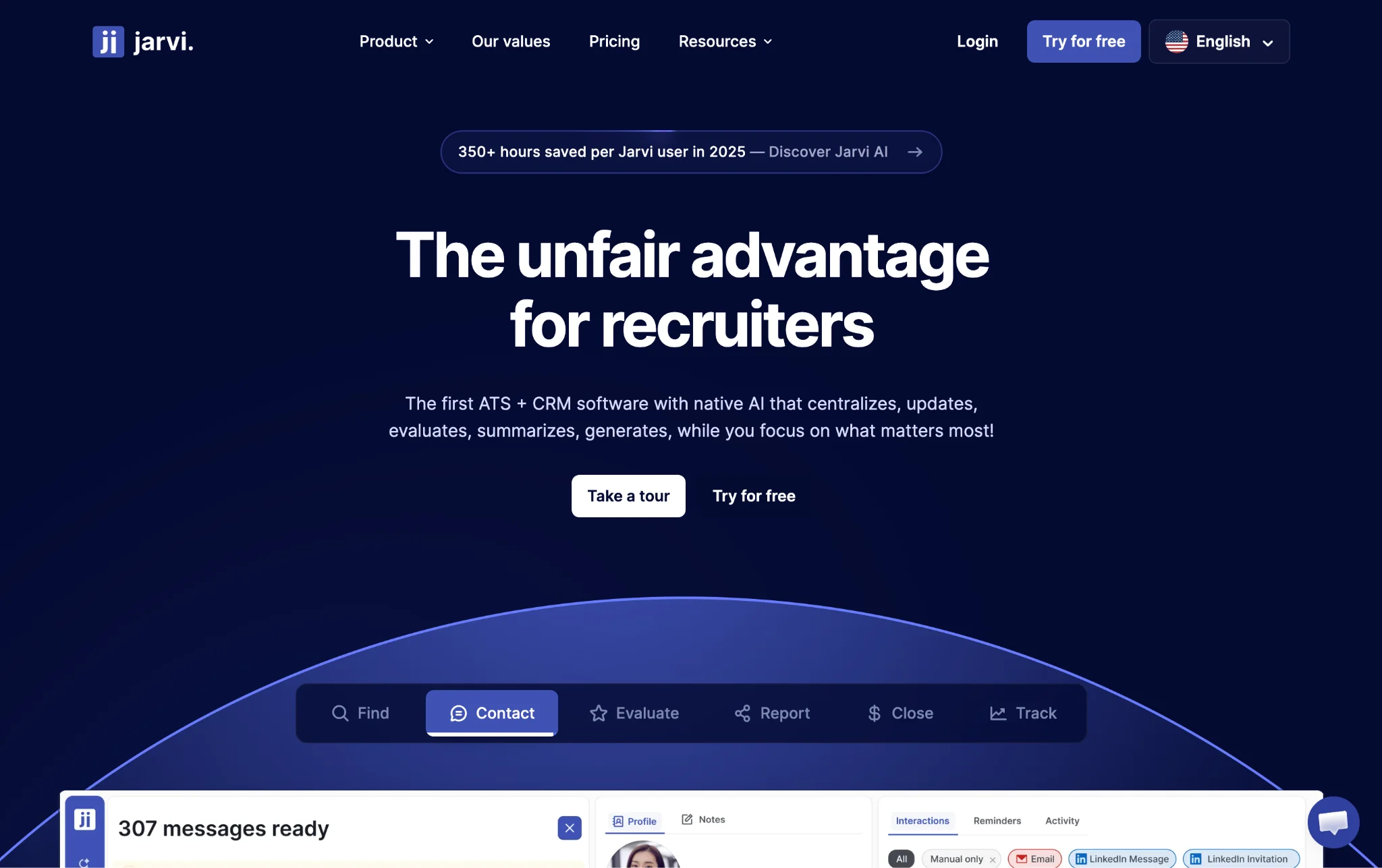
Most recruiting agencies are running on four, five, sometimes six different tools at once. One for tracking candidates, another for managing clients, something else for outreach, and maybe a separate AI tool on top of that. It works, sort of, but it is messy and expensive and nobody enjoys it.
Jarvi was built to fix exactly that problem. It was designed from the ground up for recruitment agencies, so instead of adapting a general-purpose tool to fit your workflow, you get something that already understands how agencies operate. The ATS, CRM, multi-channel outreach, and AI all live inside one platform, and they actually talk to each other the way they should.
What makes Jarvi different from a lot of other platforms is that the AI is not a separate module you have to pay extra for or configure yourself. It is built into every stage of the recruitment process, from sourcing candidates to managing client relationships to sending outreach across six different channels. Real-time reporting is included as well, with no add-ons or upgrade tiers required to access it.
For agencies that are currently juggling multiple subscriptions, the operational impact is pretty significant. Jarvi estimates that consolidating into their platform saves teams more than 350 hours per user every year, and that number starts to make a lot of sense once you add up how much time actually goes into switching between tools, re-entering data, and chasing down information scattered across different systems.
Key Features
- Native AI across all workflows: Most platforms make you pay extra to unlock AI features or go through a complicated setup process before they do anything useful. With Jarvi, the AI is already working across your workflows from day one. It handles data capture, candidate scoring, message generation, and reporting automatically, without needing a separate subscription or any additional configuration on your end.
- Six-channel unified inbox: Recruiters today are communicating across a lot of different channels, and keeping track of all those conversations is genuinely difficult when they are spread across separate apps. Jarvi brings LinkedIn, email, WhatsApp, Telegram, SMS, and calls into a single inbox. Every interaction gets tracked automatically, so nothing slips through the cracks.
- Hands-on migration at no extra cost: Switching platforms is usually stressful because of everything that can go wrong with your data. Jarvi handles the entire migration for you at no additional charge. That includes candidates, companies, positions, notes, and historical records, all transferred over with a dedicated specialist guiding the process from start to finish.
- All-inclusive pricing: There are no feature gates, no hidden fees, and no situations where you have to upgrade just to access something that should have been included from the beginning. Your ATS, CRM, outreach tools, and AI capabilities are all part of one straightforward plan. What you see is what you pay for, and that is genuinely rare in this space.
Pricing starts at USD 158/user/month
|
Plan
|
Price
|
Billing
|
Features
|
|
Free Trial
|
USD 0
|
N/A
|
Full access to all features, no credit card required
|
|
Everything in Jarvi
|
USD 158/user/month
|
Annual (USD 1,899/year)
|
ATS, CRM, Note Taker, Multi-channel Outreach, AI Resume Builder, AI Agent, Native AI across platform, 350+ hours saved per user/year
|
Volume discounts available for teams of 10+ users. Save 13% with annual billing.
What else can you do with Jarvi?
Beyond the core platform, Jarvi also gives you an open API and webhooks that let you connect your billing systems, existing CRM tools, and other day-to-day operational software directly into the platform. So if you need to trigger an invoice, sync data across systems, or automate a specific workflow, you can do all of that without logging into a separate tool or managing multiple sessions at once.
A good example of this in practice is Aster Development, a healthcare-focused recruitment firm that was dealing with a pretty common problem. Their tools were disconnected, which created constant friction across the team. Creating an invoice alone was taking a day and a half from start to finish. On top of that, qualifying candidates meant doing the same manual work over and over again across several different systems.
After bringing Jarvi into their operation and using the API, webhooks, and centralized platform to automate their critical workflows, the results were hard to ignore.
Their recruitment pace increased fourfold. Work that used to take a full year was getting done in three months. Invoice processing dropped from a day and a half down to just a few minutes, which meant faster cash collection across the board. They also saw steady growth in Google reviews because post-placement emails were going out automatically. Manual work across candidate workflows dropped significantly, and their billing, CRM, and other tools were finally working together seamlessly from inside one platform.
For a firm like Aster, Jarvi did not just save time. It changed how much their team was actually capable of getting done.
2) Recruiterflow - AI-First Platform with Intelligent Agents
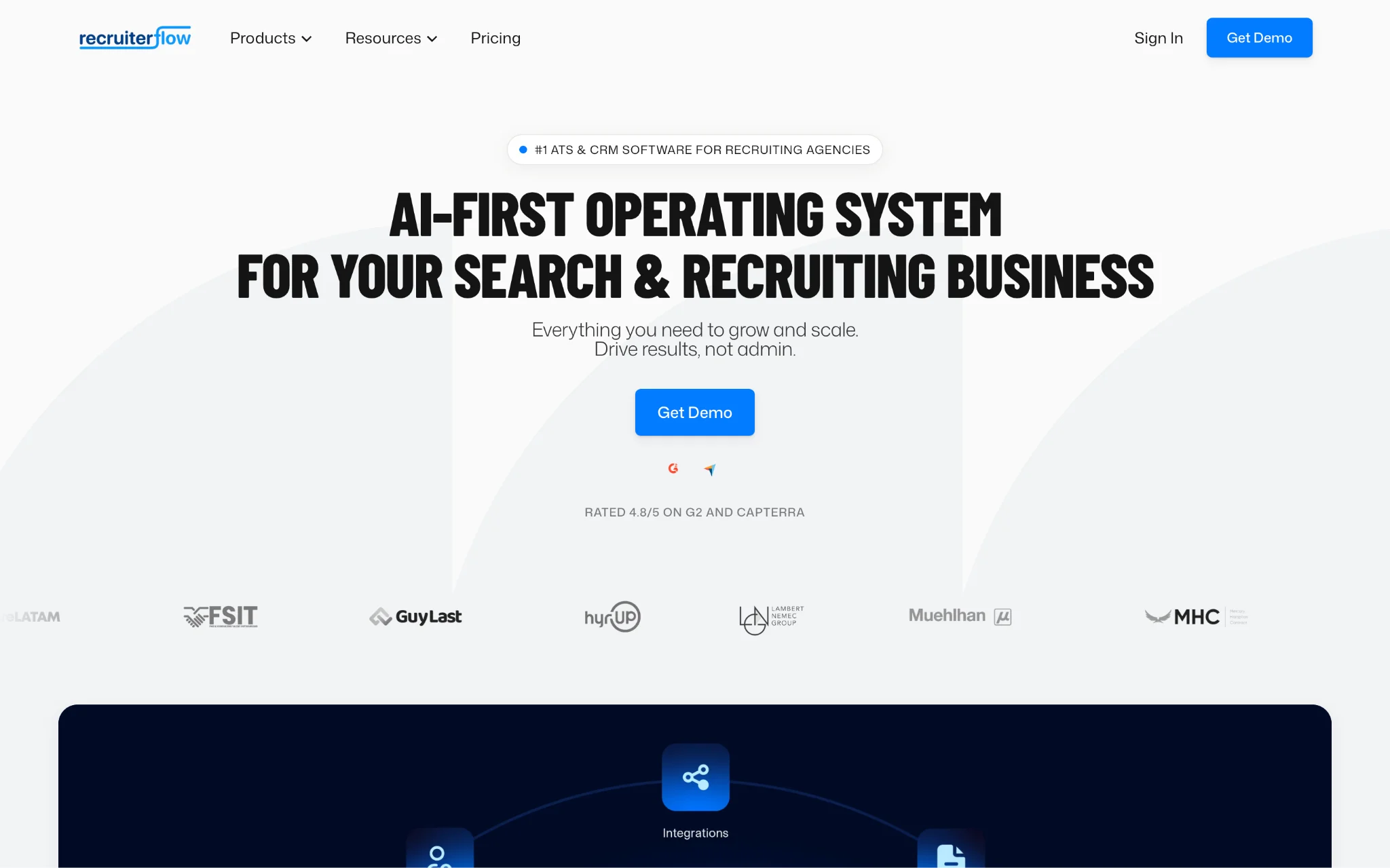
Recruiterflow is built specifically for recruiting agencies, which already puts it ahead of a lot of general-purpose tools that agencies try to adapt to fit their needs. It covers the full recruitment process from one place, bringing together ATS and CRM functionality with automation, multichannel communication, and reporting tools that actually work together rather than feeling like separate modules stitched together.
The thing that sets Recruiterflow apart from similar platforms is AIRA, their AI system. Rather than just offering AI-assisted search or basic recommendations, AIRA introduces agents that take on real tasks inside your workflows. Note-taking, candidate matching, sourcing, outreach, and data updates are all things these agents can handle on their own, which frees up your recruiters to focus on the work that actually requires a human touch.
The base platform gives you solid ATS and CRM tools, recruitment automation, and multichannel sequences that cover email, calls, SMS, WhatsApp, and social channels. Reporting and API access are included as well, so you have visibility into what is happening across your pipeline and the flexibility to connect other tools if needed.
Key Features
- AIRA AI agents: These agents go well beyond basic AI assistance. They handle note-taking, candidate matching, job change alerts, field updates, and submission processes while keeping everything synced across your communication channels automatically.
- Multichannel sequences: You can run outreach across email, calls, SMS, WhatsApp, and LinkedIn using triggers and pre-built templates, with recruitment and sales automation built directly into the sequence logic.
- Full customization: Workflows, pipelines, fields, and user roles can all be adjusted to match how your team operates. There are no caps on jobs, candidates, contacts, or companies either, which matters a lot for agencies handling high volumes.
- Bulk sourcing tools: The Chrome extension lets you pull candidates from LinkedIn quickly, and you can configure your ATS and CRM setup and set up a branded careers page to support your hiring presence.
- Something to keep in mind: The AIRA agents that make Recruiterflow genuinely stand out are not included in the base plan. Accessing those advanced AI capabilities requires upgrading to the AIRA Plan, which comes with custom pricing. Depending on your team size and budget, that could push your overall costs noticeably higher than the base subscription suggests.
Pricing starts at USD 149/user/month
|
Plan
|
Price
|
Billing
|
Features
|
|
Platform Plan
|
USD 149/user/month
|
Monthly
|
ATS, CRM, multichannel sequences, automation, Chrome extension, API access
|
|
AIRA Plan
|
Custom pricing
|
Not specified
|
All Platform features plus AI agents, field updates, omnichannel sync, custom dashboards
|
3) Loxo - Unified Talent Intelligence Platform
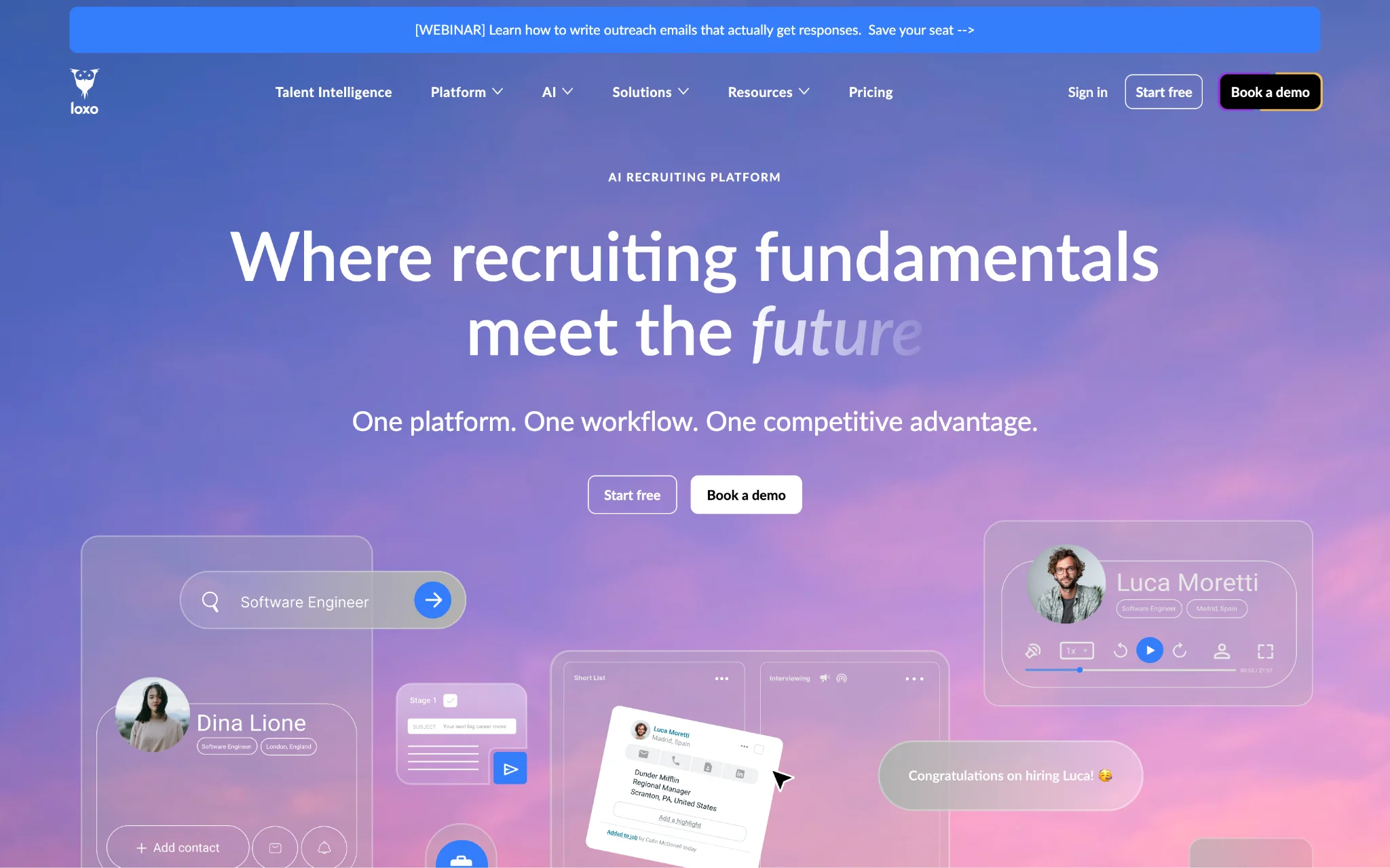
A lot of recruiting platforms claim to do everything, but when you actually dig in, you find yourself still relying on outside tools to fill the gaps. Loxo takes a different approach. It was built as a unified Talent Intelligence Platform, meaning the goal from the start was to bring ATS, CRM, sourcing, outreach, contact data, and business development together into one system that actually functions as a whole.
What makes Loxo technically interesting is what is running under the hood. The platform is built on proprietary deep learning neural networks and a custom Knowledge Graph, which allows it to handle data enrichment, ranking, recommendations, and automation without pulling in third-party AI tools. Everything happens natively inside the platform, which keeps your workflows cleaner and your data more consistent.
For teams that are tired of jumping between sourcing tools, CRM platforms, and tracking systems throughout the day, Loxo is designed to eliminate that entirely.
Key Features
- Proprietary AI and Knowledge Graph: Because Loxo built its own AI infrastructure rather than licensing it from somewhere else, the data enrichment, ranking, and recommendations you get are tightly integrated into how the platform actually works. There is no reliance on third-party AI integrations that can slow things down or create data inconsistencies.
- Integrated contact data and sourcing: Loxo gives you unlimited access to Loxo Source, along with natural language search and account-based prospecting tools. You can find and reach candidates without needing a separate sourcing subscription on top of everything else.
- Talent Intelligence feedback loop: Every search you run, every candidate you move through a pipeline, and every placement you make teaches the platform something. Over time, Loxo uses that activity to sharpen its recommendations and improve how it surfaces relevant candidates and opportunities. Agencies that stick with it long enough tend to find that it gets noticeably smarter the longer they use it.
- Free plan available: If you are a solo recruiter or running a very small operation, Loxo has a free plan that gives you access to basic ATS and CRM tools along with Loxo Boost. You can work on unlimited jobs and projects without paying anything, which is a decent way to get comfortable with the platform before deciding whether to move up to a paid plan.
- Something to keep in mind: Loxo is genuinely powerful, but it rewards consistency. The feedback loop and AI features only get better when your whole team is actually using the platform the way it was intended. If some people are still working outside the system or only dipping into it occasionally, you are going to miss out on a lot of what makes Loxo worth paying for. It works best for teams that are willing to go all in and make it their primary way of working.
Pricing starts at USD 0 (Free plan) / USD 209/user/month (Basic)
|
Plan
|
Price
|
Billing
|
Features
|
|
Free
|
USD 0
|
N/A
|
ATS, CRM, Loxo Boost, 1 user, unlimited jobs
|
|
Basic
|
USD 209/user/month
|
Monthly
|
Sales CRM, job board posting, analytics, resume parsing
|
|
Professional
|
Custom pricing
|
Not specified
|
Loxo Source, AI Notetaker, AI agents, outreach automation, client portal
|
|
Enterprise
|
Custom pricing
|
Not specified
|
Dedicated account manager, HCM integration, SSO, SOC 2 reporting
|
4) Bullhorn - Enterprise-Grade Recruitment Platform
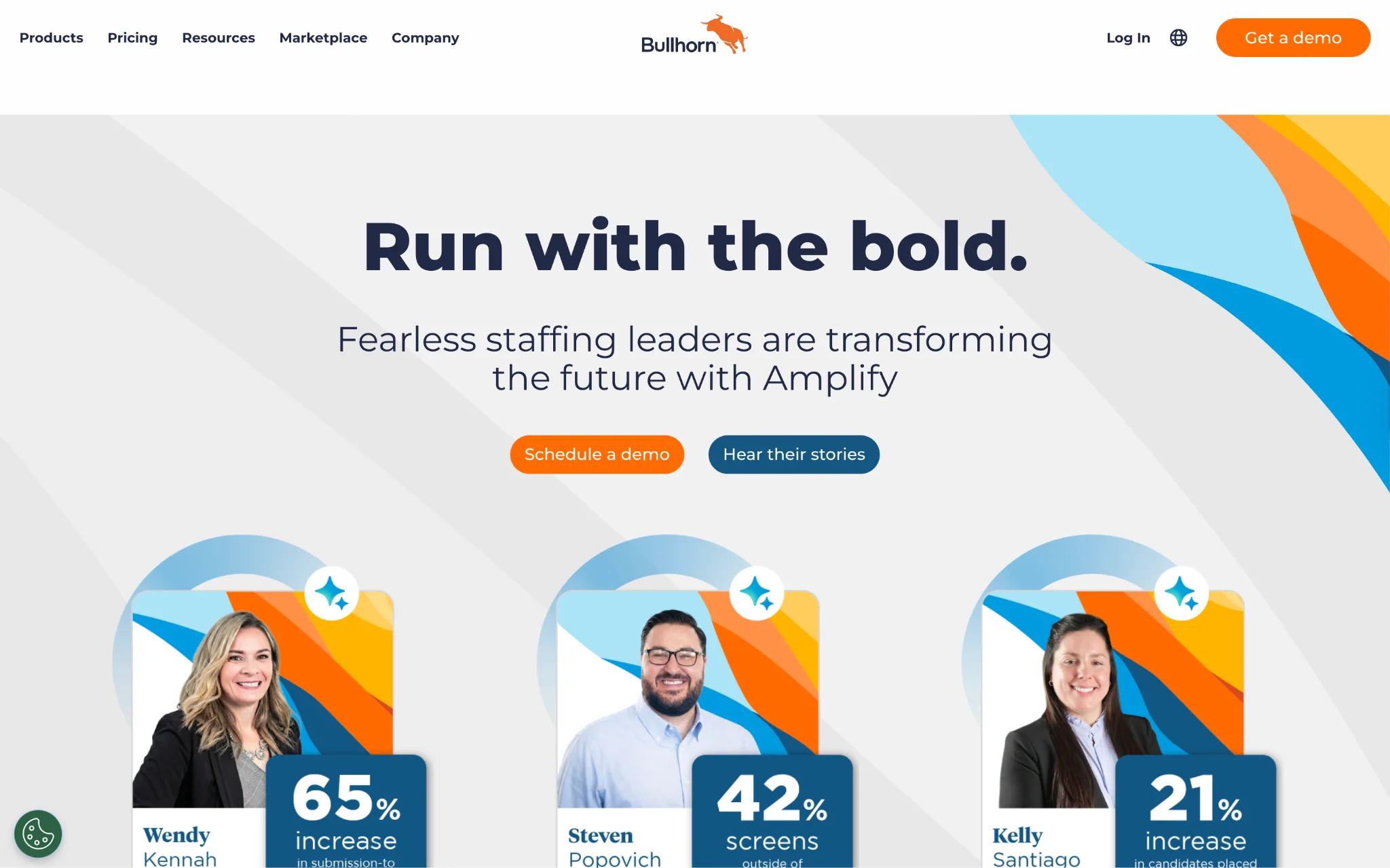
Bullhorn is one of those platforms that has been around long enough to earn its reputation. If you work in recruitment and have not heard of it, you probably have not been in the industry very long. Larger agencies tend to gravitate toward it because it was built to handle a level of complexity that most other tools tap out on pretty quickly.
The basic idea behind Bullhorn is that your sales team, recruiters, and operations staff should all be working inside the same system. No more situations where the CRM says one thing and the ATS says another. No more chasing down information that lives in a tool only one person on the team has access to. Everything sits in one place and the whole agency can see what is going on.
What also makes Bullhorn attractive to bigger operations is that it does not just handle the front-office work. It covers middle-office and back-office functions too, which is something a lot of agencies do not think about until they have outgrown their current setup and are scrambling to find a solution. If you are running a large team across multiple locations or working across sectors like healthcare, light industrial, or executive search, Bullhorn was built with that kind of operation in mind.
The platform is also pretty flexible in terms of how you set it up. You can connect it to other tools through open APIs, and there is a whole Marketplace full of pre-integrated partners covering everything from sourcing and compliance to onboarding and analytics.
Key Features
- Marketplace ecosystem: One of the things agencies genuinely appreciate about Bullhorn is the partner network it has built up over the years. Need a specialized sourcing tool? There is probably something in the Marketplace for that. Same goes for compliance, onboarding, and analytics. These partners are already integrated, so you are not starting from scratch every time you want to add something new to your stack.
- Scales with your operation: Running 20 recruiters across three offices is a very different challenge from running five people out of one location. Bullhorn handles both, but it really shows its value when things get complicated. Multiple teams, multiple locations, niche sectors, high placement volumes, it holds up where lighter tools start to struggle.
- Support that is actually available: Bullhorn offers around the clock support along with dedicated customer success managers who actually learn your business. For agencies where a system outage or a workflow problem costs real money, knowing someone is available at any hour is worth something.
- Bullhorn Amplify AI: For teams that want to take some of the manual grind out of sourcing, screening, and submissions, Amplify AI handles candidate matching and automates outreach so your recruiters can spend less time on the repetitive stuff.
- Something worth thinking about before you sign up: Here is where things get a bit tricky with Bullhorn. The starting price looks manageable, but the AI Assistant is locked behind the Front Office tier, and tools like Search and Match and Amplify AI are not included in any standard plan. They are separate add-ons that come with their own price tags. Add in implementation costs that can run anywhere from USD 1,000 to USD 50,000 depending on your setup, and the total investment starts looking very different from what the base price suggests. Go in with a clear picture of what your agency actually needs and get a full breakdown of costs before you commit to anything.
Pricing starts at USD 99/user/month + up to USD 50,000 implementation costs
|
Plan
|
Price
|
Billing
|
Features
|
|
ATS & CRM (Core)
|
Starts at USD 99/user/month
|
Not specified
|
Candidate management, job publishing, email integration, resume parsing
|
|
Front Office
|
Custom pricing
|
Not specified
|
AI Assistant, automations, advanced reporting, pipeline management
|
|
Bullhorn One
|
Custom pricing
|
Not specified
|
Onboarding, time tracking, invoicing, rate management
|
Note: Implementation services range from USD 1,000 to USD 50,000. Advanced AI capabilities, automation, and analytics may require separate add-ons.
5) Spott - AI-Native ATS and CRM
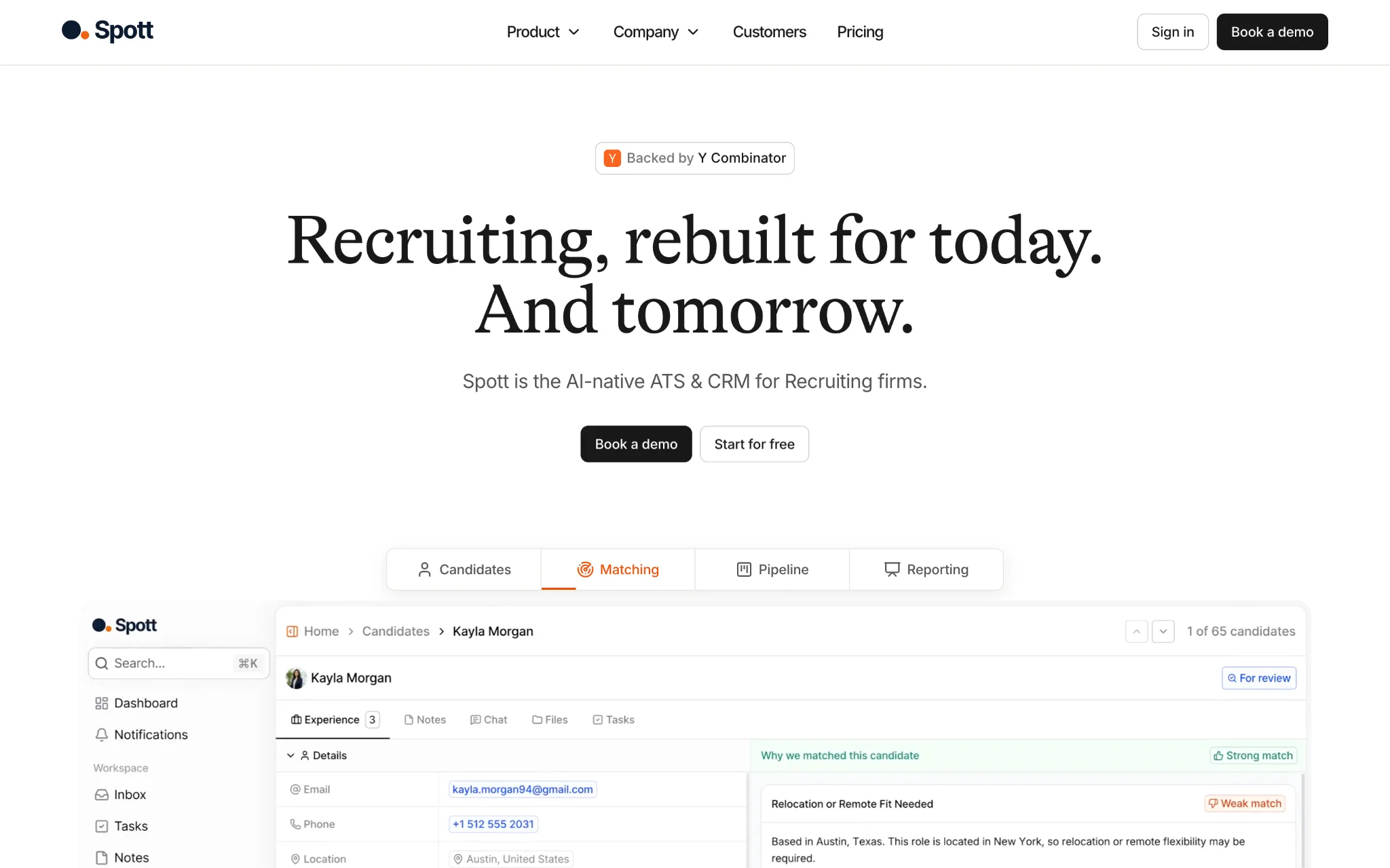
Honestly, the term AI-native gets thrown around so much these days that it has almost lost its meaning. Every platform has some version of AI built in now, but dig a little deeper and you usually find it is either a basic chatbot, a feature locked behind a more expensive plan, or something that was clearly added after the fact to keep up with the competition. Spott is genuinely different in this regard, and it is worth explaining why.
The AI in Spott is not a layer that sits on top of the platform. It is woven into how the whole thing actually functions. When your recruiters are having conversations, the platform is capturing context from those interactions in the background. When new information comes through, records get updated without anyone having to stop what they are doing and type it in manually. The matching and recommendations improve the longer your team uses the platform, and crucially, the system tells you why it is making a particular suggestion rather than just presenting a result and expecting you to trust it blindly. That transparency makes a real difference when your recruiters are trying to make fast decisions on a busy day.
The platform itself was built for recruiting firms that are tired of managing candidates in one tool, clients in another, and communications scattered across their inbox, LinkedIn, and WhatsApp. Everything lives in one place, and the CRM and ATS functions are genuinely integrated rather than just sitting next to each other with a thin connection between them.
Key Features
- AI that actually does the work for you: A lot of AI features sound impressive until you realise you have to manually trigger them or configure them yourself. Spott captures conversation context on its own, keeps records up to date automatically, and gives you matching recommendations with explanations attached. You do not need a separate AI subscription and there is nothing extra to set up before any of this works.
- All your communication channels in one place: LinkedIn, email, and WhatsApp all sync into the platform, and the AI search and matching tools are available across every plan. That last part is genuinely worth paying attention to. A surprising number of competitors hold back those features for higher tiers, so getting them regardless of which plan you are on is a meaningful difference.
- Migration that does not become your problem: Moving from one platform to another is usually a headache, but Spott takes the whole process off your plate. They handle the migration themselves and aim to have everything done within four weeks. No external consultants, no project management on your end, just a clean handover to the new system.
- Solid data security for European operations: If your agency works with clients or candidates across Europe, you are probably already thinking about GDPR. Spott hosts data in the EU, follows ISO 27001-aligned security practices, and encrypts data both when it is stored and when it is moving between systems. That covers you from a compliance standpoint without needing to do anything extra.
- One thing to be aware of: If you go with the Core plan and something goes wrong that needs sorting out quickly, you might find yourself waiting longer than you would like. Priority support is a Pro plan feature only. For some teams that is not a big deal, but if your agency runs at a pace where a slow response to a platform issue could genuinely cost you, it is worth factoring that into your decision before you choose a plan.
Pricing starts at USD 149/user/month
|
Plan
|
Price
|
Billing
|
Features
|
|
Core
|
USD 149/user/month
|
Monthly
|
AI-native ATS/CRM, email/LinkedIn/WhatsApp sync, AI search/matching
|
|
Pro
|
USD 219/user/month
|
Monthly
|
Multi-channel sequences, custom analytics, data enrichment, priority support
|
|
Enterprise
|
Custom pricing
|
Not specified
|
Custom configurations, advanced permissions, flexible invoicing, dedicated contact
|
6) Atlas - AI-Powered Recruitment Intelligence System
There is a problem that almost every growing recruitment agency runs into at some point. Information starts living in too many places at once. Notes from a call last month are in someone's personal notebook. Email threads with a client are buried in one recruiter's inbox. Interview feedback is in a spreadsheet that three people have edited and nobody can find the latest version of. Atlas was built specifically to solve that problem.
The platform covers the full recruitment workflow, bringing CRM, ATS, and automation together in one system that handles everything from business development and sourcing through to communication and reporting. But what makes Atlas genuinely different from other all-in-one platforms is the way it treats data.
Atlas runs on two core components. The first is Atlas Memory, which captures information from emails, calls, messages, interviews, and notes and pulls it all into a unified system automatically. The second is a set of AI Agents that work inside that data to handle tagging, enrichment, email generation, meeting summaries, and candidate matching. Together, these two components mean your team spends a lot less time chasing down information and a lot more time actually using it.
Key Features
- Atlas Memory: Most platforms store data. Atlas Memory organises it in a way that makes it actually useful. Whether the information coming in is structured, like a form submission, or unstructured, like a rambling voice note after a client call, Atlas Memory captures it and turns it into something your team can work with. Over time this builds up into a genuinely rich intelligence layer that gets more valuable the longer you use it.
- Magic Search: Searching for candidates usually means remembering exactly how you tagged something or knowing which field to look in. Atlas lets your recruiters describe what they are looking for in plain language, either by typing or speaking, and the platform finds the right results. As more data flows into the system, those results get sharper and more accurate.
- Automated communication capture: Every email, WhatsApp message, Zoom call, Teams meeting, and Google Meet session gets captured automatically and linked back to the relevant records in the platform. Call transcription and analysis happen without anyone having to do anything extra. For busy teams where things move fast and details get forgotten, this alone is worth a lot.
- CandidateGPT and ClientGPT: These are probably the most interesting features Atlas offers. Instead of hunting through old emails and notes to piece together the history of a candidate or client relationship, you can just ask. CandidateGPT and ClientGPT pull together every interaction, piece of feedback, and historical detail into a profile you can actually have a conversation with. It is the kind of thing that sounds like a gimmick until you use it and realise how much time you were wasting before.
- Something to think about before you commit: Atlas is not the kind of platform you can half-heartedly adopt and expect good results from. The AI features are only as good as the data going into them, and that means your whole team needs to be consistently working inside the system from day one. If a few people are still firing off emails from their personal inbox or keeping notes in a separate doc, that information is not getting captured and the platform is not performing the way it should. Getting everyone properly set up and aligned before you go live is not optional, it is what determines whether Atlas actually delivers on its potential.
- Pricing is custom and based on your specific business requirements. A free trial is available if you want to get a proper feel for the platform before making any decisions.
7) Recruit CRM - Highly Customizable ATS and CRM
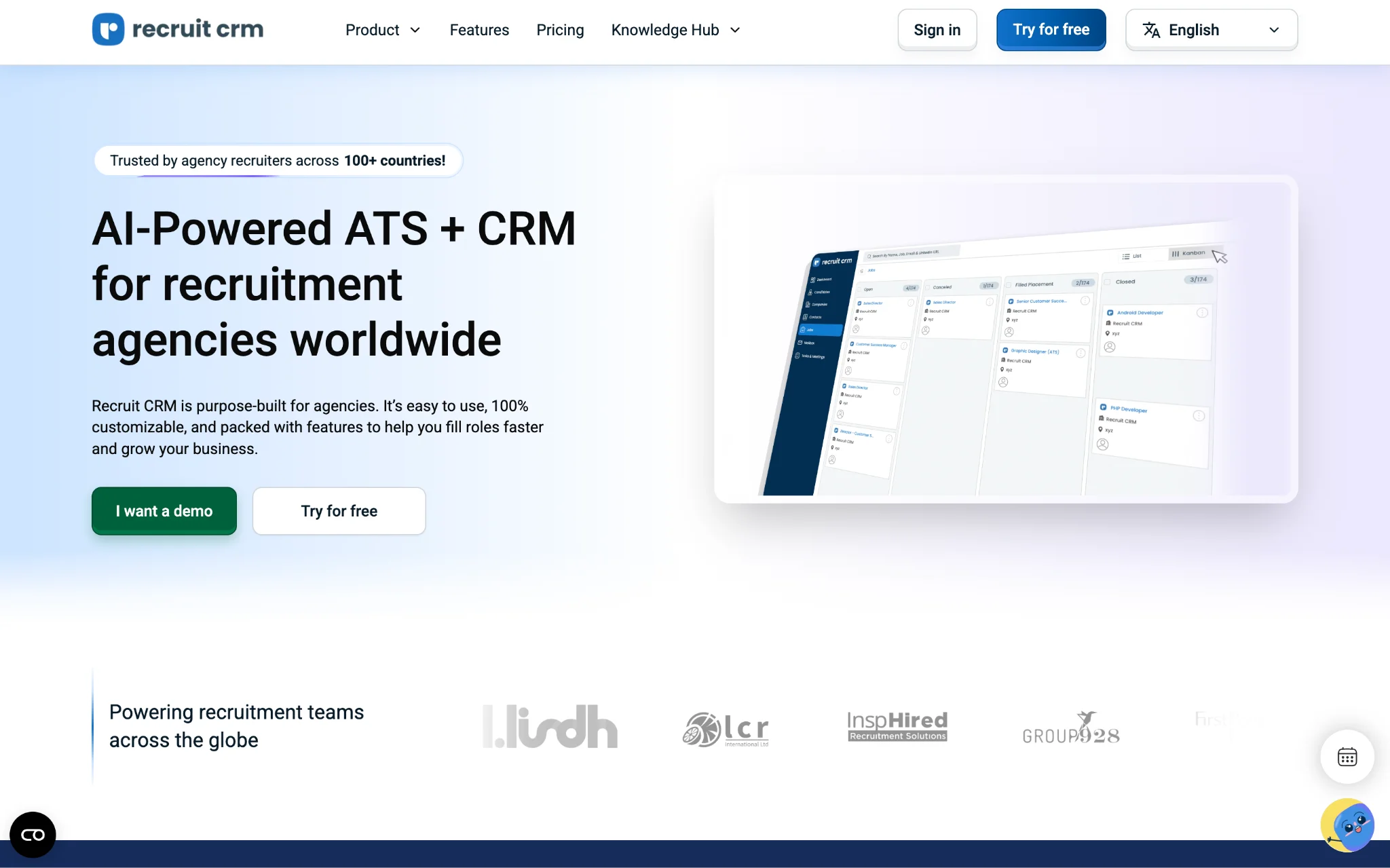
Recruit CRM has built up a solid reputation among recruitment agencies and executive search firms, and it is not hard to see why. The platform is used by teams across more than a hundred countries, which tells you something about how adaptable it is to different markets, languages, and ways of working.
At its core, Recruit CRM brings candidate sourcing, resume parsing, job board posting, communication tools, and reporting into one place. It handles the full recruitment workflow without forcing you to rely on outside tools for the basics, and it does all of this while giving your team a level of flexibility that most platforms simply do not offer.
If your agency has specific ways of doing things and you have struggled to find a platform that bends to fit your processes rather than forcing you to change them, Recruit CRM is worth a serious look. The customization options go pretty deep, covering workflows, pipelines, fields, and user roles, and the platform integrates with thousands of tools so you are not locked into a rigid setup.
Key Features
- Support that actually responds quickly: Customer support is one of those things you do not think about much until you need it urgently and nobody gets back to you for hours. Recruit CRM offers live support around the clock with average response times under two minutes via live chat and email. For agencies where a technical issue during a busy hiring push could cause real problems, that kind of availability matters.
- Customize pretty much everything: Workflows, pipelines, fields, user roles, the platform lets you adjust all of it to match how your team actually works. You are not stuck trying to squeeze your processes into a fixed structure that was designed for a different kind of agency.
- Serious job board reach: With integrations across more than five thousand job boards and resume parsing that works in over 24 languages, Recruit CRM handles the sourcing side of things at a scale that most platforms cannot match. The Chrome extension also lets your team pull candidate data directly from the web without switching between tools.
- AI that handles the repetitive stuff: Resume parsing, candidate matching, AI-assisted sourcing, and GPT-based content generation for emails and job descriptions are all built into the platform. The idea is to take the time-consuming manual tasks off your team's plate so they can focus on the work that actually requires human judgment.
- Something to factor into your budget: The Pro plan at USD 109 per user per month looks like a reasonable price point until you start adding the features your agency will probably need day to day. LinkedIn Messaging Integration runs an extra USD 15 per user per month, and Advanced Analytics adds another USD 30 on top of that. By the time you have added both, you are sitting at USD 154 per user per month, which puts it right in line with all-inclusive platforms that bundle everything together from the start. It is not a dealbreaker, but it is worth doing that math before you assume the lower starting price means a lower overall cost.
Pricing starts at USD 109/user/month
|
Plan
|
Price
|
Billing
|
Features
|
|
Pro
|
USD 109/user/month
|
Monthly
|
Chrome extension, AI resume parser, GPT integration, deal pipelines, reporting
|
|
Business
|
USD 159/user/month
|
Monthly
|
Email sequencing, bulk texting, resume formatting, custom roles, SSO
|
|
Enterprise
|
USD 259/user/month
|
Monthly
|
Workflow automation, advanced analytics, LinkedIn messaging, data enrichment
|
Note: Enterprise features like workflow automation, advanced analytics, and LinkedIn messaging are billed separately on lower tiers or included in Enterprise plan.
Planning to Make a Switch? Use this Migration Strategy
Switching platforms is rarely as simple as signing up and importing a CSV file. When your data and workflows have been living inside a system for months or years, moving everything over without losing anything or breaking something takes some genuine planning. Here is a practical approach that reduces the chances of things going wrong.
- Start by taking stock of what you actually have in your current system. Go through your pipelines, candidate records, integrations, and any customizations your team has set up over time. You cannot plan a migration properly if you do not have a clear picture of everything that needs to move.
- Once you know what you are working with, rebuild your hiring stages and workflows inside the new platform before you move any data. Set up your automation rules, communication templates, and pipeline structures so the new system is ready to receive everything properly rather than having your team figure it out after the fact.
- Reconnecting your integrations is something a lot of agencies leave too late. Email, calendars, job boards, CRM tools, billing systems, get these sorted early so there is no gap in your operations during the transition.
- When it comes to actually moving your data, do not try to transfer everything at once. Start with a test batch, check that the information has come across accurately, and fix any issues before you migrate the rest. Finding a problem after you have moved ten thousand candidate records is a very different situation from finding it after you have moved a hundred.
- Training your team properly is not optional. A new platform with confused users is worse than an old platform everyone knows. Put together clear documentation, run hands-on sessions, and make sure people understand the new workflows before they are expected to use them every day.
- After you go live, keep a close eye on how things are going. Gather feedback from your team, track how well the platform is being adopted, and be willing to make adjustments. The first few weeks after a migration are when small problems either get fixed quickly or turn into bigger headaches down the line.
The Verdict: Which Greenhouse Alternative Should You Choose? (Our Top 3 Picks)
After going through all ten platforms in detail, three of them stand out as the strongest options for recruitment agencies that are seriously considering moving away from Greenhouse.
Jarvi is the one to look at if your main goal is getting rid of tool switching and bringing everything under one roof. You get native AI, six-channel communication, hands-on migration support, and a full ATS and CRM all wrapped up in one plan with no hidden costs. For agencies that are exhausted by managing multiple subscriptions and trying to get disconnected tools to work together, Jarvi cuts through all of that more cleanly than anything else on this list.
Recruiterflow makes the most sense for growing teams that want AI doing real work inside their day-to-day workflows. The AIRA agents handle note-taking, candidate matching, and data updates automatically, which takes a meaningful amount of manual work off your recruiters' plates. If your agency is scaling quickly and you need automation that actually keeps up with that pace, Recruiterflow is built for that.

