Contact Us Careers Register

Best AI Tools for Students Studying Economics and Finance

23 Apr, 2026 - by Edubrain | Category : Education And Training

Best AI Tools for Students Studying Economics and Finance - edubrain

Best AI Tools for Students Studying Economics and Finance

Studying economics or finance is genuinely hard. Not "hard" in the way people say things are hard when they just mean inconvenient  actually hard. The reading is dense, the models are abstract, and the deadlines don't care how confused you are. At some point, most students start looking for tools that can help them keep up without completely burning out.

AI tools have become part of that picture. But not all of them are useful in the same way, and picking the wrong one for the wrong task wastes time you probably don't have. Here's an honest look at what's actually out there.

Why AI matters in economics and finance education

A lot of fields involve reading and writing. Economics and finance involve that plus mathematical modeling, data interpretation, and a constant need to connect abstract ideas to real-world situations. It's a heavier cognitive load than most undergrads expect when they sign up.

AI tools don't replace the thinking. But they can reduce the friction around it  helping you get unstuck faster, organize your notes better, or finally understand a concept your professor explained in a way that just didn't land.

Edubrain
Edubrain

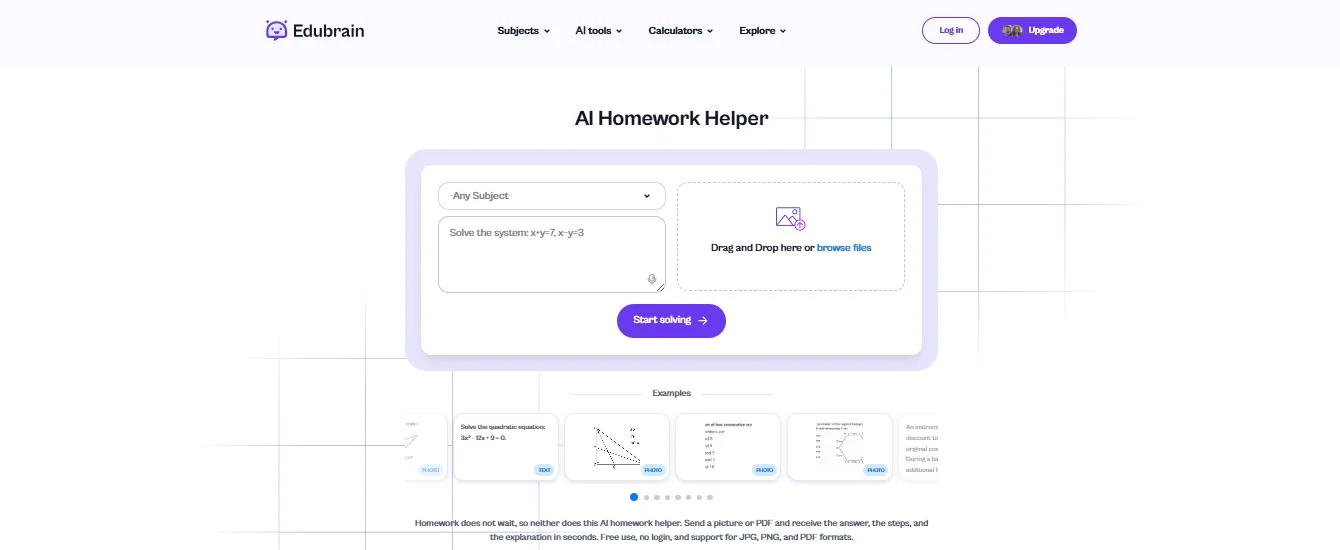
Edubrain is probably the most straightforward tool on this list. You type a question or upload a photo, and it gives you a step-by-step answer. That's basically it — and sometimes that's exactly what you need at 11pm when you're staring at a supply curve that doesn't make sense.

It covers the kinds of topics that come up most often in intro and intermediate economics: elasticity, macroeconomic indicators, and market structures. Think of it as a personal AI helper that walks you through problems without overwhelming you with unnecessary detail. The answers are clear and the interface doesn't get in your way. Where it falls short is anything more advanced — it's not built for deep research or nuanced analysis, and it shows.

Free to start, though the more useful features sit behind a paywall.

Pros

  • Fast and direct answers
  • Simple interface
  • Works across many subjects

Cons

  • Limited deep analysis features
  • Less suitable for advanced research

Price

Free plan available; premium features require subscription

Claude
Claude

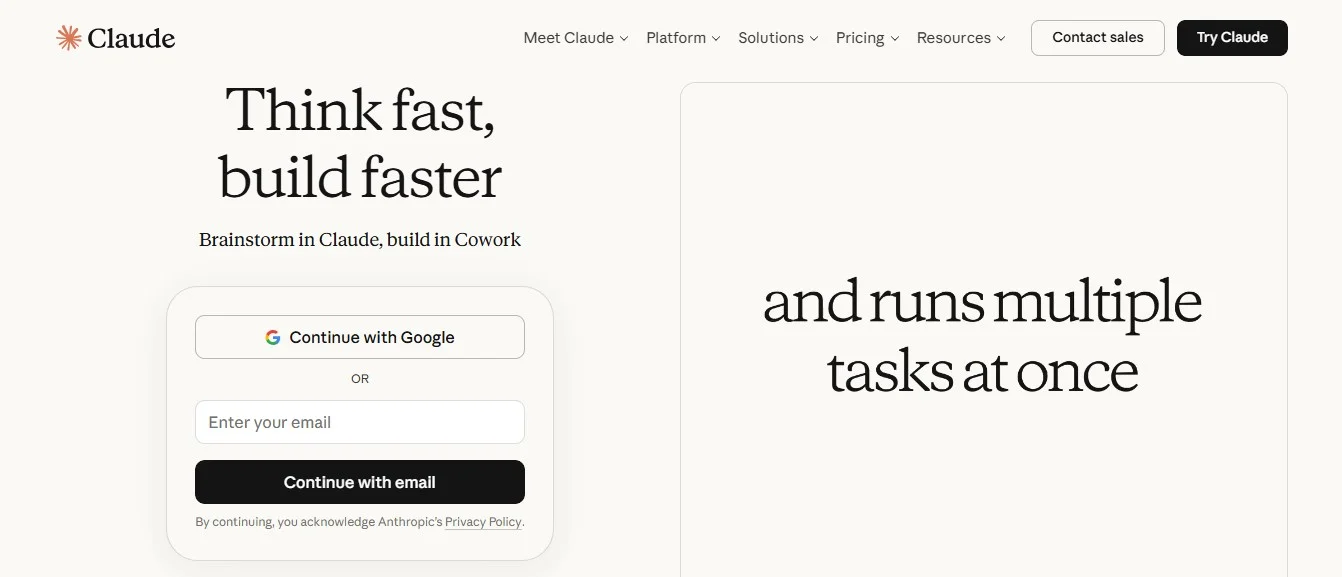
Claude is the tool I'd recommend if you regularly deal with long, complicated reading material. Upload a research paper or paste in a long excerpt, ask what you actually want to know about it, and you'll get an answer that follows the actual argument rather than just summarizing the abstract.

It's slower than some alternatives and doesn't connect to as many outside platforms. But the quality of reasoning tends to be noticeably higher  it does not  just skim, which matters a lot when the text you're working with is genuinely complex.

Free version exists; premium opens up more.

Pros

  • Handles long and complicated texts well
  • Gives clear and logical explanations
  • Strong focus on safety and accuracy

Cons

  • Slower than some other AI tools
  • Fewer integrations with other platforms

Price

Free version available; paid plans for more features

Logically
Logically

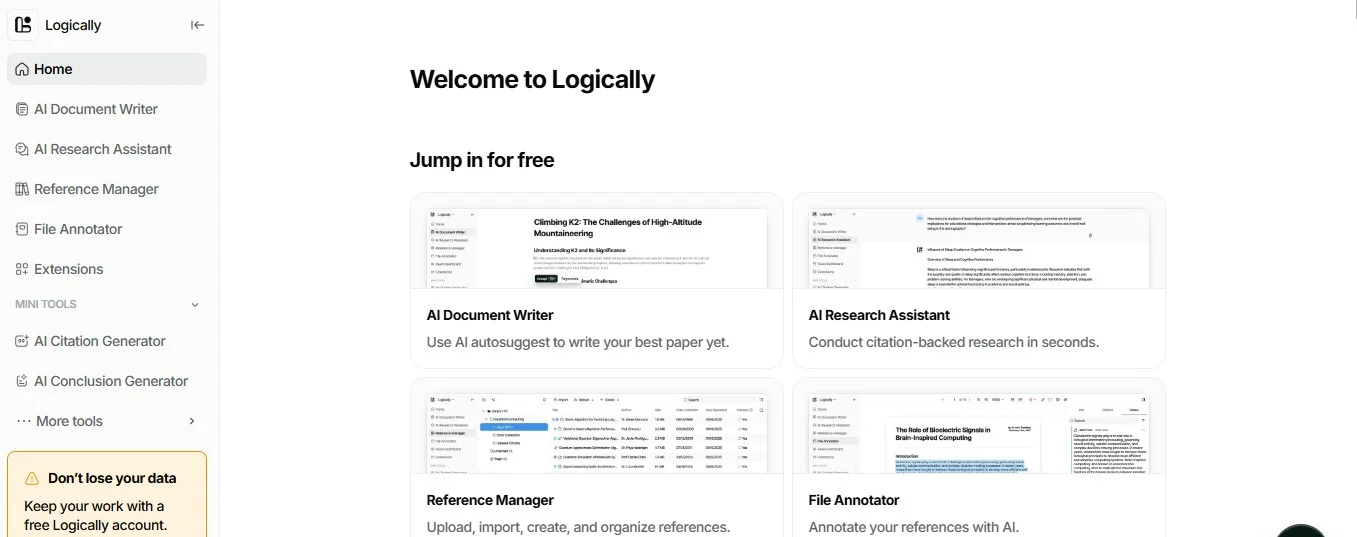
Logically is not  really a chatbot in the traditional sense. It is  more of a workspace where writing, note-taking, and research happen together. You can link sources directly to the notes you're building, which sounds like a small thing but makes a real difference when you're juggling eight different papers for one essay.

Getting comfortable with it takes a bit of time upfront. And it's not where you'd go for a quick answer to a quick question. But for sustained, research-heavy work, it is one of the more thoughtful tools available.

Free tier available, with paid options for more features.

Pros

  • Strong research organization
  • Combines notes and writing
  • Clean workflow

Cons

  • Requires time to learn
  • Less useful for quick answers

Price

Free tier available; paid plans for advanced use

ChatGPT
ChatGPT

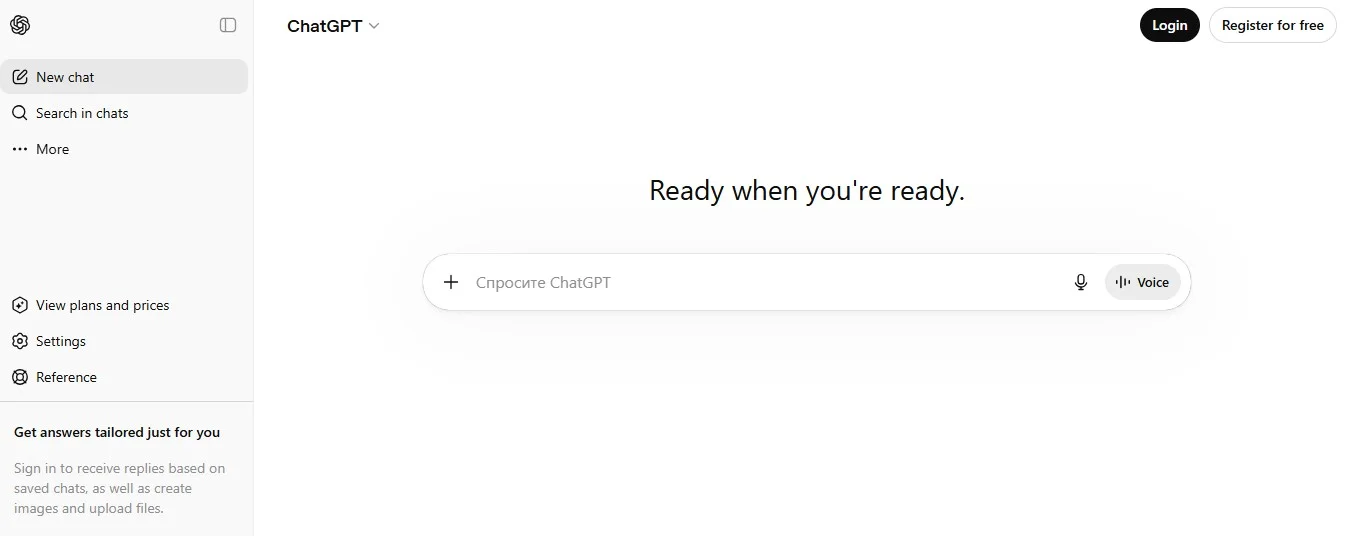
Everyone knows ChatGPT at this point. It's the most versatile option here  you can use it to understand a concept, draft an outline, debug Python code for an econometrics assignment, or talk through an argument before you write it up. The range is genuinely impressive.

The catch is that it can be confidently wrong. In a field where precision matters and economics is definitely one of those fields that is a real problem if you're not double-checking what it tells you. It works best as a thinking partner rather than a source of truth.

Free version is solid. Advanced models need a subscription.

Pros

  • Wide range of capabilities
  • Easy to use
  • Fast responses

Cons

  • Requires careful prompting
  • May produce incorrect details

Price

Free version; paid subscription for advanced models

Microsoft Copilot
Microsoft Copilot

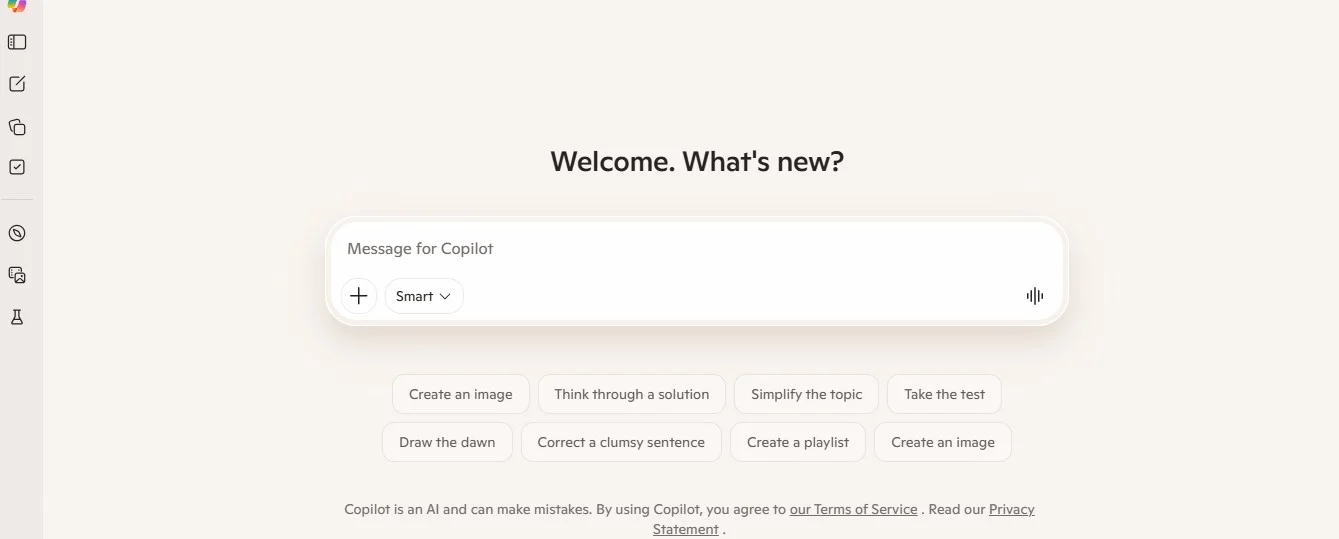
If you spend most of your academic life inside Word and Excel, Copilot is the most frictionless option here. It lives inside those apps already, so there is no switching between tools. For finance students especially, the Excel integration is genuinely useful  you can ask it to explain what a formula is doing or help you build a model without needing to look everything up manually.
The downside is that you're committed to the Microsoft ecosystem, and the full feature set costs money. If you're already paying for Microsoft 365, it's worth exploring. If you're not, the value calculation gets murkier.

Pros

  • Works inside Microsoft Office
  • Strong Excel support
  • Boosts productivity

Cons

  • Requires Microsoft ecosystem
  • Full features need subscription

Price

Included in some Microsoft plans; premium access required for full use

NotebookLM

NotebookLM

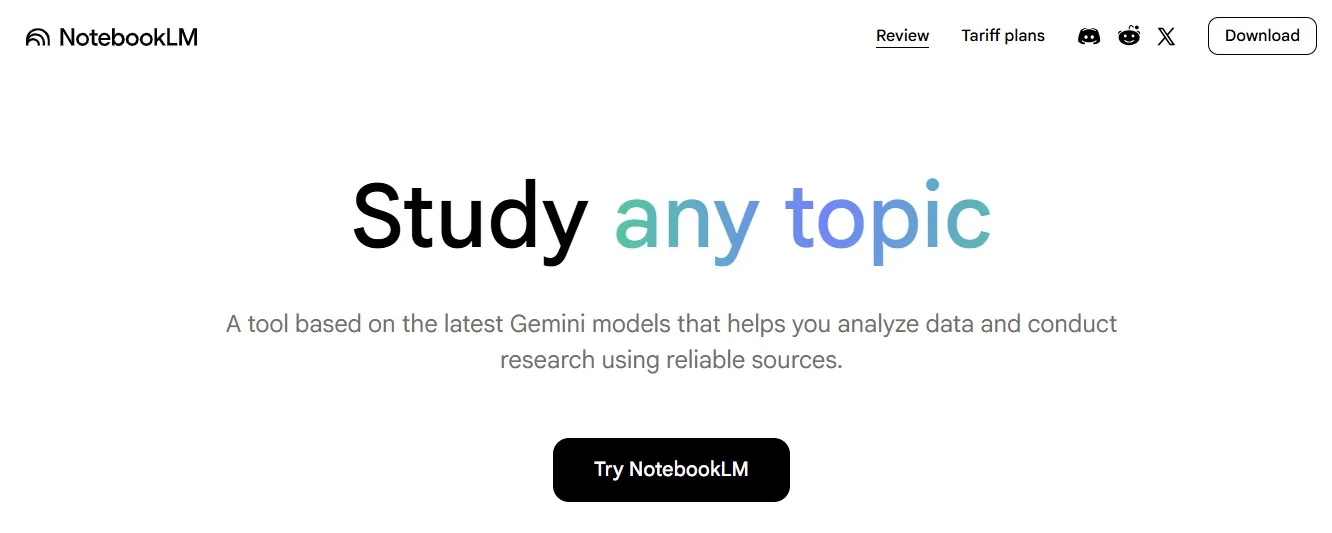
NotebookLM takes a different approach entirely. Instead of pulling from the internet or general training data, it works only with the files you upload. Your lecture notes, textbooks, and readings  those become its source material.

For students who want to study more efficiently without drifting into random corners of the internet, that constraint is actually a feature. The answers you get are grounded in exactly what you're supposed to be learning. The limitation is obvious though: if you have not uploaded something, it does not know about it.

Currently free, with premium options in development.

Pros

  • Personalized responses
  • Works with your own files
  • Improves focus on course material

Cons

  • Limited external knowledge
  • Requires document uploads

Price

Free (with potential future premium features)

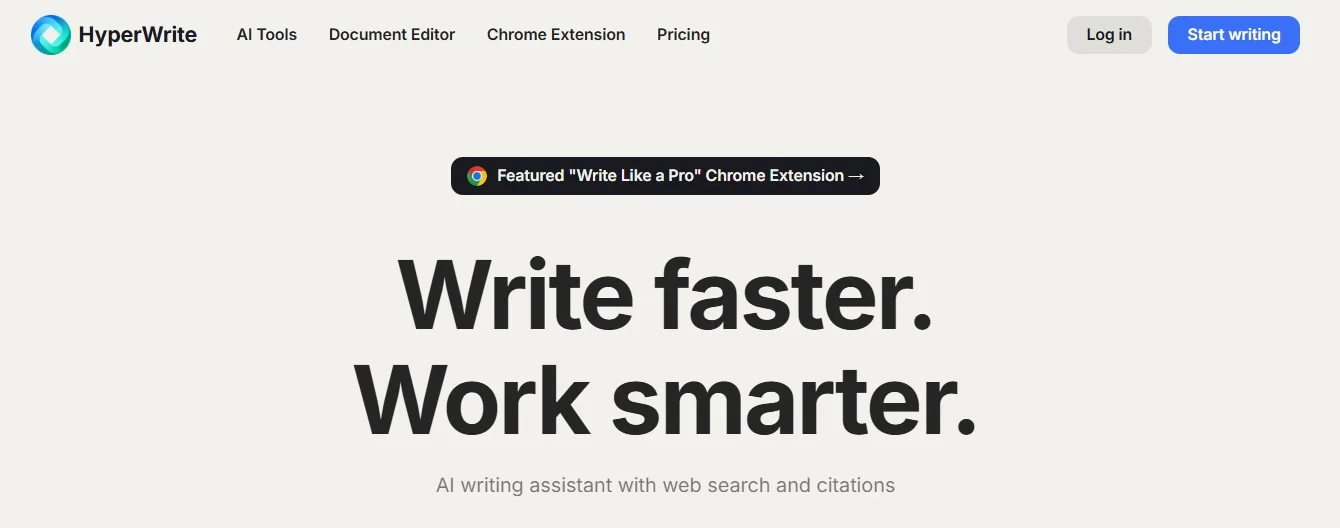
HyperWrite

HyperWrite

HyperWrite exists primarily to help you write. It suggests phrases when you are stuck, helps you restructure sentences that aren't working, and generally makes the writing process feel less like pulling teeth.

It is not a research tool and it is not an analysis tool. If you already know what you want to say and just need help saying it, HyperWrite is useful. If you're still trying to figure out what your argument actually is, it won't help with that part.

Free access available; full features require a subscription.

Pros

  • Strong writing assistance
  • Helps with idea generation
  • Easy to use

Cons

  • Limited research features
  • Not ideal for technical analysis

Price

Free version; paid plans for full access

Gemini

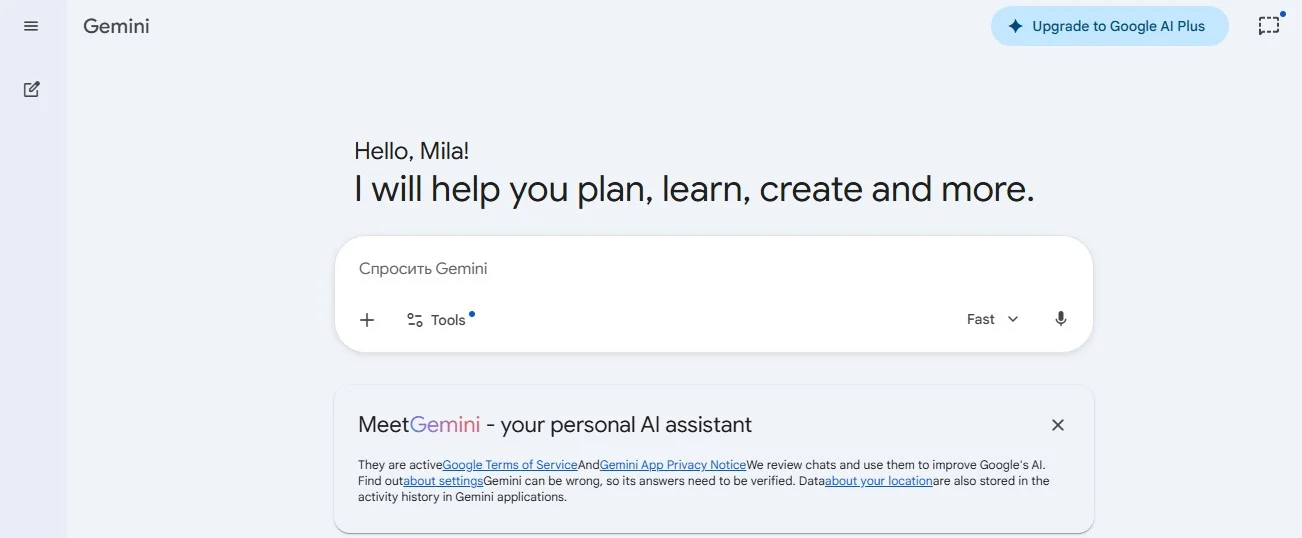
Gemini

Gemini's main advantage over most tools here is access to current information. If your paper needs recent data  GDP figures from last quarter, recent central bank decisions, something that happened in the last six months Gemini can actually find it, whereas tools trained on static datasets can not.

It also integrates naturally with Google Docs and other Google products, which makes the workflow smoother if you already live in that ecosystem. It's not the deepest writing tool, and the analysis it produces can feel a bit surface-level. But for research that needs to be current, it's hard to beat.

Free version available; premium features through a subscription.

Pros

  • Strong integration with Google tools
  • Access to current information
  • User-friendly design

Cons

  • Less specialized for academic writing
  • Output may lack depth

Price

Free version available; premium features through subscription

Mindgrasp

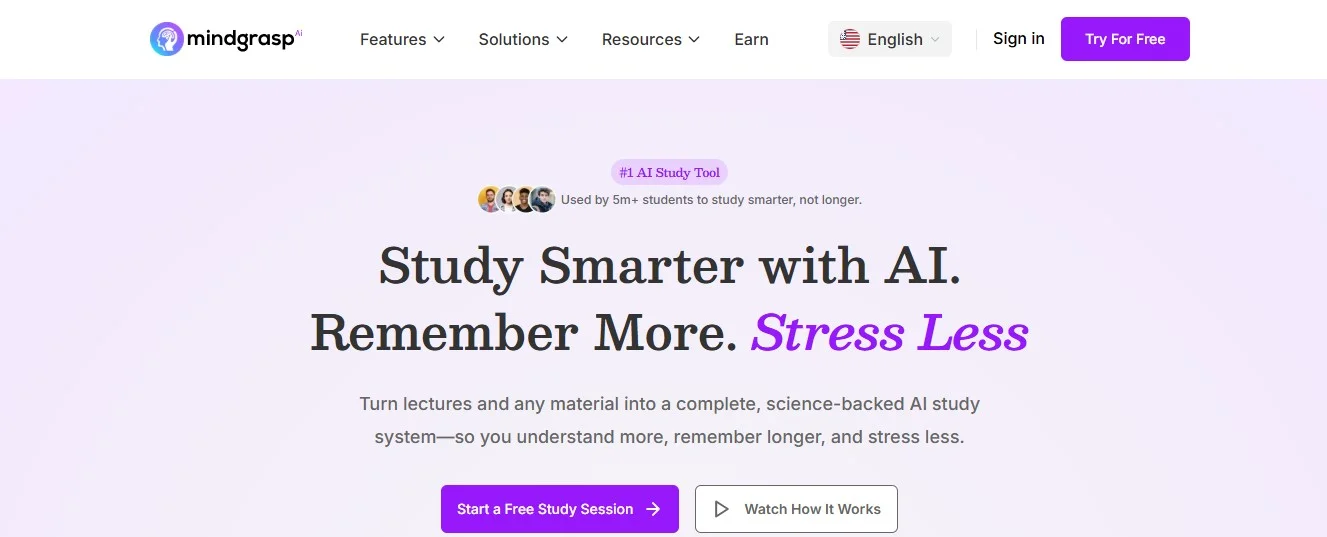
Mindgrasp

Mindgrasp is built around a simple idea: take content in various formats  videos, audio lectures, PDFs and turn it into something you can actually review quickly. It generates summaries and practice questions, which makes it particularly useful in the days before an exam when you need to cover a lot of ground fast.

It is not a writing tool. It's not for analysis. It is a review tool, and within that narrower purpose it works well. The summaries are not always as nuanced as you'd want, and you don't have a lot of control over what gets emphasized.

Subscription-based, with a free trial.

Pros

  • Fast summarization
  • Supports multiple formats
  • Useful for exam preparation

Cons

  • Limited advanced analysis
  • Less control over output detail

Price

Subscription-based (with trial options)

How to choose the right tool

The honest answer is that most students who get real value from these tools use more than one. They are not interchangeable  each one is better at certain things than others.

If speed matters most, Edubrain or ChatGPT.

If you are doing serious research, Claude or Logically.

If you live in Microsoft Office, Copilot.

If you need current information, Gemini.

If you want to study from your own materials, NotebookLM.

Figure out where you're losing the most time, and start there.

Conclusion

These tools work best when you already have some idea of what you are doing. They are not a substitute for showing up, paying attention, and putting in the hours. But they do make those hours more productive and for most students, that is enough to matter.

The students who learn to use them well now will have a noticeable advantage later. That is not hype. It is just how useful tools work.

Disclaimer: This post was provided by a guest contributor. Coherent Market Insights does not endorse any products or services mentioned unless explicitly stated.

About Author

Harry Southworth

Harry Southworth leads AI development with a genuine love for the craft not just managing teams, but getting his hands dirty with the technology itself. Keeping up in this field means never really stopping to learn, and that restless curiosity is what drives him. Away from the screen, he travels whenever he can and stays active through sport, though he will admit some of his sharpest thinking has happened somewhere completely unexpected.

LogoCredibility and Certifications

Trusted Insights, Certified Excellence! Coherent Market Insights is a certified data advisory and business consulting firm recognized by global institutes.

Reliability and Reputation

860519526

Reliability and Reputation
ISO 9001:2015

9001:2015

ISO 27001:2022

27001:2022

Reliability and Reputation
© 2026 Coherent Market Insights Pvt Ltd. All Rights Reserved.
Enquiry Icon Contact Us