Most B2B lead finder tools sell themselves on the size of their database. While that sounds compelling, sales teams rarely care where leads come from. What matters is whether they can instantly find relevant prospects, trust the data, as well as move straight into outreach without friction.
This is where many lead tools fall short. Some prioritize volume over accuracy. Others provide decent data but force teams to juggle verification, enrichment, exports, and separate outreach tools. Over time, sales teams gravitate toward platforms that reduce steps, not add them, tools that stay fast and usable even when pressure is high.
In this guide, we look at five B2B lead finder tools through the lens of real sales workflows, highlighting where each excels and where trade-offs exist.
1. Instantly
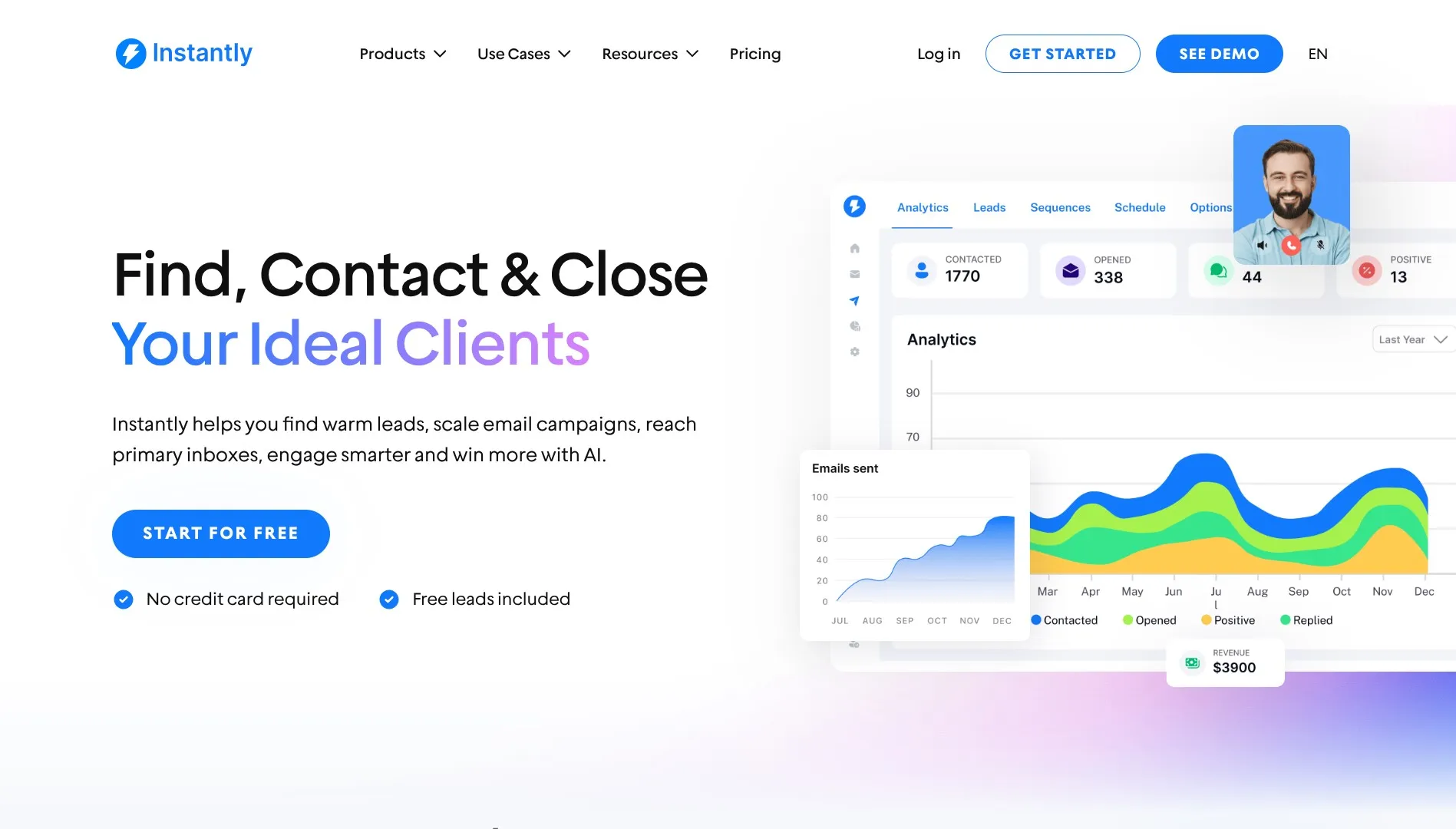
Instantly is built to eliminate the gap between prospecting and outreach. Rather than treating lead sourcing as a standalone task, Instantly integrates it directly into the outbound workflow.
Using its AI-powered Supersearch, teams can generate lead lists from a large internal database, automatically verify contacts, enrich missing data, and push leads directly into live campaigns. The result is a streamlined process that lets sales teams move from idea to execution with minimal operational overhead.
Feature Highlights
Supersearch: Build targeted lead lists from a database of 450M+ verified B2B contacts using role, company, as well as firmographic filters
Native campaign handoff: Move leads directly into outreach campaigns with no exports or reuploads
Built-in email verification: Reduces bounce risk for both native and imported leads
Waterfall enrichment: Fills incomplete records using multiple data providers
Pros
Keeps prospecting, verification, and outreach tightly connected
Eliminates manual cleanup, exports, and tool switching
Enables fast ICP testing and targeting iteration
Well suited for high-volume, always-on outbound motions
Cons
Not designed for deep, standalone data analysis
2. Lusha
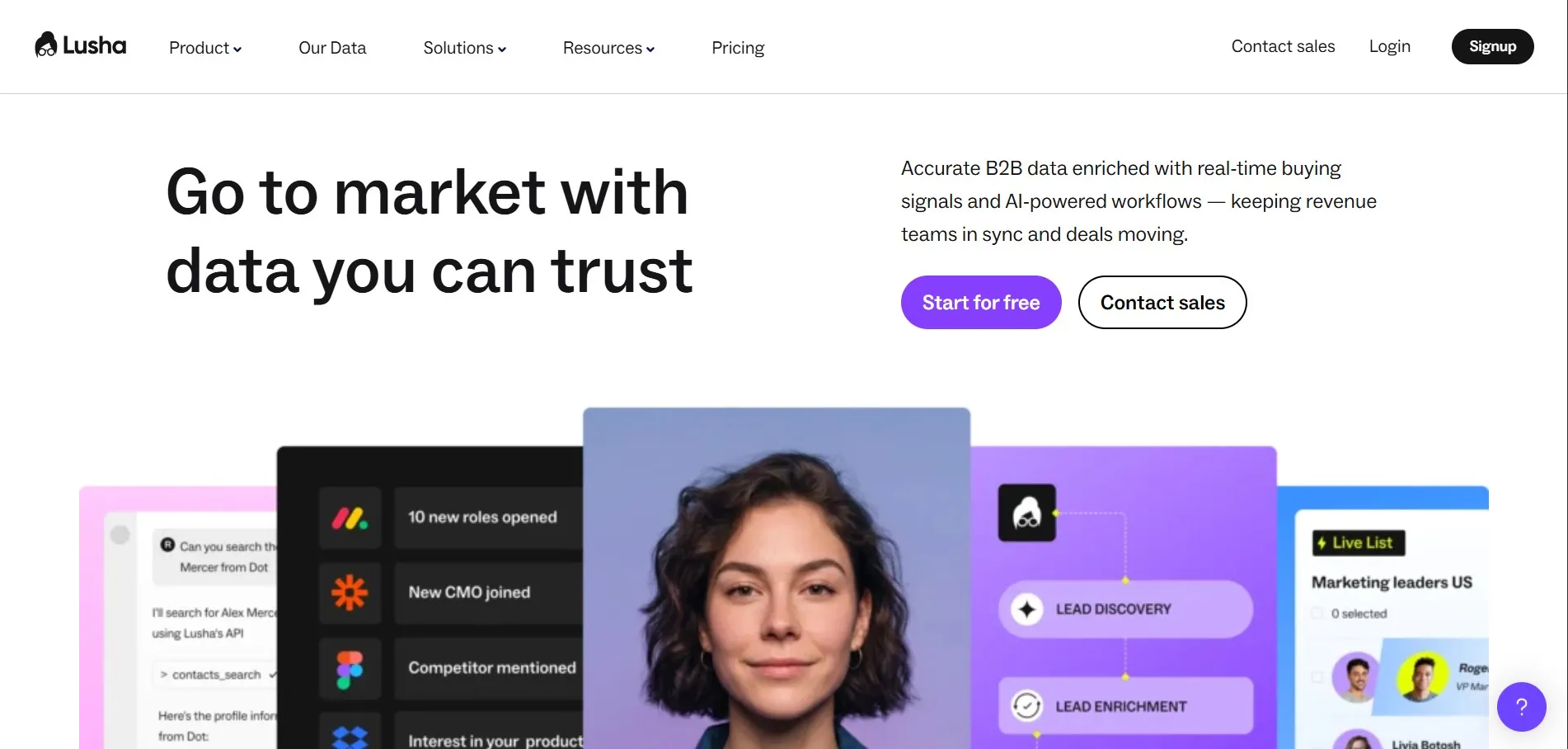
Lusha is designed for fast manual prospecting, especially on LinkedIn. Teams usually use it through a Chrome extension that pulls contact details directly from profiles while browsing. It works best when teams already know who they want to target and need to get contact information quickly with little setup.
Feature Highlights
LinkedIn Chrome extension: Reveal contact details while prospecting live
Contact and company search: Find prospects outside LinkedIn
Not designed to manage end-to-end prospecting workflows
3. Apollo
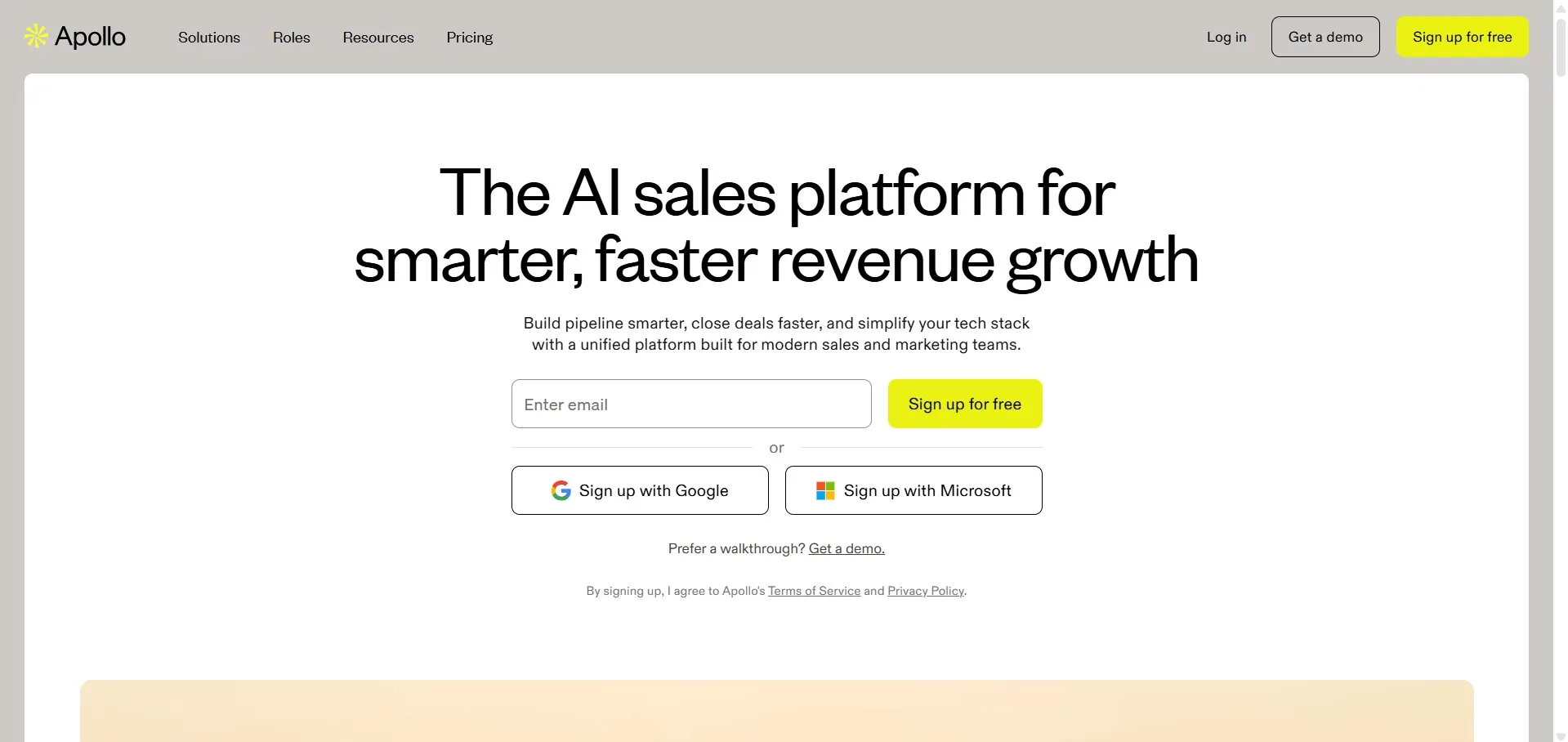
Apollo is a well-known B2B lead database that offers wide market coverage and advanced filters. Its free plan is perfect for early-stage teams who want to create their first list of leads. The platform is capable and flexible, but as usage scales, some teams find the interface and workflows less efficient for day-to-day execution.
Feature Highlights
Large B2B database: Broad coverage across industries and regions
Advanced filters: Target by role, seniority, company size, and industry
Basic enrichment: Fill in missing contact as well as company data
Pros
Strong coverage for exploratory or wide-net prospecting
Accessible entry point for small teams
Cons
Interface can feel clunky at scale
Reported inconsistencies in data quality
4. Cognism
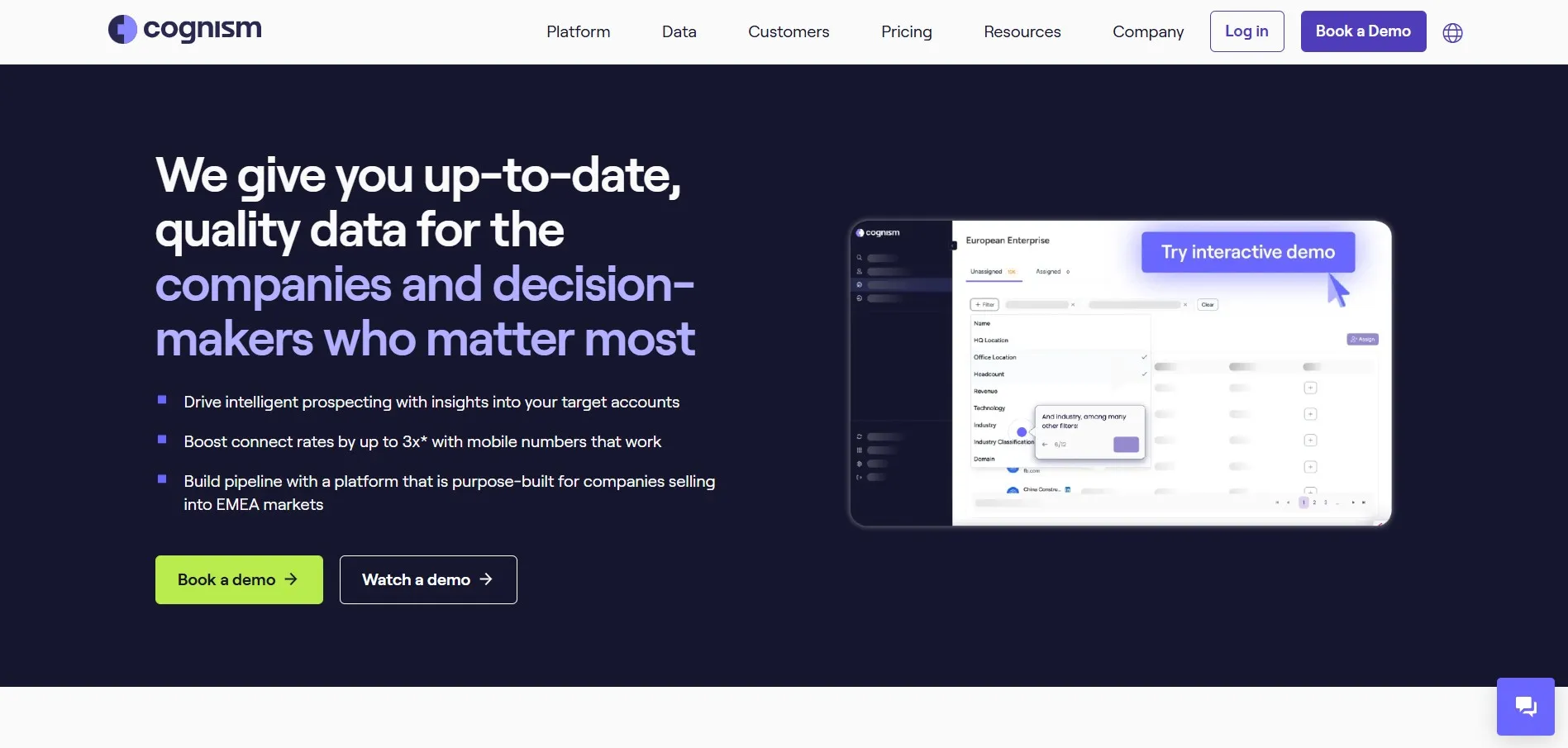
Cognism is made with compliance and governance in mind, making it a common choice for enterprise sales teams working across regulated markets. It provides structured data, intent signals, and account-level organization but comes with higher cost and setup requirements compared to lighter-weight tools.
Feature Highlights
Compliance-focused data sourcing: Designed for regulated regions
Firmographic and intent insights: Support account-based strategies
Advanced list building: Group contacts by company for structured outreach
Pros
Strong fit for enterprise as well as regulated environments
Reliable data structure for long-term account management
Cons
Expensive for small or mid-sized teams
Heavier setup and onboarding
5. Seamless.AI
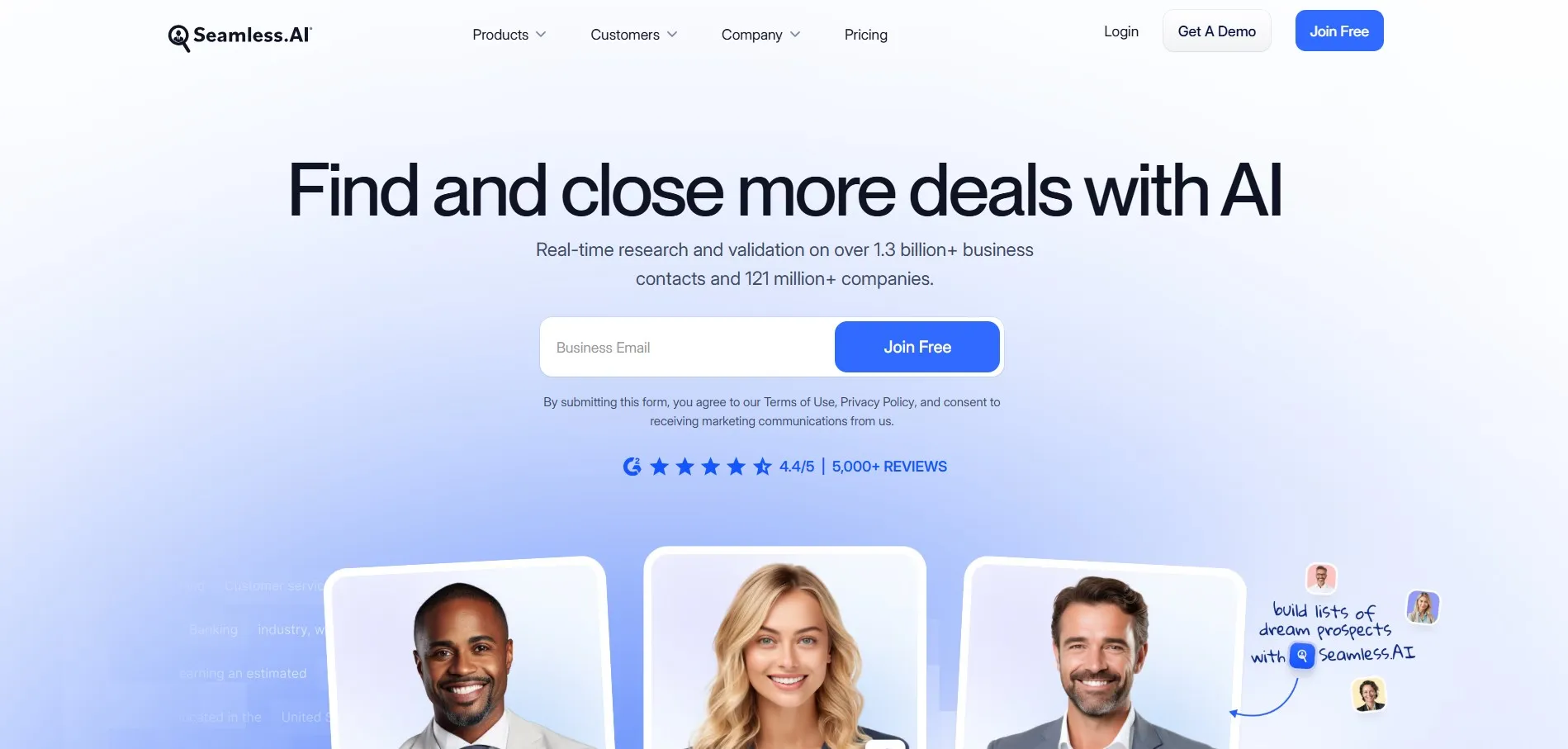
Seamless.AI focuses on real-time contact discovery rather than static databases. It pulls emails and phone numbers from LinkedIn and the web during active prospecting sessions. Teams usually use Seamless.AI to supplement existing lists or support one-off prospecting efforts. It’s commonly paired with third-party verification as well as outreach tools.
Feature Highlights
Real-time contact discovery: Source data during live prospecting
LinkedIn and web sourcing: Extend beyond prebuilt databases
AI-assisted search: Quickly surface contacts with minimal input
Pros
Effective for ad-hoc or time-sensitive prospecting
Minimal setup required
Cons
Data reliability can vary
Requires additional tools for verification and outreach
6. Linked Helper
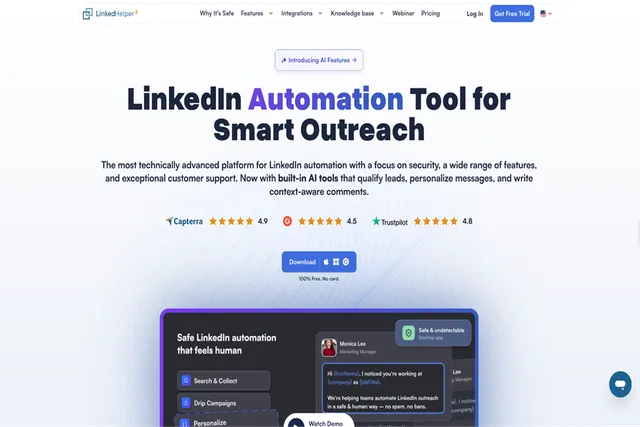
Linked Helper is the safest LinkedIn automation tool we've come across for finding and engaging leads. If most of your pipeline comes from LinkedIn, whether you run a sales team, an agency, or a startup, it's worth a close look. You search LinkedIn or Sales Navigator, it clicks through profiles the way you would, and the leads go straight into a campaign. You don't have to export anything or jump between apps.
Safety is built into everything it does. It runs inside its own anti-detect browser and types and clicks like a person, with clicks landing at random spots on the page. Daily limits change from day to day, and new accounts warm up slowly, so your activity never looks automated.
Feature Highlights
LinkedIn lead sourcing: Pull prospects directly from LinkedIn and Sales Navigator searches
Email finder and enrichment: Find verified emails, phone numbers, and 50+ other data points for the leads you collect
AI-driven campaigns: Mix connection invites, messages, InMails, and follow-ups, with branches that change based on how each prospect responds
CRM sync: Send leads to 9 popular CRMs, including HubSpot, Salesforce, and Pipedrive
Pros
Keeps your LinkedIn account protected at every step
Handles everything from finding leads to reaching out in one place
Low starting price that works for small teams
Cons
Built around LinkedIn, so it won't replace a standalone B2B contact database
Running it 24/7 on a VPS takes some initial setup, though you can then manage it from any browser
Choosing the Right Lead Finder for Your Team
The right lead finder works well with your team's sales process, target market, and how much they can handle in terms of operational challenges. While all of these tools aid solve the core problem of finding leads, they differ significantly in how much work comes after the list is created.
Some tools focus purely on data. Others help with sourcing but leave activation to third-party systems. Instantly stands out by closing the loop, combining lead discovery, verification, and outreach in a single workflow. For teams that value speed, consistency, and simplicity, it offers the most practical end-to-end solution in this lineup.
Disclaimer: This post was provided by a guest contributor. Coherent Market Insights does not endorse any products or services mentioned unless explicitly stated.
Share this story
R
About Author
Ravina
Ravina is a content writer and market research enthusiast specializing in emerging technologies, artificial intelligence, and industry trends. With a focus on intelligent document processing, AI-powered optical character recognition (AI OCR), and enterprise automation, Ravina explores how technological advancements are transforming business operations and data management. Through research-driven articles, Ravina aims to simplify complex market developments, highlight key industry trends, and provide valuable insights into evolving technologies and their impact on businesses worldwide.
Interested in industry outlook for Customer Relationship Management Market?Request Free Sample