Healthcare teams today are managing more communication channels than ever, yet most organizations are still running on a patchwork of EHRs, pagers, and basic messaging apps that have no real connection to each other. The result is slower care, frustrated staff, and compliance headaches that nobody has time for.
We looked closely at seven platforms that are changing how care teams communicate. From HIPAA-compliant texting to deep EHR integration, these tools are built around the way healthcare actually works, not the way a generic software team imagined it might.
Ready? Let's dive in.
Where Traditional Healthcare Communication Falls Short, According to Users Online
Traditional healthcare communication does many things adequately, but no system is without its drawbacks. After digging through research studies and talking to people actually working in clinical environments, a few themes kept coming up again and again.
The biggest frustration is simply the number of systems staff have to manage. EHRs, pagers, SMS, email none of them connect, and that forces people to constantly switch between tools just to do basic coordination. Mistakes happen in those gaps, and so does wasted time.
Beyond the tool problem, the coordination itself is often decentralized. Multiple staff members handling the same patient's communication without a clear owner leads to duplicated effort and, eventually, burnout. Add HIPAA requirements on top of that and you end up with security rules that, while necessary, push teams into even more siloed workflows.
What surprised us most was how often patients end up filling the coordination gap themselves. When providers don't have a standardized way to communicate, patients repeat their information over and over across departments. That's not a patient experience problem; it's a systems problem. And underneath all of it, healthcare workers are simply cognitively overloaded from managing too many channels with no unified place to work from.
(TL;DR) Healthcare Communication Solutions at a Glance
|
Tool
|
Best For
|
Key Advantage
|
Payment Model
|
Starting Price
|
Rating
|
|
Textline
|
Compliance-sensitive healthcare organizations
|
First HIPAA-compliant platform with patented consent workflows
|
Custom pricing
|
Contact for quote
|
4.8/5 (200+ reviews)
|
|
TigerConnect
|
Large hospital systems and clinical workflows
|
Role-based messaging with 99.995% uptime
|
Enterprise pricing
|
Contact for quote
|
4.5/5 (150+ reviews)
|
|
Klara
|
Multi-channel patient engagement
|
No-login patient communication with EHR integration
|
Subscription
|
Contact for quote
|
4.6/5 (300+ reviews)
|
|
OhMD
|
EHR-integrated patient messaging
|
85+ EHR integrations with one-click documentation
|
Per provider
|
Contact for quote
|
4.7/5 (250+ reviews)
|
|
Weave
|
Healthcare practice operations
|
All-in-one platform with AI-powered features
|
Subscription
|
Contact for quote
|
4.4/5 (1000+ reviews)
|
|
Heymarket
|
Omnichannel team collaboration
|
AI-powered messaging with multi-channel support
|
Per user/month
|
USD 25/user/month
|
4.3/5 (100+ reviews)
|
|
Twilio
|
Developer-focused healthcare solutions
|
Programmable APIs with global infrastructure
|
Pay-per-use
|
USD 0.0075/SMS
|
4.2/5 (500+ reviews)
|
Ranking the Best Healthcare Communication Solutions
1) Textline - The No.1 Healthcare Communication Platform for Compliance-First Organizations
4.8/5 (200+ reviews)
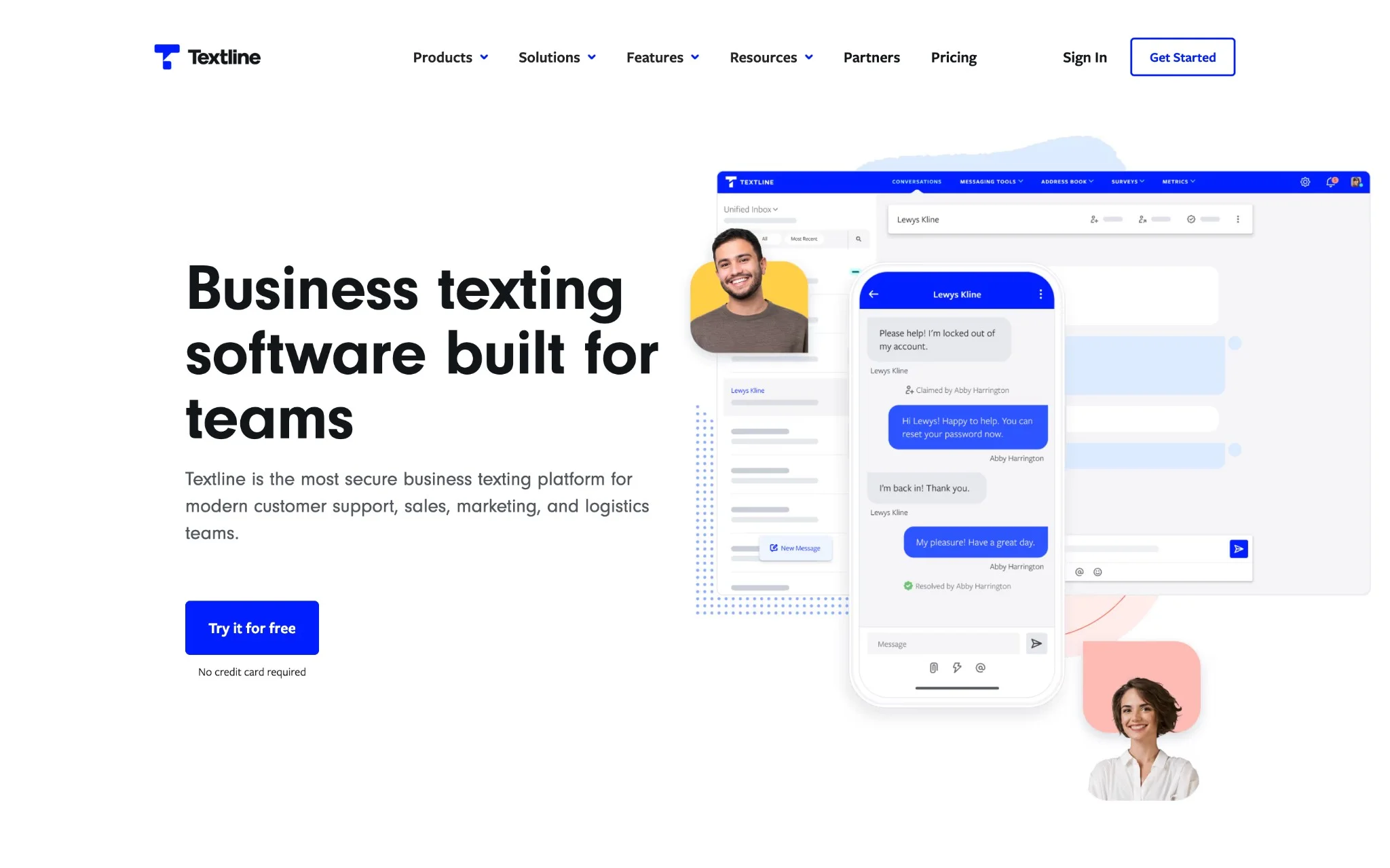
Textline stands out as the most secure healthcare communication platform, purpose-built for regulated industries with compliance at its core. As the first truly HIPAA-compliant business texting platform with a patented consent process, it eliminates the security risks that plague traditional healthcare communication methods.
Textline vs. Traditional Healthcare Communication: Key Differences
|
Comparison Factor
|
Textline
|
Traditional Systems
|
|
HIPAA Compliance
|
Consent happens as part of the conversation, and the audit trail builds itself along the way
|
Someone has to remember to follow the compliance steps manually, and that is where things slip
|
|
Team Collaboration
|
Everyone works out of the same inbox, with internal notes and routing that keep things moving
|
Staff jump between four or five different tools depending on what they need to do
|
|
Patient Coordination
|
One thread follows the patient across departments so nothing gets repeated or lost
|
Patient information sits in whichever system it was entered into and rarely makes it to the next person who needs it
|
|
Security Standards
|
SOC 2, HIPAA, and TCPA certifications all in place at the same time
|
Basic encryption covers the legal minimum but not much beyond that
|
|
Workflow Integration
|
Connects directly to EHRs and other systems so data moves on its own
|
Getting two systems to talk to each other usually means a manual workaround
|
|
Multi-location Support
|
One login, one dashboard, every facility visible from the same place
|
Each location tends to run its own setup with little visibility across the organization
|
|
Audit Capabilities
|
Every conversation is stored, searchable, and kept as long as your policy requires
|
Records are patchy and tracking down a specific exchange can take real effort
|
Key Features:
- HIPAA consent has always been one of those things that is easy to get wrong when it is treated as a separate step. Textline folds it into the regular messaging flow, so it happens naturally as part of the conversation rather than as an extra task someone has to remember to complete.
- Having one inbox for SMS, MMS, web chat, and social messages is honestly one of those things you don't realize you need until you have it. Staff spend less time hunting through different apps and more time actually helping patients.
- The whisper and routing features are worth calling out specifically. Staff can talk to each other inside a patient conversation without the patient seeing any of it. When someone needs to hand off a case, it happens cleanly behind the scenes rather than turning into a confusing back-and-forth.
- Security wise, Textline holds SOC 2 certification on top of its HIPAA compliance, and things like multi-factor authentication and IP whitelisting come standard. For organizations that have dealt with platforms that check the compliance box on paper but not much else, that distinction matters.
- The integrations with tools like Zendesk, HubSpot, and Salesforce were clearly built to work out of the box. There is no need to bring in a developer or reconfigure existing systems just to get things connected.
Considerations before going with Textline: Textline does not list its prices publicly, so getting a number means reaching out to their team first. That is a bit of an extra step when you are trying to size up multiple platforms at once. The other thing to keep in mind is that Textline stays in its lane with text-based communication. Voice calls and video are not part of what it does, so if your team leans on those regularly, you will still need something else to fill that gap.
Pricing starts at custom quote
On the pricing side, Textline runs on a credit-based system where plans are customized based on what your organization actually needs. If you are willing to commit annually, you can expect somewhere between 10 and 20 percent off compared to paying month to month.
Additional credits: USD 0.03 each (1 SMS = 1 credit, 1 MMS = 3 credits). Backup credits available at USD 0.04 each.
What else can you do with Textline?
Textline is not limited to healthcare. A lot of customer service teams, sales departments, and internal operations crews use it for everyday business communication across completely different industries. The Chrome extension and mobile apps mean people can stay on top of messages without being tied to a desktop, and the API gives technical teams room to connect it with whatever tools they are already running, all without loosening any of the security controls that make it worth using in the first place.
"We researched, surveyed, and chatted with over a dozen text-solution companies, and Textline was the top contender. A year after using them, I am so glad we chose Textline. It's user-friendly, easy to implement, and simple to train new employees on. It's HIPAA compliant (which is huge for us), has great customer support, and is the perfect tool for daily use." – Felisha W. (G2)
2) TigerConnect - Enterprise Clinical Communication Platform
4.5/5 (150+ reviews)
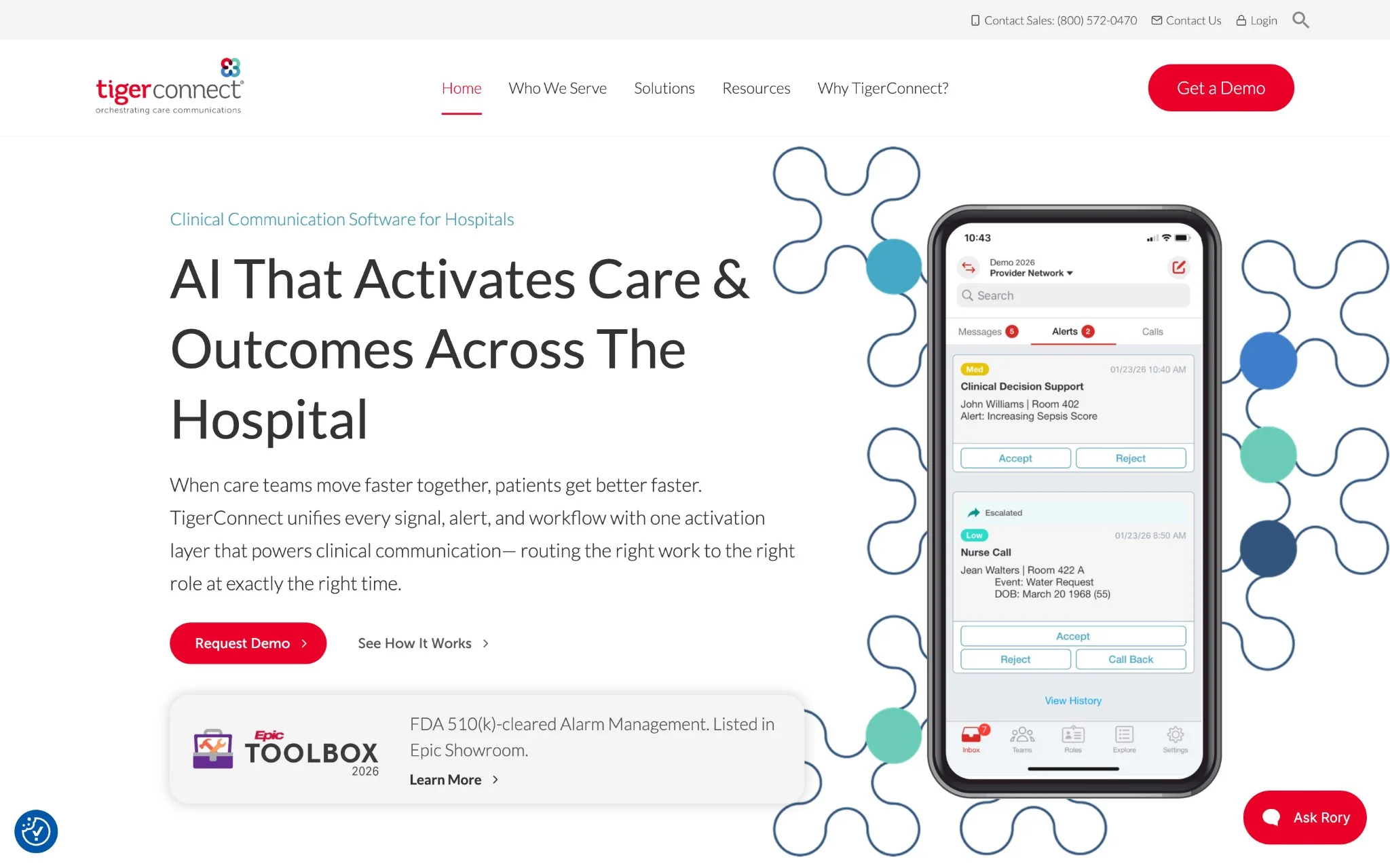
TigerConnect was clearly designed for large healthcare organizations, and you can tell from the moment you start exploring what it offers. The platform brings messaging, alerts, and scheduling together in one place, which matters a lot when you are coordinating across an entire health system rather than a single clinic. It carries HITRUST certification and maintains 99.995% uptime, so for hospitals where communication downtime is simply not an option, that kind of reliability is a serious selling point.
Key Features:
- Role-based messaging system contacts clinicians by role rather than name, streamlining urgent communications compared to basic platforms requiring manual contact lookup
- CareConduit integration engine normalizes data from EHRs, nurse call systems, and lab systems with intelligent routing, superior to fragmented traditional communication methods
- Enterprise scalability supporting 10,000+ users across multi-site health systems with rapid deployment, unlike smaller platforms limited to single-facility use
- Alarm management with escalation logic ensures critical messages reach the right staff, addressing the coordination failures common in manual healthcare communication
- Pre-hospital integration linking EMS with hospital teams enables advance preparation that traditional paging systems cannot support
Considerations before going with TigerConnect: TigerConnect is a strong platform but it is genuinely built for large scale operations. If you are running a smaller practice, a lot of what it offers may simply be more than you need, and the implementation process reflects that. Getting it up and running requires real IT involvement and a decent amount of staff training before things start feeling natural.
Pricing starts at custom enterprise quote
Pricing is customized based on organization size and what features you actually need, so you will have to get in touch with their team to get real numbers.
Textline vs. TigerConnect: How Do They Compare?
When you put TigerConnect next to Textline, the main difference comes down to who each one was built for. TigerConnect is clearly at home in large hospital environments where clinical workflows are complex and the user count runs into the thousands. Textline covers more ground across different industries and tends to be easier to get deployed without heavy IT lifting. Both take security seriously, but if a faster setup and broader flexibility matter to your organization, Textline has an edge there.
3) Klara - Patient-Centric Communication Platform
4.6/5 (300+ reviews)
Klara takes a lot of the back and forth out of patient communication by bringing messaging, workflow automation, and EHR connectivity into one place. The administrative load on staff goes down noticeably, and patients tend to have a smoother experience because they are not being asked to download an app or create yet another portal account just to send a message.
Key Features:
- Speaking of which, patients can communicate directly from their phone without registering for anything. That alone removes a barrier that a surprising number of people quietly give up on, and it does it without cutting any corners on HIPAA compliance.
- Phone volume is another area where Klara makes a real difference. Incoming calls can be converted to text threads and voicemails get transcribed automatically, so staff are not spending half their day on hold or playing phone tag with patients.
- Messages get routed to the right staff member without anyone having to manually figure out who should handle what. For busy practices where that kind of triage used to fall on a single person, it is a noticeable shift in how smoothly things run day to day.
- The EHR integration covers major systems including AthenaHealth and Nextech, and exporting a conversation into the patient record takes a single click rather than a copy paste job.
- For practices that also offer virtual visits, Klara includes telemedicine with virtual waiting rooms built in, so patients and providers can move from messaging to a video visit without switching platforms.
Considerations before going with Klara: Focuses primarily on patient-facing communication rather than internal staff coordination. The video features get the job done but do expect to spend some time on setup and walking staff through how everything works before it feels natural. Nothing about it is overly complicated, just something to plan for rather than assuming it will be running perfectly on day one.
Pricing starts at custom quote
Pricing is subscription based and varies depending on practice size and which features you need. You will have to reach out to their sales team to get actual numbers.
Textline vs. Klara: How Do They Compare?
Comparing Klara to Textline, the two serve somewhat different purposes. Klara is genuinely strong when it comes to patient facing communication, appointment workflows, and EHR integration. If your main goal is improving how patients interact with your practice, it covers that ground well. Textline on the other hand leans more toward internal team collaboration and works across a wider range of industries. It also brings more depth on the compliance automation side, which matters for organizations where audit readiness is a regular concern rather than an occasional one.
4) OhMD - EHR-Integrated Patient Messaging
4.7/5 (250+ reviews)
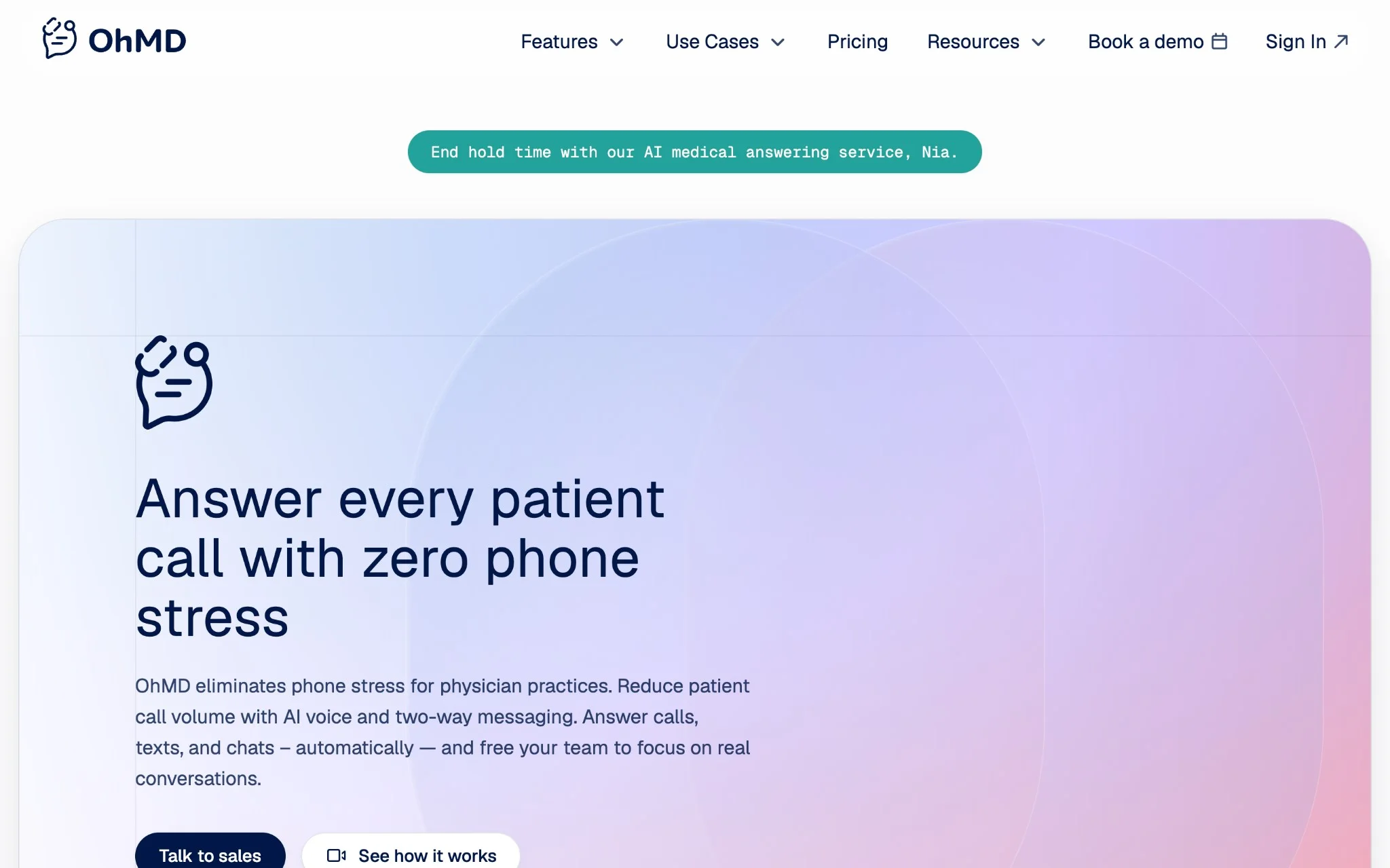
OhMD is built around one core idea, which is that patient communication and medical records should not live separately from each other. It connects with over 85 practice management systems, which covers a wide enough range that most practices will find their EHR on the list. The bigger day to day wins for most teams is the reduction in phone volume. Patients can reach out over text instead of calling, and when a conversation needs to go into the chart, it gets there with a single click rather than manual documentation.
Key Features:
- With connections to over 85 EHR systems, OhMD covers a lot of ground on the integration side. When a conversation needs to go into the patient record, one click handles it instead of staff having to manually copy information across systems.
- The call to text feature and voicemail transcription do a lot of heavy lifting for front desk teams. Patients who would normally call in can send a text instead, and voicemails that used to pile up get converted into readable messages that are much faster to work through.
- Referral management is handled through dedicated lines that automatically capture intake information and push it into the EHR. For practices that have dealt with referrals getting lost or delayed in manual handoff processes, that kind of automation closes a gap that costs real time and occasionally affects patient outcomes.
- Patients do not need to download anything or create an account to communicate with their provider. They text from their regular phone number the same way they would text anyone else, and the HIPAA compliance happens on the backend without the patient ever having to think about it.
- For telehealth, OhMD keeps things simple by sending patients a text link that opens directly into a video visit. There is no app to download, no login screen to navigate, and no technical support call before the appointment even starts.
OhMD is primarily focused on the patient to provider side of communication, so if your organization also needs strong internal team collaboration tools, you may find it a bit limited there. Getting the most out of the EHR integration can also require some configuration on the backend before everything works the way you want it to.
Pricing starts at per-provider subscription
Pricing runs on a per provider basis, which makes costs fairly predictable as your practice grows. Larger practices can get volume discounts, and you will need to contact their team directly to get numbers specific to your situation.
Textline vs. OhMD: How Do They Compare?
Putting OhMD next to Textline, the two have different strengths. OhMD is genuinely well built for reducing phone volume and keeping patient records clean through tight EHR integration. If that is your primary pain point, it addresses it directly. Textline covers more ground when it comes to internal communication across departments and brings more depth on the compliance automation side, which makes it a better fit for organizations that need both patient facing and team facing communication handled in one place.
"Textline allows us to communicate with our patients even when our phone systems are down, which happens often. The tagging features let us contact specific patient demographics and maintain constant communication. The system even allowed us to integrate with our custom software via an API. "I really do love it." – Elias R. (G2)
5) Weave - All-in-One Healthcare Practice Platform
4.4/5 (1000+ reviews)
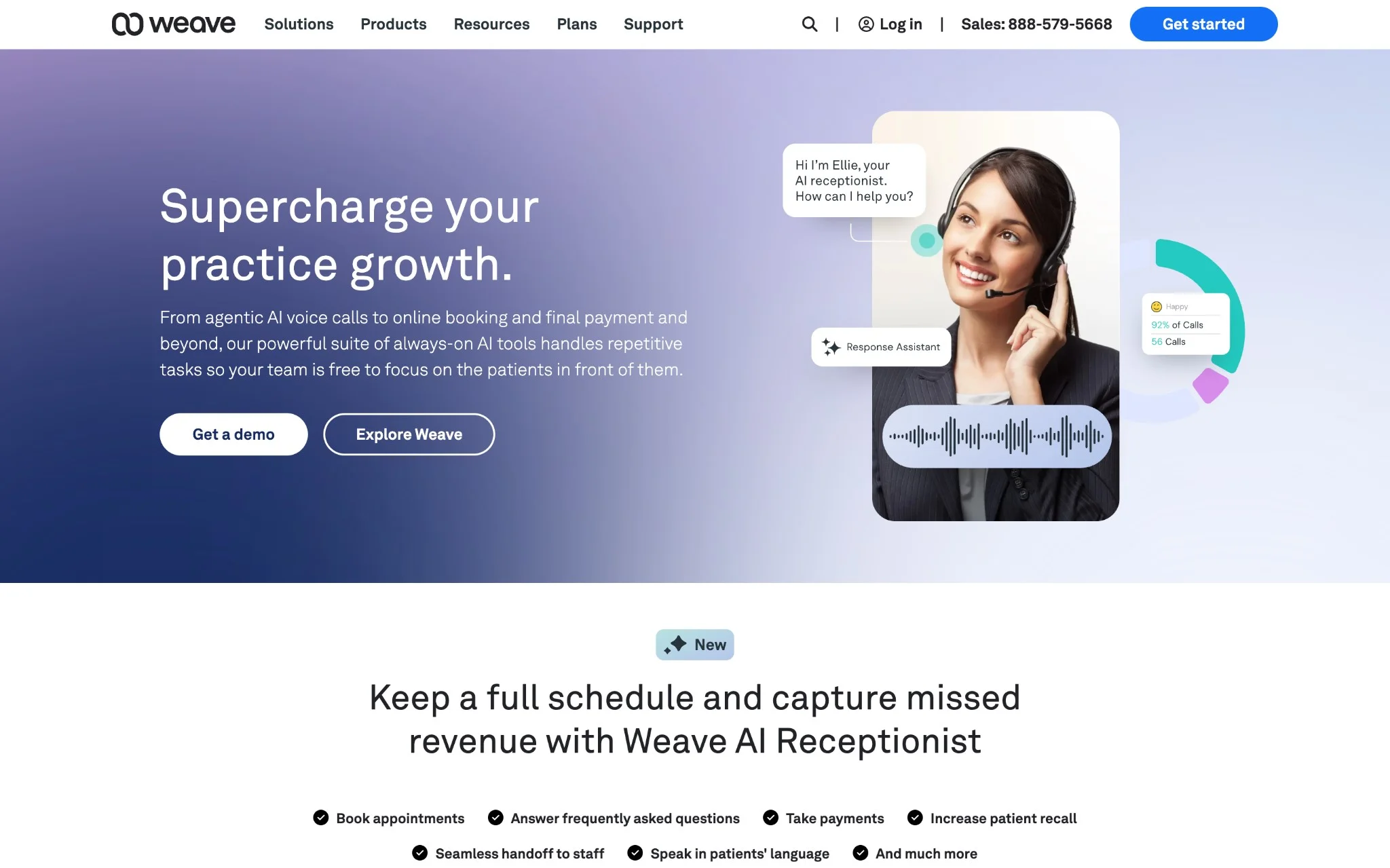
Weave is not trying to be just another messaging tool. It brings patient engagement and practice operations together in a way that feels more like a full practice management platform than a communication solution. Teams that want to consolidate how they handle day to day operations alongside their conversations will find that setup genuinely useful.
Key Features:
- When a patient calls in, Weave pulls up their information automatically, so the person answering already knows who they are talking to, when their next appointment is, and whether they have an outstanding balance. It is a small thing that makes a noticeable difference in how those conversations go.
- The automation side covers more than just messaging. Appointment reminders, recall campaigns, and payment collection can all run without staff having to manually trigger anything. For practices that have been handling those tasks by hand, the time savings add up faster than you might expect.
- Patient intake gets cleaner too. Digital forms feed directly into the EHR, so there is no one sitting at the front desk re-entering information that the patient already filled out. It removes a step that has always felt unnecessary and occasionally introduced errors.
- Weave also includes tools for managing online reviews, including AI generated response suggestions that keep replies professional without taking up staff time. For practices where reputation management tends to fall through the cracks, having it built into the same platform helps.
- For groups running multiple locations, everything can be managed from one place rather than logging into separate systems for each facility. Coordination across sites becomes a lot more straightforward when there is a single dashboard covering all of them.
Weave is built specifically for healthcare practices, which means it fits that context well but does not translate easily to other industries. It is also worth being honest that the platform does a lot of things, and for smaller practices or teams that just need straightforward communication tools, that depth can feel like more than necessary rather than a benefit.
Pricing starts at custom subscription
Pricing is subscription based and depends on practice size and which features you are actually going to use. You will need to reach out to their sales team to get a real number.
Textline vs. Weave: How Do They Compare?
When you compare Weave to Textline, the difference is mostly about scope. Weave goes well beyond communication and into practice operations, which makes it a strong fit for organizations that want to consolidate a lot of their day to day tools into one platform. Textline stays focused on secure messaging and team collaboration but does it across a wider range of industries and with more depth on the compliance automation side. If your priority is running a tighter clinical operation with everything under one roof, Weave makes sense. If you need something that handles communication reliably across departments without the added complexity, Textline is the more straightforward choice.
6) Heymarket - AI-Powered Team Messaging
4.3/5 (100+ reviews)
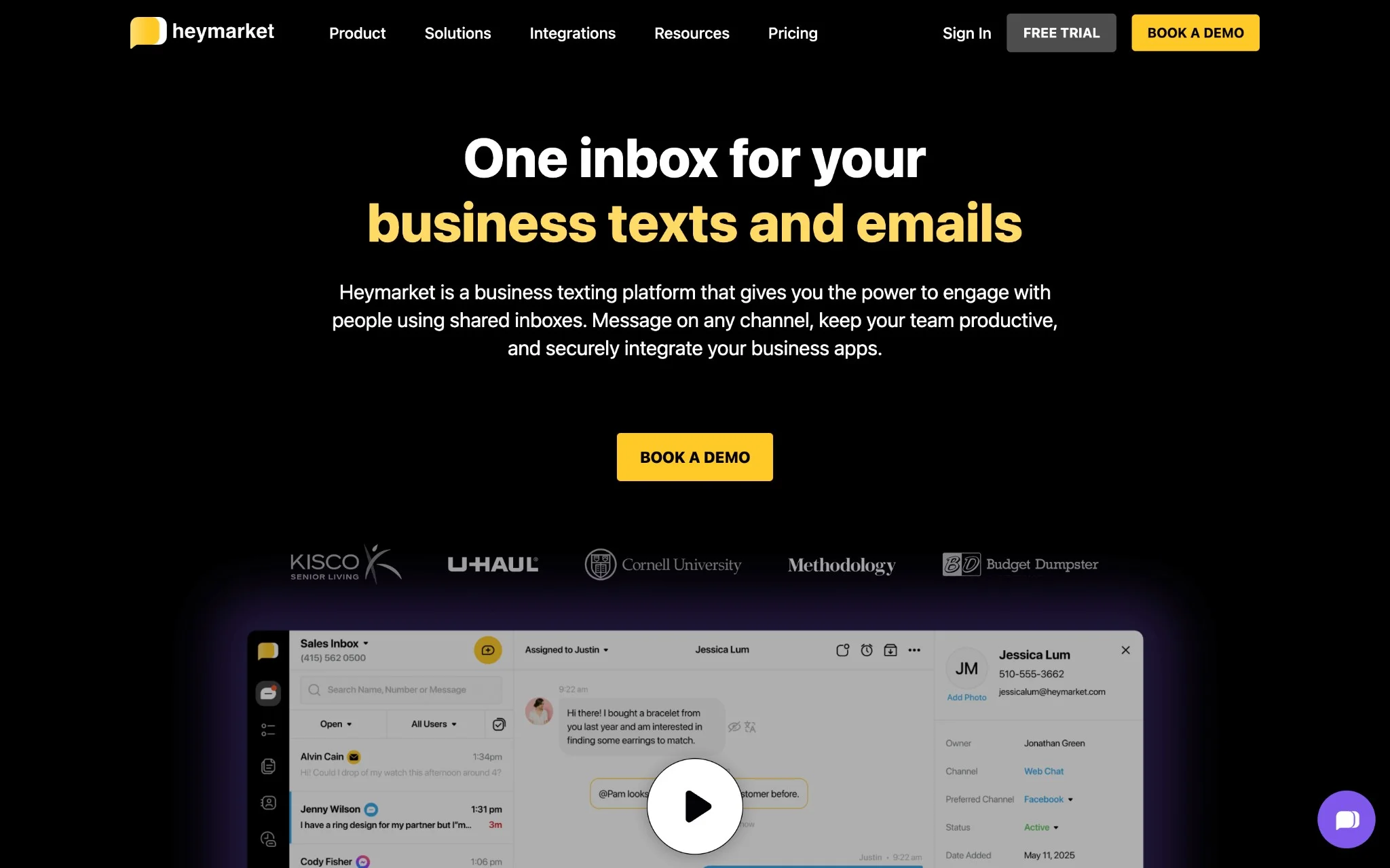
Heymarket brings SMS, MMS, and social channels into one shared inbox and layers in AI powered features to help teams manage conversations more efficiently. It does support HIPAA compliance, but it was not built exclusively for healthcare. Organizations looking for a flexible business messaging tool that happens to meet healthcare security requirements will find it fits that role reasonably well.
Key Features:
- Heymarket suggests responses as conversations come in and reads sentiment across messages, which helps teams stay on top of high volumes without every reply needing to be written from scratch. For busy teams managing a lot of conversations at once, that kind of assistance makes a genuine difference.
- The inbox pulls in SMS, WhatsApp, Facebook, and Instagram together, so staff are not logging into separate platforms to check different channels. For organizations communicating with patients or customers across multiple touchpoints, having it all in one place simplifies things considerably.
- When someone starts a conversation through web chat, it can be transitioned to SMS without losing the thread or having to start over. Patients or customers stay in a channel that works for them and the opt in gets captured automatically in the process.
- Security holds up on the compliance side with SOC 2 Type II certification alongside HIPAA support. It is built to meet healthcare requirements without being so narrowly focused that it cannot serve other business needs at the same time.
- The automation goes beyond simple auto replies. Multi step workflows can be set up to handle more involved communication sequences, which saves staff from manually managing follow ups or repetitive outreach that could easily run on its own.
Heymarket works well as a general business messaging tool but does not go deep on healthcare specific functionality. There is no EHR integration and clinical workflow optimization is not really part of what it was designed to do, so practices that need those capabilities will have to look elsewhere. Email support is still in beta as well, and the analytics on that side are fairly limited at this point, something worth keeping in mind if reporting is important to how your team operates.
Pricing starts at USD 25/user/month
|
Plan
|
Price
|
Key Features
|
Best For
|
|
Starter
|
USD 25/user/month
|
Basic messaging, shared inbox, templates, basic automation
|
Small teams
|
|
Professional
|
USD 45/user/month
|
AI features, advanced automation, integrations, analytics
|
Growing businesses
|
|
Enterprise
|
Custom pricing
|
Advanced security, custom integrations, dedicated support
|
Large organizations
|
Textline vs. Heymarket: How Do They Compare?
These two platforms share some common ground but are ultimately built for different things. If your organization communicates heavily across social channels and wants AI assistance built into the day-to-day messaging experience, Heymarket handles that well. If healthcare compliance is driving the decision, Textline goes deeper where it counts, with security controls and HIPAA consent workflows that Heymarket was never really designed to compete with.
7) Twilio - Programmable Healthcare Communication APIs
4.2/5 (500+ reviews)
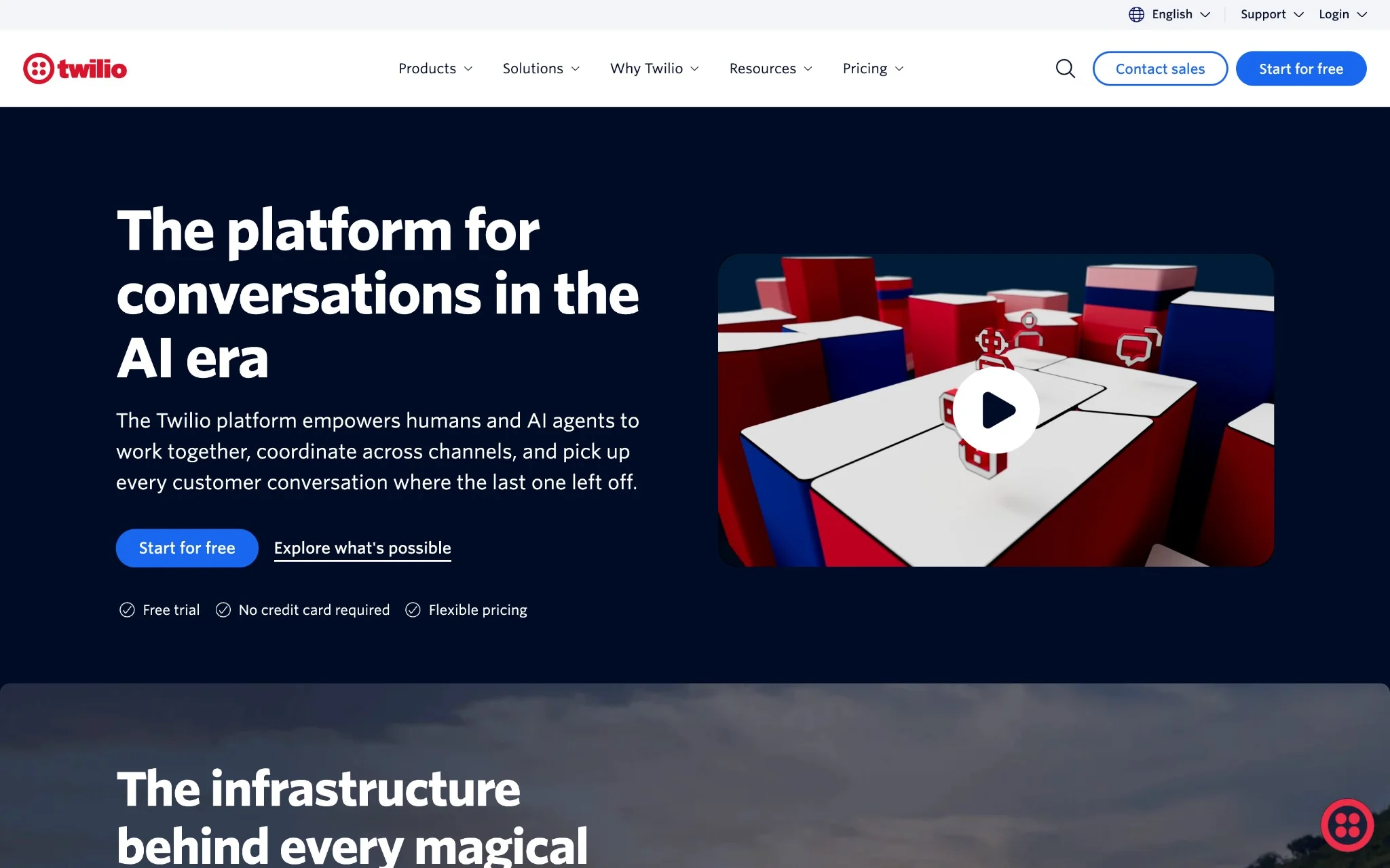
Twilio is less of a ready-made platform and more of a set of building blocks for development teams that want to create something custom. The infrastructure is global, the compliance tools are solid, and the API covers messaging, voice, and video, so the range of what you can build is genuinely broad. For healthcare organizations with technical resources and specific needs that off the shelf platforms cannot meet, that flexibility is the main draw.
Key Features:
- The messaging API covers SMS, WhatsApp, and RCS, which gives development teams enough range to build communication flows that go well beyond what most pre-built platforms allow. If your organization has specific requirements that standard tools cannot accommodate, that flexibility is where Twilio earns its place.
- The infrastructure runs at a scale that most regional platforms simply cannot match, with over 700 integration connectors available. For large organizations that need reliable connectivity across a wide range of systems, that kind of reach matters.
- Fraud Guard and the other compliance tools handle a lot of the security heavy lifting on the backend, which helps development teams build to healthcare regulatory standards without having to engineer every protection from scratch.
- The Segment integration brings in customer data platform capabilities, meaning patient engagement can be personalized in real time based on actual behavior and history rather than generic messaging sequences.
- For telehealth, the video API supports custom layouts, branded interfaces, and secure session recordings. Organizations that want their virtual visit experience to feel like their own product rather than a third-party tool will find that level of customization useful.
Considerations before going with Twilio: Requires significant development resources and technical expertise for implementation. Pay-per-use pricing can become expensive for high-volume healthcare communication needs.
Pricing starts at USD 0.0075/SMS
Twilio uses pay-per-use pricing across communication channels:
|
Service
|
Price
|
Features
|
Best For
|
|
SMS
|
USD 0.0075/message
|
Global delivery, delivery receipts
|
Basic messaging
|
|
Voice
|
USD 0.013/minute
|
IVR, conferencing, recordings
|
Voice communication
|
|
Video
|
USD 0.004/participant/minute
|
Custom layouts, recordings
|
Telehealth
|
|
Segment
|
Custom pricing
|
Customer data platform, analytics
|
Advanced personalization
|
Textline vs. Twilio: How Do They Compare?
Twilio and Textline are really solving different problems. Twilio gives development teams the building blocks to create something fully custom, which is powerful if you have the technical resources to do it right. Textline is ready to use from day one with healthcare specific features already in place, so there is no development work standing between you and a working system. For organizations that do not have a dedicated engineering team or simply do not want to spend months building a communication platform from scratch, that difference matters quite a bit.
The Verdict: Which Healthcare Communication Solution Should You Choose? (Our Top 3 Picks)
After evaluating these healthcare communication platforms, here are our top recommendations:
- Textline is the strongest choice for healthcare organizations where compliance and security carry real weight. The consent workflows are built into the platform rather than bolted on, the security certifications go deeper than most competitors, and the team collaboration features hold up well across departments. For organizations operating in regulated environments, it covers the bases that matter most.
- TigerConnect makes the most sense for large hospital systems dealing with genuinely complex clinical communication needs. The role-based messaging works well at scale, the uptime record is hard to argue with, and the EHR integration runs deep enough to support multi-site health systems with thousands of active users. It is not the right fit for smaller practices, but for the organizations it was built for it does the job well.
- Klara is worth a close look for practices that want to make patient communication feel less frustrating on both sides. Patients do not need to download anything or register for a portal, and the EHR integration keeps documentation from becoming a separate task. Where it loses some ground is internal team collaboration, so if that is just as important as the patient facing side, it is worth factoring that into the decision.
Healthcare communication is slowly but steadily moving in one direction. The days of stitching together a pager system, an EHR, a separate messaging app, and a compliance tool are numbered, and most organizations that have already made the switch will tell you they wished they had done it sooner. The platforms that are winning right now are the ones that bring everything together without making teams choose between security and usability. Whatever you decide, the most important thing is matching the platform to what your organization actually struggles with day to day, whether that is staying audit ready, coordinating across a large system, or simply making it easier for patients to reach the right person.

