Contact Us Careers Register

AI Note Taker in 2026: We Tested 5 Note-taking Apps and Here’s the Winner

20 Feb, 2026 - by Krisp | Category : Information And Communication Technology

AI Note Taker in 2026: We Tested 5 Note-taking Apps and Here’s the Winner - krisp

AI Note Taker in 2026: We Tested 5 Note-taking Apps and Here’s the Winner

Back-to-back meetings, missed action items, and scattered notes have made manual documentation increasingly unsustainable for modern teams. As remote and hybrid work expands, professionals need faster ways to make decisions, track responsibilities, as well as maintain accurate records — without interrupting the flow of conversation. This inclination is why many organizations are adopting the best AI note-taker solutions to automate meeting documentation and reduce cognitive load.

Today’s best AI meeting note takers goes beyond basic transcription. They act as real-time meeting assistants that automatically:

  • Record conversations across virtual meeting platforms
  • Generate structured summaries of discussions as well as decisions
  • Recognize speakers as well as allot contributions precisely
  • Extract action items along with follow-up tasks
  • Integrate with collaboration tools such as project management as well as CRM platforms

However, not all best AI note-taking apps bring the same level of accuracy, usability, or privacy.

  • Some depend on intrusive meeting bots that disrupt participant experience
  • Others struggle with transcription accuracy, especially in noisy environments
  • Many fail to provide actionable insights beyond raw transcripts
  • Security as well as compliance standards vary majorly across tools

To aid you choosing the best AI note-taking app for meetings, we studied five well-known tools under real meeting situations. Our analysis focused on transcription accuracy, summary quality, speaker identification, action item detection, integrations, pricing, as well as overall user experience. This guide represents our findings, compares the top solutions, and identifies the best AI note-taking app in 2026 based on performance and practical use cases.

Why AI Note Takers Are Becoming Essential for Meetings in 2026

Meeting volume has increased majorly in the past few years, creating growing pressure on teams to document discussions accurately. Microsoft research shows that weekly meeting time has grown by 252% since 2020, while employees are now interrupted roughly every two minutes during the workday due to meetings, messages, as well as collaboration tools. At the same time, research from McKinsey & Company shows that professionals spend nearly 20% of their workweek searching for internal information, usually due to incomplete documentation and fragmented knowledge capture.

This change has exposed the limitations of traditional note-taking apps and manual documentation. When meetings move quickly, participants often miss key decisions, action items, or context. Leveraging speech recognition as well as natural language processing, AI note takers convert conversations into structured outputs that teams can use in no time. However, performance varies widely across solutions. To recognize which tools deliver consistent results, we tested five leading AI note-taking apps using structured evaluation criteria.

How We Tested the Best AI Meeting Note Takers?

To recognize the best AI meeting note takers in 2026, we organize structured testing across real meeting environments as well as evaluated each tool using consistent performance benchmarks. Rather than relying on feature claims or vendor documentation, we assessed how each platform performs in practical scenarios where accuracy, usability, and reliability directly affect productivity.

Our testing framework was designed to reflect how modern teams use best note-taking software in everyday workflows including live meetings, decision tracking, and collaboration follow-ups.

Testing Methodology

We studied every AI note-taking app in controlled as well as real-world conditions to measure performance consistency across different environments.

Testing

Conditions Details

Meeting environments tested

●      Zoom, Google Meet, and Microsoft Teams sessions

●      Both scheduled and spontaneous meetings

●      Meetings with 2-10 participants

Audio and language conditions      

●      Multiple English accents and speaking styles

●      Varying speech speeds and conversational overlap

●      Background noise and real meeting interruptions

●      Different microphones and audio quality setups

Meeting formats evaluated

●      Daily standups and team sync meetings

●      Sales and client calls

●      Product discussions and decision meetings

●      Lecture-style presentations and briefings

Each tool was utilized across multiple sessions to analyze transcription stability, processing speed, as well as output consistency over time.

Evaluation Criteria

We benchmarked each platform across key performance dimensions that determine real-world usefulness and overall value.

Evaluation Criteria

What We Measured

Transcription accuracy

We measured how precisely the tool captured spoken content, including technical terminology, fast speech, and overlapping dialogue.

Summary quality

We evaluated whether AI-generated summaries clearly captured major points, decisions, as well as context without requiring extensive manual editing.

Speaker identification

We assessed the system’s ability to distinguish participants as well as correctly attribute statements.

Action item detection

We tested how reliably the tool extracted tasks, responsibilities, and follow-ups from conversations.

Integrations and workflow compatibility

We reviewed compatibility with collaboration tools such as project management platforms, CRMs, as well as productivity systems.

Bot vs bot-free experience

We compared tools that join meetings as visible bots with solutions that work without disrupting the meeting environment.

Security as well as compliance

We studied available privacy controls, data handling practices, and enterprise security standards.

Pricing and overall value

We compared feature availability across pricing tiers to evaluate cost-effectiveness for teams as well as organizations.

This benchmark-based approach allowed us to examined the best AI meeting note takers using consistent criteria and identify which solutions deliver reliable performance in real meeting scenarios.

Best AI Note Taking Apps at a Glance (2026 Comparison Table)

Opting for the best AI note-taking apps can be challenging because most platforms offer similar core features — transcription, summaries, as well as meeting insights. However, differences in automation quality, meeting experience, integrations, as well as pricing significantly affect real-world usability.

The comparison below provides a instant overview of the best meeting note-taking app options in 2026 based on our testing, highlighting their primary use cases, pricing, and key differentiators.

Tool

Best For (Use Case)

Bot or Bot-Free

Starting Price

G2 Rating

Unique Feature / Differentiator

Krisp AI Note Taker

Accurate meeting documentation with enhanced audio clarity

Bot-free

$8/month

4.6/5

Built-in noise cancellation as well as AI accent conversion, bot-free meeting experience

Tactiq

Live meeting transcription and quick notes for Google Meet users

Bot-free

$10/month

4.3/5

Real-time transcription with instant highlights and meeting insights

Bluedot

Bot-free meeting recording and privacy-focused documentation

Bot-free

$18/month

4.8/5

Records meetings without joining as a visible bot

ClickUp AI

Meeting notes integrated with project and task management workflows

Bot-based / Integration-based

$7/month

4.7/5

Converts meeting notes directly into tasks and workflows

Sembly AI

Action item tracking and post-meeting analytics

Bot-based

$10/month

4.6/5

Advanced meeting insights

5 Best AI Note Takers in 2026 (Full Reviews)

To recognize the best AI note taker apps in 2026, we studied leading solutions across real meeting scenarios as well as performance benchmarks. The tools below shows the strongest alternatives based on transcription accuracy, automation quality, usability, and overall value. Each review highlights features, strengths, limitations, along with competitive advantages to aid you in choosing the best AI note taking app for meetings based on your workflow as well as needs.

1. Krisp AI Note Taker: Best Overall AI Note Taker for Meetings
Krisp AI Note Taker

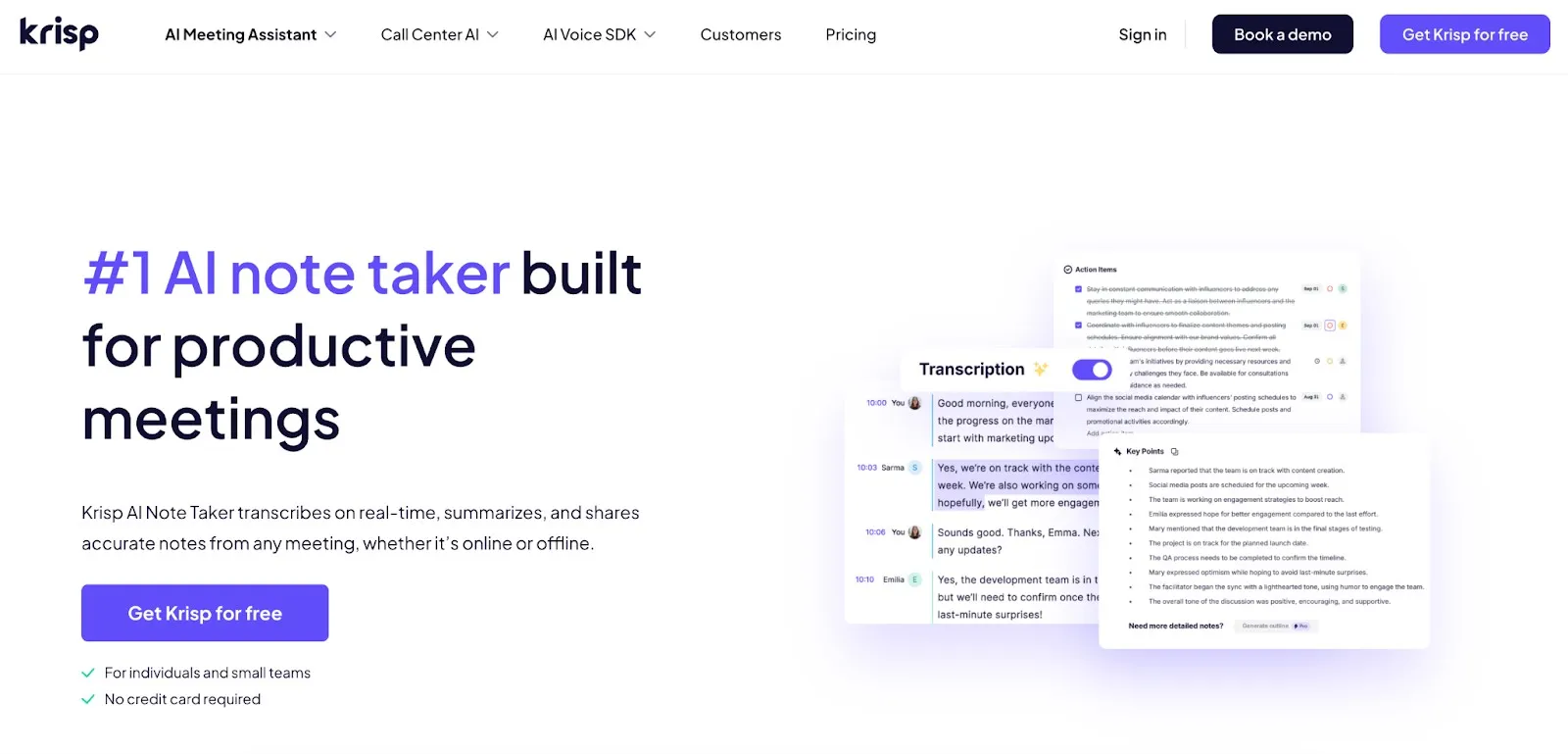
Krisp AI Note Taker positions itself as a full meeting intelligence solution that integrates transcription, documentation, as well as voice enhancement in one platform. Unlike many tools that simply record conversations, Krisp adds a voice-processing layer that improves audio clarity before transcription, aiding in generating more accurate meeting notes. Its bot-free architecture, real-time noise cancellation, and AI accent conversion make it particularly useful for remote teams, global collaboration, and fast-paced meeting environments.

Krisp AI Key Features

  • Real-time meeting transcription as well as recording with searchable transcripts
  • AI-generated summaries and action items for post-meeting follow-ups
  • AI noise cancellation that removes background noise, echo, and cross-talk
  • AI accent conversion that improves speech clarity while preserving natural voice
  • Bot-free meeting recording with audio captured directly from the device
  • AI chat embedded inside meeting notes
  • Speaker identification and timestamped transcripts
  • CRM and productivity integrations (HubSpot, Salesforce, Slack, etc.)
  • Works across Zoom, Google Meet, Microsoft Teams, as well as other conferencing tools
  • Multilingual support

Krisp AI: Pros

  •  Industry-leading audio clarity improves transcription accuracy
  •  Bot-free experience preserves meeting flow along with privacy
  • Strong action item and summary generation
  •  Works with multiple meeting platforms without plugins
  • Suitable for noisy or hybrid work environments

Krisp AI: Cons

  •  The free trial gives access to all features for only 7 days

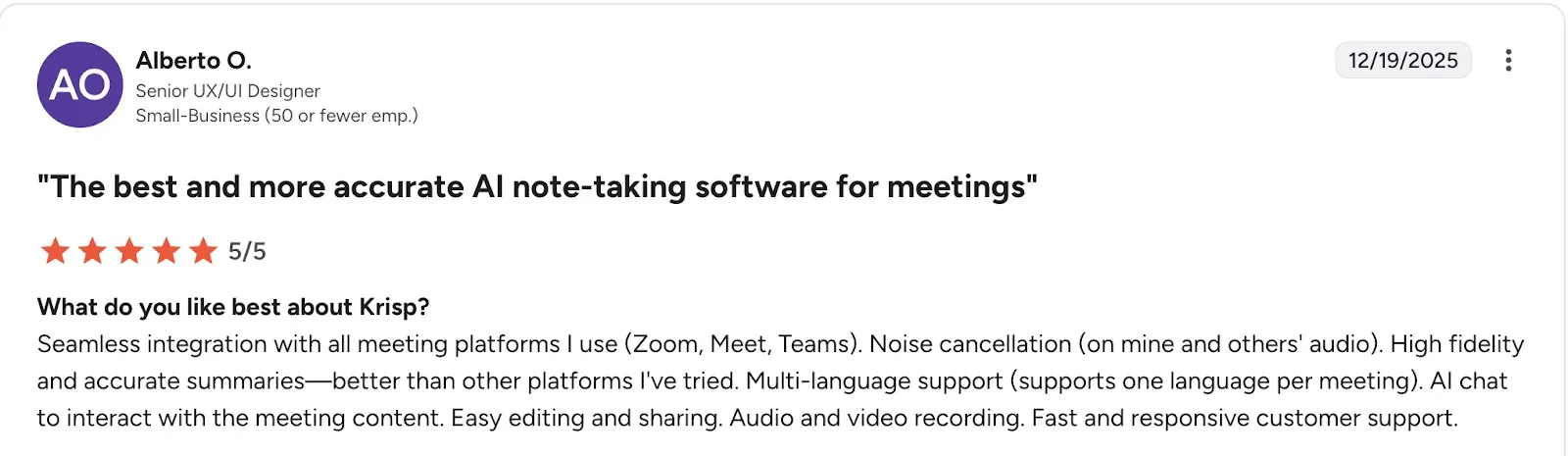
Real User Feedback (G2 Highlight)
Real User Feedback

G2 Rating

  • 4.6/5 (at time of writing)

 Krisp AI: Competitive Advantage

Krisp differentiates itself from other AI note-taker apps by improving audio quality before processing meeting content. This approach enhances transcription reliability and overall meeting clarity.

Key differentiators include:

  • Noise cancellation: Removes background noise as well as distractions in real time, improving call clarity and transcript quality.
  • Accent conversion: Refines speech in real time to lower misunderstandings while preserving natural voice characteristics.
  • Bot-free meeting experience: Captures audio directly without joining meetings as a visible participant.

These capabilities position Krisp as a strong choice for organizations prioritizing meeting clarity, documentation accuracy, as well as minimal workflow disruption.

2. Tactiq: Best for Live Meeting Transcription
Tactiq Best for Live Meeting Transcription

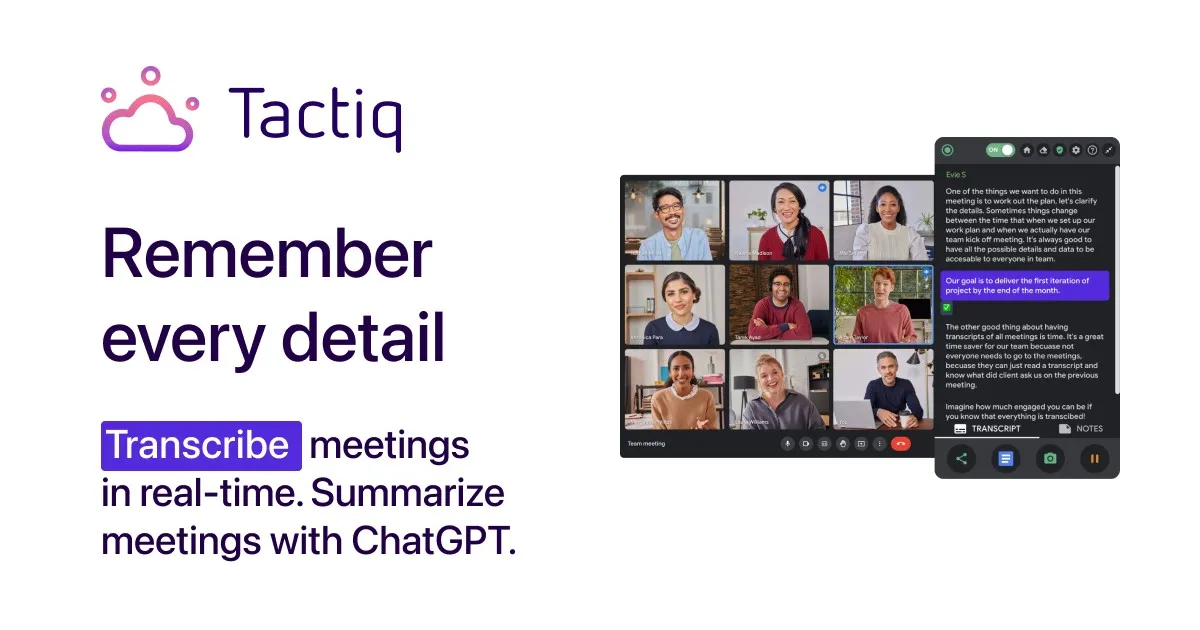
Tactiq is planned for teams that need fast, real-time transcription and simple meeting documentation without complex setup. The tool works directly inside meeting platforms such as Google Meet, Zoom, Microsoft Teams, etc., capturing conversations live while generating summaries as well as actionable insights. Its lightweight design as well as browser-based workflow make it a practical choice for users focused on speed, live captions, as well as instant meeting notes rather than advanced meeting analytics.

Tactiq Key Features

  • Real-time meeting transcription across Google Meet, Zoom, Microsoft Teams, etc.
  • AI-generated summaries as well as action items for quick follow-ups
  • One-click meeting insights and highlights
  • Upload and transcribe recorded meetings
  • Reusable AI prompts for automated tasks
  • Integrations with tools like Slack, Notion, HubSpot, and Zapier
  • Multi-language transcription support

Tactiq: Pros

  • Fast and accurate live transcription for meetings
  • Easy setup and intuitive workflow
  • Useful AI summaries and action item extraction
  • Lightweight solution suitable for daily meetings

Tactiq: Cons

  • Limited advanced meeting analytics compared to enterprise tools

Real User Feedback (G2 Highlight)
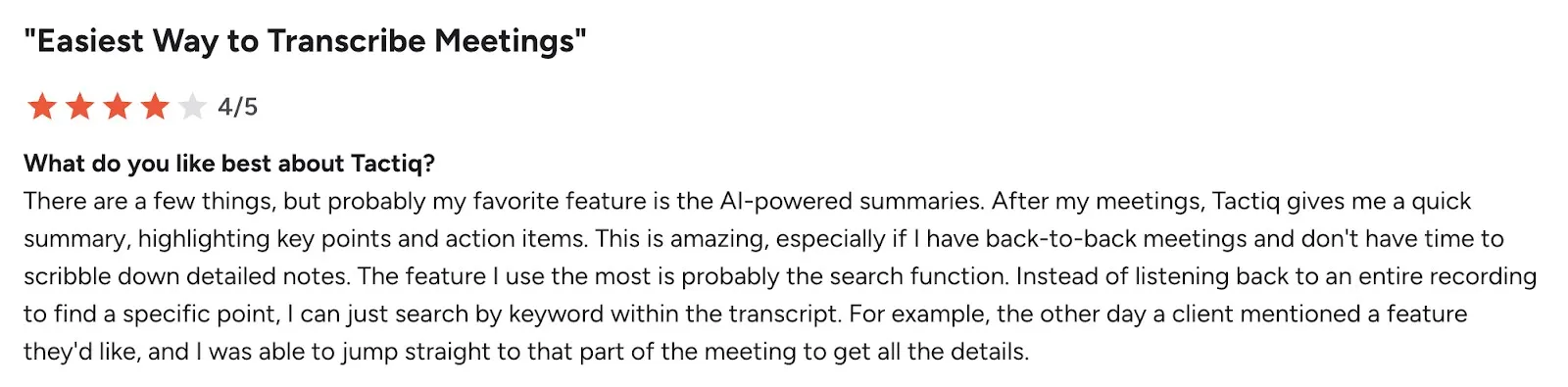
Real User Feedback

G2 Rating

  • 4.3/5 (at time of writing)

 Tactiq: Competitive Advantage

Tactiq’s primary strength is its real-time transcription speed and simplicity. The tool operates directly within meeting platforms, enabling instant notes, highlights, and summaries without complex configuration. Its lightweight workflow makes it ideal for teams prioritizing live documentation as well as fast follow-ups.

3. Bluedot: Best Bot-Free Meeting Recorder

Bluedot Best Bot-Free Meeting Recorder

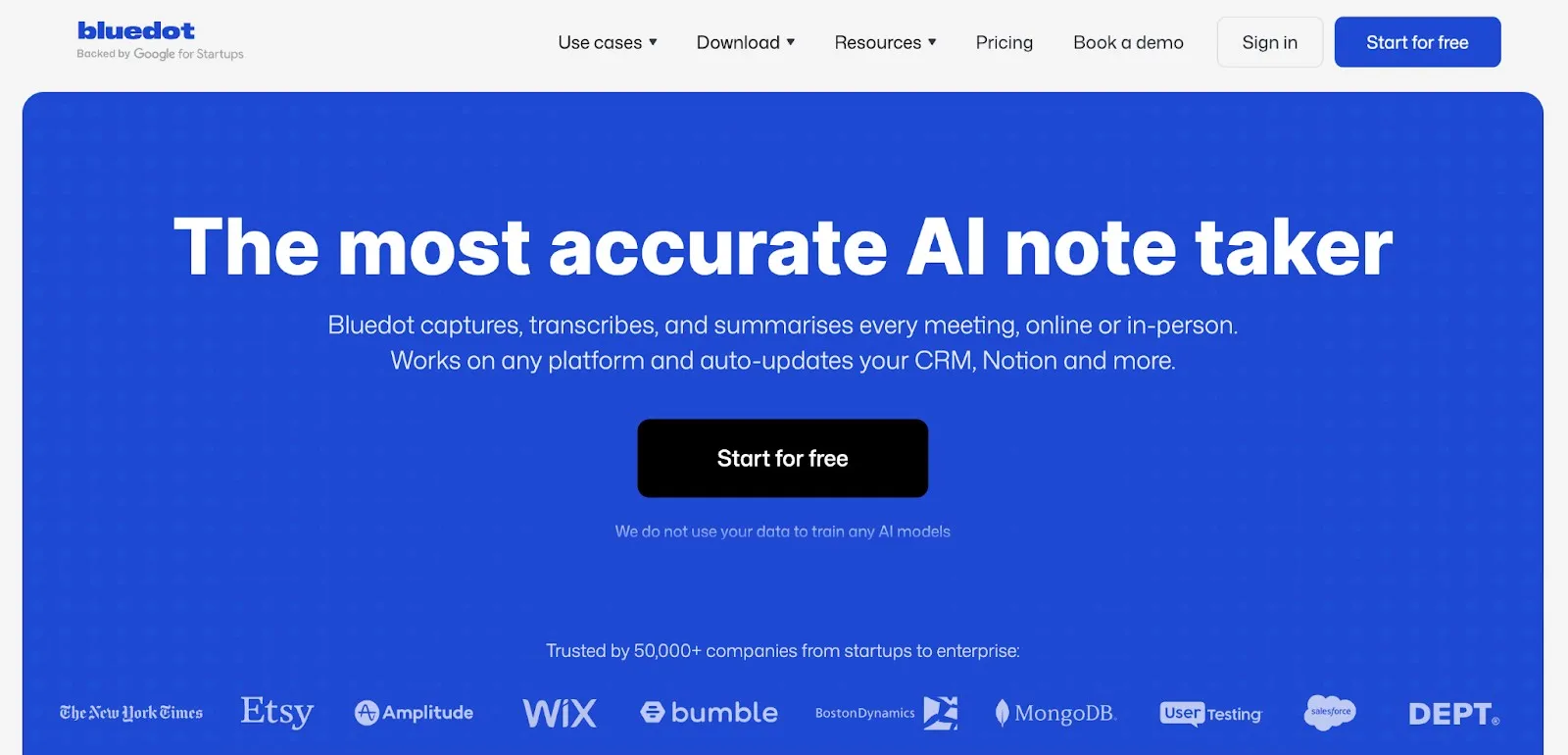
Bluedot focuses on frictionless meeting documentation through a bot-free recording experience. The platform records, transcribes, as well as summarizes meetings automatically while running quietly in the background, enabling participants to concentrate on the conversation. Its privacy-first design a seamless recording workflow make it particularly attractive for organizations that want automated meeting notes without visible bots or intrusive meeting interruptions.

 Bluedot Key Features

  • Bot-free meeting recording and transcription across major meeting platforms
  • AI-generated summaries as well as structured meeting notes
  • Automatic CRM and collaboration tool updates
  • Meeting highlights and shareable clips
  • AI meeting templates and customizable workflows
  • Video recording and transcript-based editing

Bluedot: Pros

  • Completely bot-free and non-intrusive meeting experience
  • Accurate transcripts and structured summaries
  •  Simple setup and intuitive interface
  • Automatically captures and organizes meeting insights

Bluedot: Cons

  •  Some manual transcript correction may be required

Real User Feedback (G2 Highlight)

Real User Feedback

G2 Rating

  • 4.8/5 (based on G2 reviews)

 Bluedot: Competitive Advantage

Bluedot differentiates itself through a privacy-first, bot-free recording experience. Unlike many AI meeting assistants, it operates silently without joining calls as a participant while still delivering structured notes, summaries, as well as action items. This makes it a strong choice for teams prioritizing meeting flow, privacy, and frictionless documentation.

4. ClickUp AI: Best Note Taking Software for Project Workflows

ClickUp AI

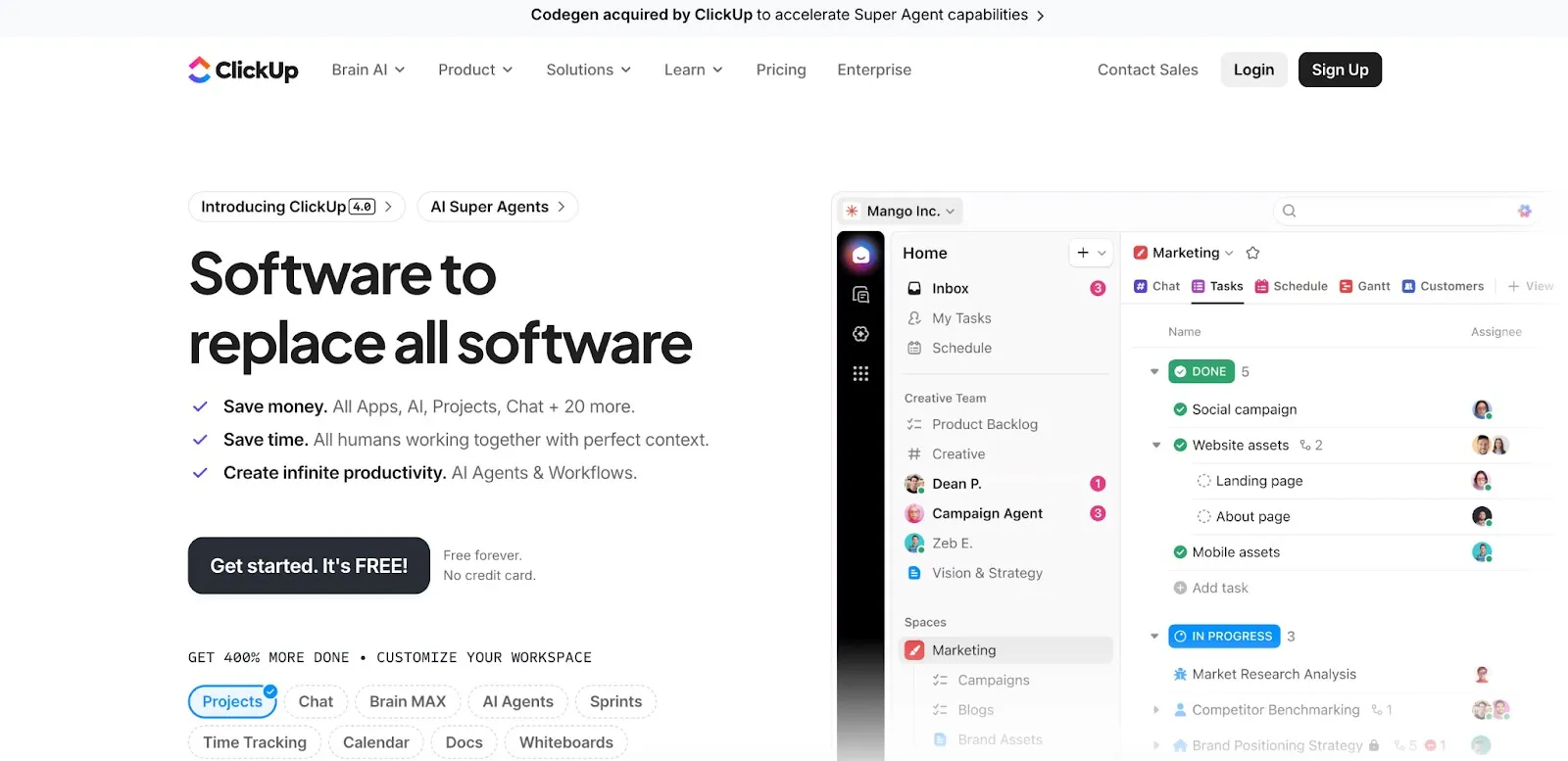
ClickUp AI is designed for teams that want meeting documentation directly connected to project execution. Unlike standalone note-taking tools, ClickUp integrates AI meeting notes with task management, collaboration, as well as workflow automation. The platform automatically captures discussions, generates summaries, as well as converts decisions into tasks, making it particularly useful for product teams, operations, and project-driven organizations that need meeting outcomes to translate into action immediately.

 ClickUp AI Key Features

  • Automatic meeting transcription and summaries powered by ClickUp AI
  • AI-generated action items and task creation from discussions
  • Centralized, searchable meeting notes as well as documentation
  • Real-time collaborative editing during meetings
  • Automated reminders as well as follow-ups for tasks
  • Integration with project management workflows, calendars, and collaboration tools
  • AI assistant for querying meeting notes and extracting insights

ClickUp AI: Pros

  • Strong integration between meeting notes and task management workflows
  •  Centralized workspace for documentation and collaboration
  • Automated task creation improves accountability
  • Suitable for teams managing complex projects

ClickUp AI: Cons

  •  Requires adoption of the ClickUp ecosystem for full value

Real User Feedback (G2 Highlight)

Real User Feedback

 G2 Rating

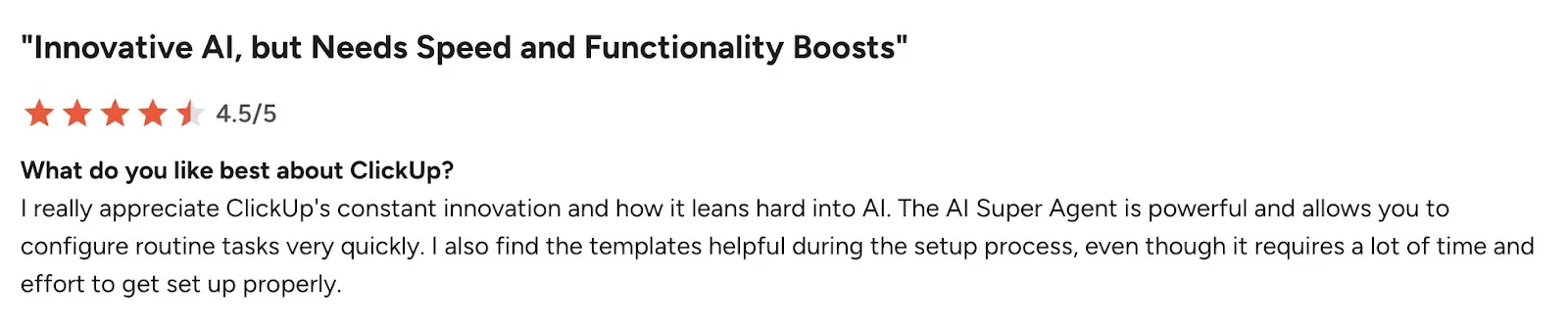
  • 4.7/5 (ClickUp overall platform rating)

 ClickUp AI: Competitive Advantage

ClickUp AI’s main strength is its workflow-first approach. Instead of treating meeting notes as standalone outputs, it converts conversations into tasks, deadlines, and project updates automatically. This makes it a strong choice for teams prioritizing execution and collaboration over standalone transcription.

 Key differentiators include:

  • Direct conversion of meeting discussions into tasks
  • Deep project as well as workflow integration
  • Centralized collaboration workspace

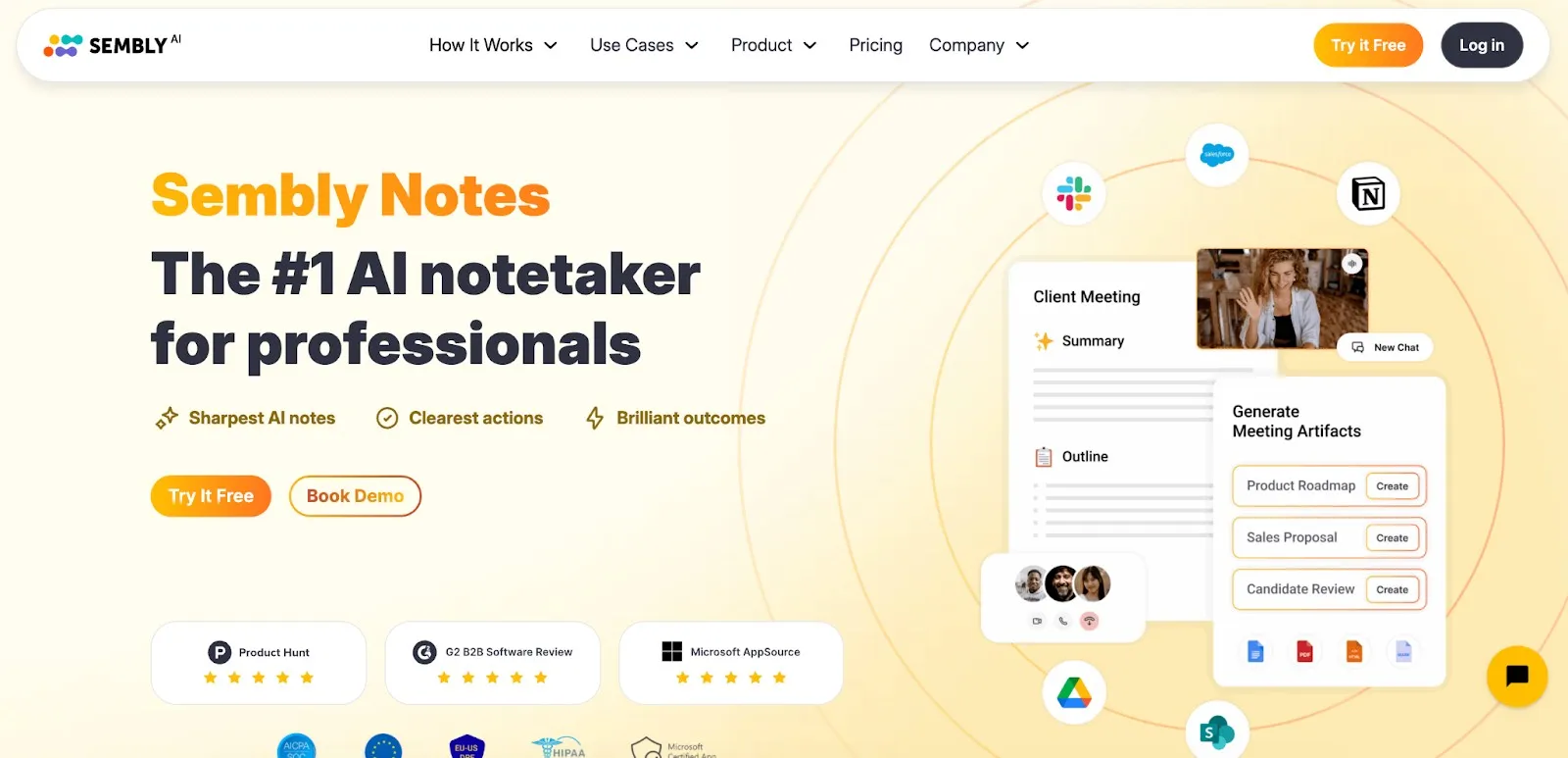
5. Sembly AI: Best for Action Item Tracking

Sembly AI

Sembly AI focuses on meeting intelligence and automated follow-up management. The platform records meetings, generates structured notes, as well as extracts tasks, decisions, and insights that help teams track progress after discussions. Its strong analytics, meeting insights, as well as task detection capabilities make it particularly useful for managers, operations teams, and organizations that need detailed meeting documentation and accountability tracking.

 Sembly AI Key Features

  • Automatic meeting recording, transcription, and summaries
  • AI-generated action items and meeting minutes
  • AI meeting chat for querying meeting insights as well as generating outputs
  • Workspace analytics dashboard for meeting insights
  • Meeting automation and follow-up tracking
  • Integrations with productivity and CRM systems
  • Cross-platform meeting support

Sembly AI: Pros

  • Strong action item extraction and follow-up tracking
  • Detailed meeting insights and analytics dashboard
  • Works even when users cannot attend meetings
  • Useful for team accountability and progress monitoring

 Sembly AI: Cons

  •  Setup and configuration may take time for larger teams

 Real User Feedback (G2 Highlight)

Real User Feedback

G2 Rating

  •  4.6/5

 Sembly AI: Competitive Advantage

Sembly AI differentiates itself through meeting intelligence and task tracking capabilities. Its platform emphasizes post-meeting execution by extracting responsibilities, tracking decisions, and providing analytics that help teams monitor progress.

 Key differentiators include:

  • Advanced action item detection and follow-up tracking
  • Meeting analytics as well as workspace insights
  • AI chat for reviewing meeting content

Which AI Note Taking App Is the Best Overall? (Winner)

After testing the prominent tools across transcription accuracy, automation quality, usability, as well as workflow integration, Krisp AI Note Taker emerged as the best AI note-taking app overall in 2026.

  •  Winner: Krisp AI Note Taker

Krisp delivered the most consistent performance across core evaluation criteria. Its combination of audio enhancement, accurate transcription, as well as bot-free meeting capture makes reliable documentation even in challenging meeting conditions such as background noise, fast speech, as well as multiple accents. Unlike many competitors that only process audio after recording, Krisp improves voice clarity before transcription, which directly raises output accuracy.

Why It Wins Based on Testing Criteria

  • Highest transcription reliability due to built-in noise cancellation as well as voice processing
  • Strong summary quality as well as action item extraction with minimal manual editing needed
  • Bot-free meeting experience that does not break conversations
  • Consistent performance across Zoom, Google Meet, Microsoft Teams, etc.
  • Balanced feature set combining documentation, audio clarity, as well as automation

This combination of accuracy, usability, and meeting experience positioned Krisp ahead of alternatives in real-world testing.

Comparison vs Alternatives

  • Tactiq offers fast live transcription but provides fewer advanced meeting insights and audio enhancement features.
  • Bluedot delivers a strong privacy-focused, bot-free experience but may require manual corrections in complex discussions.
  • ClickUp AI excels in workflow and task management but is less specialized in transcription accuracy.
  • Sembly AI provides advanced action item tracking and analytics but can require more configuration and editing.

While each tool performs well in specific scenarios, Krisp demonstrated the most balanced performance across all evaluation dimensions.

Best Use Cases for the Winner

Krisp AI Note Taker is particularly suitable for:

  • Remote and hybrid teams working in noisy environments
  • Global teams with multiple accents or audio conditions
  • Sales and client-facing meetings requiring accurate documentation
  • Professionals attending frequent meetings who need minimal manual editing
  • Organizations prioritizing privacy and non-intrusive meeting recording

For most teams seeking accuracy, automation, and a seamless meeting experience, it represents the strongest overall solution.

Final Verdict: The Best AI Note Taker in 2026

AI meeting documentation has moved beyond simple transcription into a wide category of meeting intelligence.Today’s tools capture conversations, extract decisions, and automate follow-ups — aid teams reduce manual work and improve accountability. However, performance varies significantly across platforms, making accuracy, usability, and workflow integration key decision factors.

Key Insights from Our Testing

  • Transcription quality differs broadly — audio processing along with speech recognition accuracy directly affect note reliability.
  • Automation matters more than recording — the best tools generate structured summaries as well as actionable outputs.
  • Meeting experience impacts adoption — bot-free solutions usually provide a smoother workflow.
  • Workflow integration surges value — tools that connect with collaboration and task systems improve productivity.
  • Different tools serve different use cases depending on team needs and meeting environments.

Best Choice by Use Case

  • Best overall AI note taking app: Krisp AI Note Taker — strongest balance of accuracy, automation, and meeting experience.
  • Best for live transcription: Tactiq — fast real-time captions and lightweight documentation.
  • Best privacy-focused recorder: Bluedot — bot-free meeting capture and structured summaries.
  • Best for project workflows: ClickUp AI — converts discussions into tasks and project updates.
  • Best for action item tracking: Sembly AI — strong follow-up automation and meeting analytics.

The right choice ultimately depends on whether your priority is transcription accuracy, workflow integration, privacy, or post-meeting execution.

The Future of AI Meeting Intelligence

AI note-taking is advancing toward fully automated meeting workflows. Future platforms will bring deeper context understanding, predictive task generation, real-time decision tracking, as well as more advanced voice processing to improve clarity across languages and accents. As meeting volume continues to surge, AI meeting assistants are expected to become a standard layer of workplace productivity infrastructure rather than optional tools. For organizations seeking to reduce information loss and improve collaboration efficiency, adopting the best AI note taker is becoming less a convenience and more a strategic necessity.

Disclaimer: This post was provided by a guest contributor. Coherent Market Insights does not endorse any products or services mentioned unless explicitly stated.

About Author

Valentina Chilingaryan

Valentina is a tech reviewer who analyzes AI meeting assistants, evaluating their accuracy, usability, and impact on team productivity. She provides data-driven insights to help businesses choose the most effective meeting intelligence tools.

LogoCredibility and Certifications

Trusted Insights, Certified Excellence! Coherent Market Insights is a certified data advisory and business consulting firm recognized by global institutes.

Reliability and Reputation

860519526

Reliability and Reputation
ISO 9001:2015

9001:2015

ISO 27001:2022

27001:2022

Reliability and Reputation
© 2026 Coherent Market Insights Pvt Ltd. All Rights Reserved.
Enquiry Icon Contact Us